Choose your coach WordPress Theme



Four Fitness Photographs Form Stable WordPress Page Content
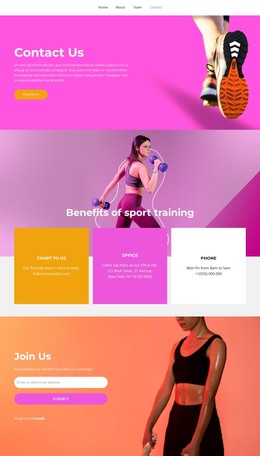
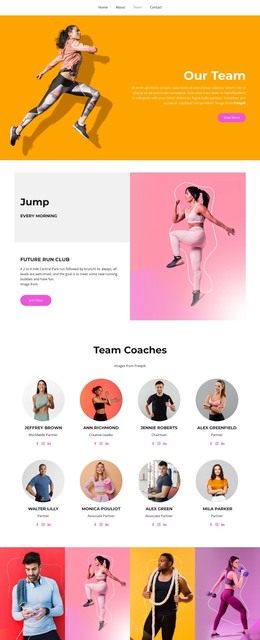
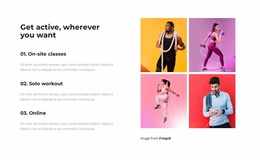
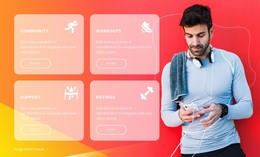
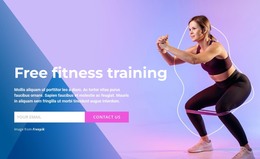
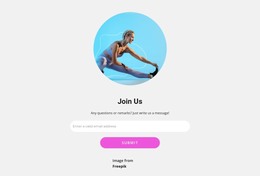
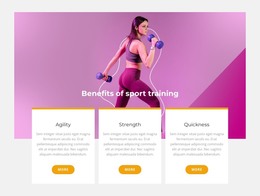
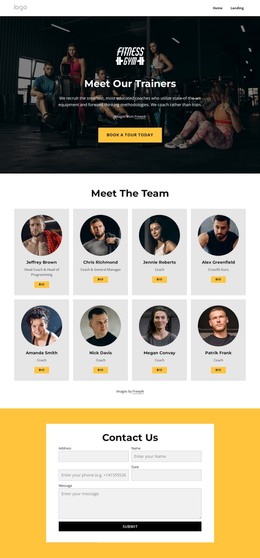
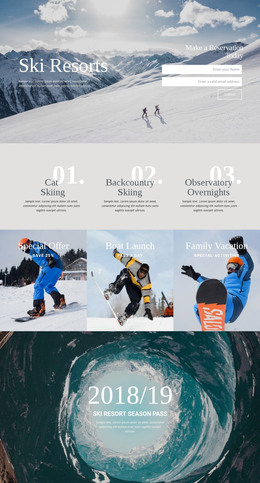
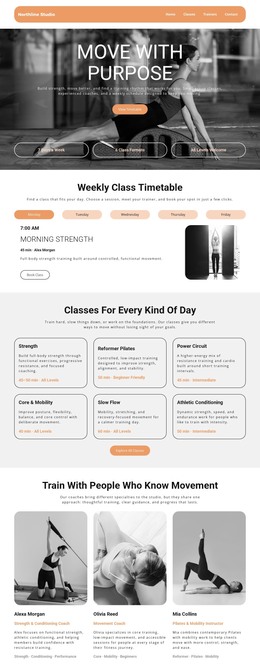
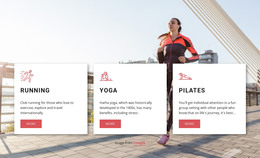
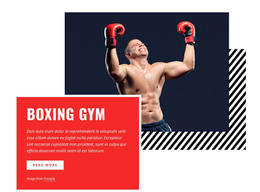
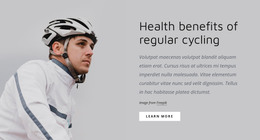
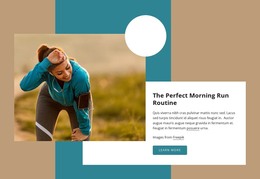
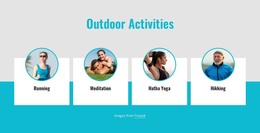
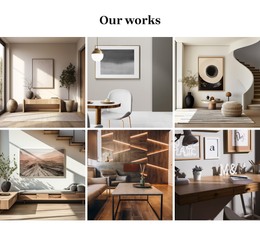
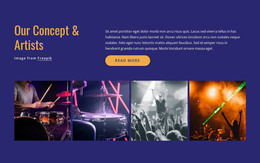
The gallery reads as stable visual page content because its four photographs share one subject area and one consistent presentation. Running, exercise, and jump-rope training give the images a recognizable fitness focus, while the single horizontal row organizes them into a compact section. Each portrait panel has a vivid red, pink, yellow, or purple background, and the white gaps maintain separation so the images remain individually understandable.
In a WordPress-managed project, this block can occupy a reusable gallery region on a page while other content areas handle longer descriptions, posts, services, or contact information. The section does not need to carry those broader functions: its value is to provide a fixed visual group that can remain consistent when the surrounding page content changes. Hover zoom and lightbox viewing add image exploration without requiring the gallery to become a separate content system.
The WordPress interpretation therefore centers on the block as publishable page content within a wider site structure. Nicepage supports working with WordPress-managed pages, but the visual identity here remains grounded in the four image items, their portrait alignment, colorful backgrounds, and focused viewing behavior.
Customize with Nicepage
Open this ready-made template in the WordPress Website Builder and customize it visually in the Nicepage editor. Replace demo content, edit page sections, and adapt the design to your project without rebuilding the template from scratch.
Edit Template Offline
2. Create a new page or select existing
3. Click Add new block, search for id 3888910 and click enter
Edit Template Online
Create Awesome Websites


Free Nicepage Builder
Keywords
Manage and Edit This Theme in WordPress
Customize and Install the WordPress Theme
Start with this ready-made theme instead of building the WordPress design from scratch. Customize its layout, content, typography, images, sections, and other design elements visually in Nicepage editor, then export and install the WordPress Theme, Plugin, and Pages on your WordPress site. The Nicepage WordPress Plugin lets you continue working with the site after installation.
Edit the Theme Directly in WordPress
After installation, you can edit the WordPress Theme directly in WordPress with the Nicepage WordPress Plugin. Use Site Style to customize site Colors, Fonts, Header, Footer, Blog, and Post Page Templates while working within your WordPress website.
Edit WordPress Pages Visually
Use the Nicepage WordPress Plugin to edit page content directly from the WordPress admin area. Open a WordPress Page with Nicepage and visually change its text, images, sections, and other page elements while continuing to manage the Page through WordPress.
WordPress Content and Theme Integration
Use the customized theme with WordPress Pages, Posts, Blog and Post Templates, menus, widgets, and other CMS-managed content. Shared theme elements such as Colors, Fonts, Header, Footer, Blog, and Post Page Templates can be managed as part of the overall site design, while WordPress provides the CMS environment for managing site content.
This workflow combines a ready-made WordPress Theme with visual customization, direct theme editing in WordPress, and continued content management through the Nicepage WordPress Plugin.