
Branch Web Page Designs
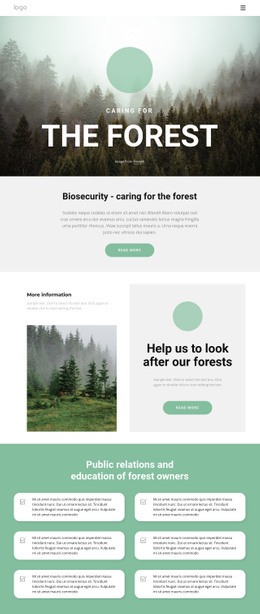
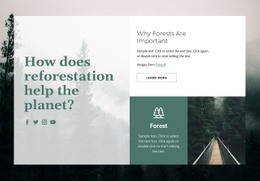
Dense branch photography can make a page feel visually crowded when every image competes equally. A thoughtful page design gives botanical details, captions, and supporting content clear priority through spacing, scale, and section order.








More Web Page Designs from Nature Category
-
-

-
-
-
-
-
-
-
-
-
-
-
-
-
-
-
-
-
-
-
-
-
-
-
-
-
-
Free Website Builder SoftwareDownload
-
-
-
-
-
-
-
-
-
-
-
-
-
-
-
















Other Nature Web Page Designs
Creative Branch Web Page Design for Botanical Photography
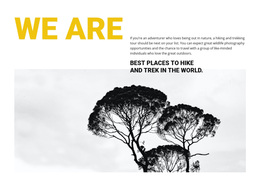
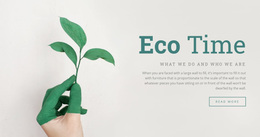
Branch photographs are mostly lines. Thin twigs cross each other, and silhouettes break off in irregular directions, while a macro shot of bark adds texture at a completely different scale. Put enough of them together,r and a page turns into a crowded image wall within a few rows. Good branch web page design avoids that with a clear order: one dominant specimen image, a few supporting close-ups, and short notes on what the visitor is looking at.
Composing Around Thin Lines
Three composition choices do most of the work with branch imagery:
- Let one large branch enter from a corner and run diagonally, because the line itself leads the eye toward the headline.
- Keep wide gaps between detailed photos, since repeated twigs and leaf edges blur into one gray texture when frames sit close together.
- Pair scales on purpose, placing a full branch silhouette before a bud or bark macro so the visitor sees the whole shape first.
Background contrast counts for more here than in most nature photography. Bare branches against a pale winter sky read cleanly, and the space between them can even hold a short headline. The same branches over a busy forest backdrop dissolve into noise. On a phone, a diagonal shot loses most of its corner entry, so a tighter crop around the main fork keeps the line readable.
Captions Placed Beside Specimens
Identification notes work best right next to the photo they describe. A caption that names the species and points out the bud arrangement turns a pretty close-up into something a visitor can learn from. It also saves them from scrolling back to match text with images. Longer material, such as habitat notes or the story of a planting project, fits lower on the page once the main images have done their job.
Seasons Inside One Carousel
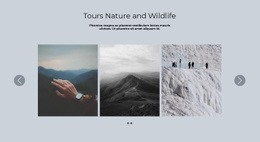
The same branch photographed from one spot through the year tells a story no single image can, from bare winter wood to full leaf. Nicepage's Gallery Carousel Element suits this sequence, since it holds all the shots in one block and lets visitors click through the seasons at their own pace. Keep the framing identical from shot to shot, or the change will read as a different photo.
Three questions settle most branch layouts. How many close-ups will the page carry, how much species context does it need, and does a seasonal sequence belong on it at all?