
150+ Tiles Templates
Different tile arrangements suit different sets of choices. Compare panel size, visual emphasis, imagery, and text density to choose a block structure that makes every option easy to distinguish and browse.




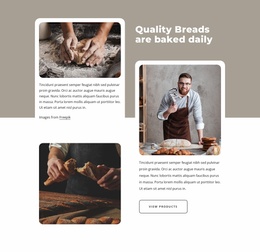

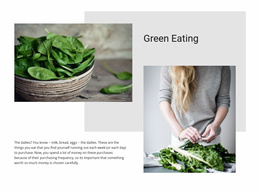

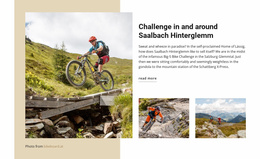


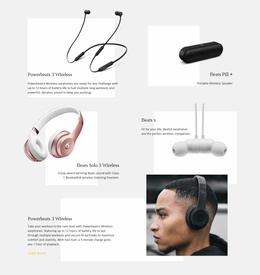

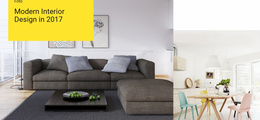

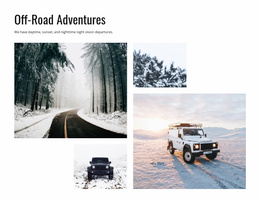

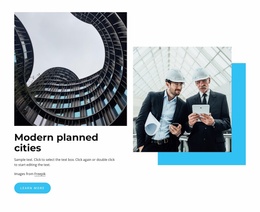




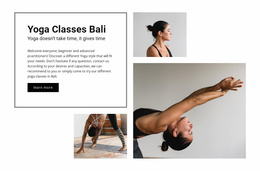
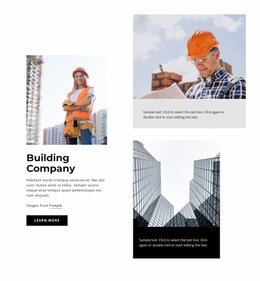



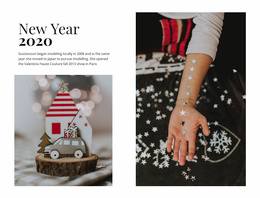

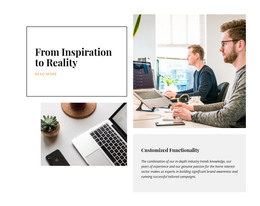


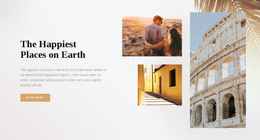
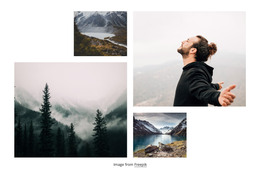
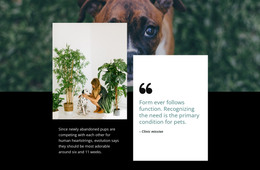

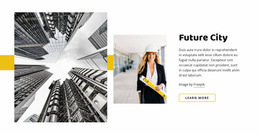
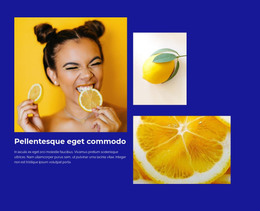
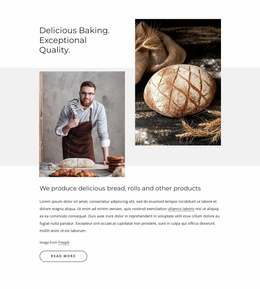
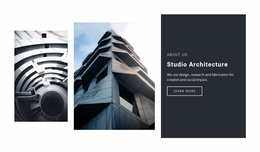
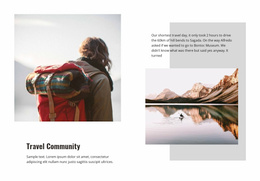
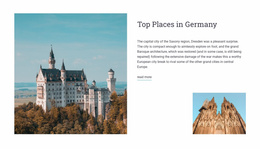

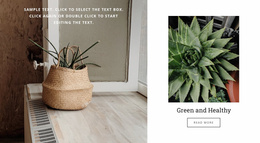


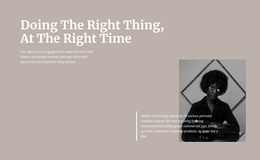

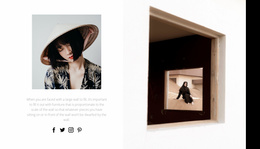

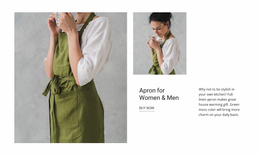







Other Tiles Templates
Professional Tiles Templates for Visual Choice Layout Selection
In sections where visitors need to choose among several clearly different options, the right tile pattern can make the available paths easier to scan. Tiles Templates provide different modular directions for combining images or color backgrounds with short labels, titles, and supporting text while keeping each panel visually self-contained.
How Do You Choose the Right Tiles Template?
Choose a tile layout by matching its visual structure to the choices you need to present. The number of options matters, but so do their relative importance, image requirements, and how much identifying text each one needs.
A compact set of equally important choices may work well with similarly sized panels. When one destination or category deserves greater emphasis, a composition with one larger tile and several supporting panels can create a clearer visual order. Image-led options need enough space for the visual and label to remain readable together, while text-led tiles can usually support a simpler background treatment.
The goal isn't to choose the most complex layout. It is to find the functional block pattern that makes every choice recognizable at a glance.
Compare Ready-Made Tile Designs by Practical Criteria
Tile templates can support category navigation, service choices, destination selection, or editorial entry points because the content model stays concise. A tile usually works best when its image or background sets the context and its title explains the choice immediately.
Nicepage's Grid Element can provide the underlying spatial arrangement when tile-like panels need controlled placement in rows and columns. The Grid Element supports that structural foundation, while the defining Tiles logic still comes from the strong visual identity of each panel.
When comparing ready-made designs, check the features that will affect adaptation:
- Panel count: match the layout to the number of choices you actually need.
- Image-led or text-led: choose enough visual space for the content type.
- Featured tile: decide whether one option needs stronger emphasis.
- Responsive behavior: consider how the composition should simplify on narrower screens.
These criteria make the collection easier to browse without turning template selection into a theory exercise.
Browse Tiles by Pattern, Proportion, and Emphasis
The broad Tiles collection is a starting point for comparing different layout directions. Some designs use equal panels, while others use mixed proportions, a featured tile, stronger imagery, or more text-led content. Compare the pattern first, then choose the design whose panel count, visual emphasis, and content balance best fit what you need to present.
Tiles Templates FAQ
Can I keep colors consistent after adapting a Tiles template?
Yes. Nicepage Theme Colors are managed in Site Settings and apply a global Color Scheme across project pages, so that tile colors can be adapted within the project's broader color system.
Can typography be adjusted consistently for tile labels and titles?
Yes. Nicepage provides Font Schemes and Typography Styles in Site Settings so that you can manage project-wide font and typography choices centrally.
Should I choose Tiles or Grid Repeater for repeated content?
Choose Tiles when every panel should read as a distinct visual choice. Choose Grid Repeater when multiple items need to share one repeated structural pattern while carrying different content.
Do all Tiles templates need equal-sized panels?
No. Equal panels suit peer choices, while mixed proportions can highlight a featured category or destination. Choose the arrangement that reflects the relative importance of the content.
Can the same Tiles template use a simpler arrangement on smaller screens?
Yes. You can adapt a desktop composition with mixed panel sizes to a simpler order or stacking pattern on narrower screens while keeping the same content choices.
Select a Tile Pattern That Matches the Choices
Compare the available block designs by panel structure, visual emphasis, and expected content length. Open the selected design in the Nicepage editor, replace the example content, adapt the tile arrangement to your options, and add the section where visitors need a clear set of visual choices.