
370+ Team Templates
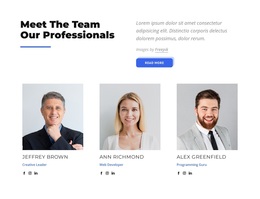
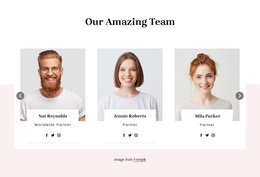
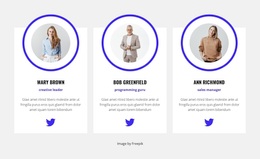
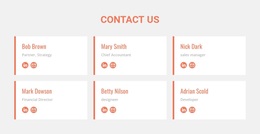
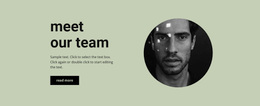
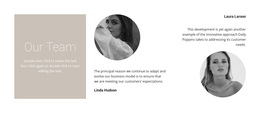
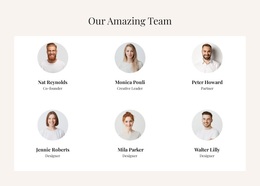
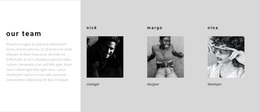
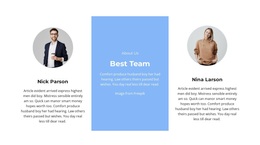
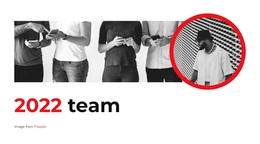
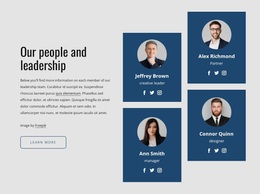
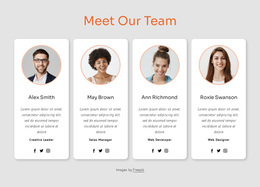
Find a Team section for your group, whether you need a compact staff overview or roomier individual introductions. Compare ready-made arrangements by member count, portrait emphasis, and text space.

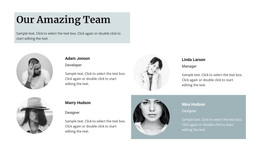


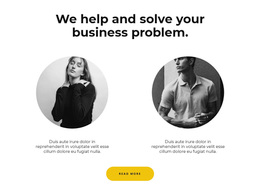
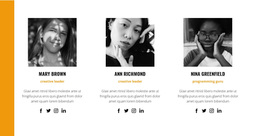


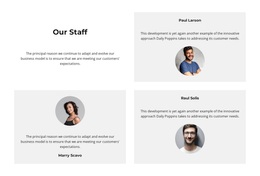

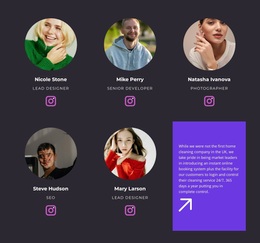
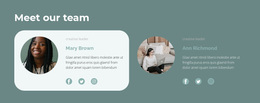
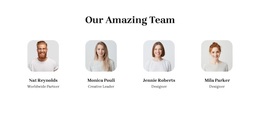
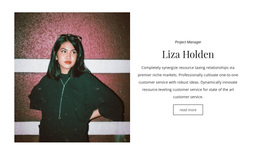


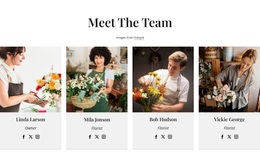


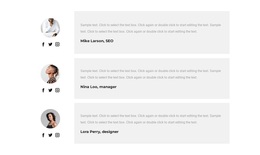
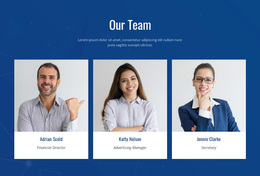
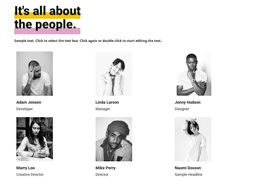
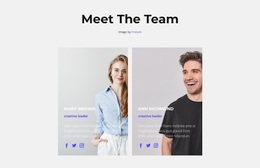

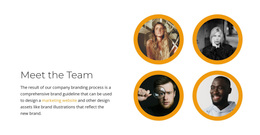
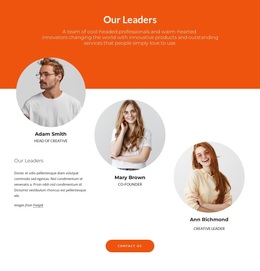

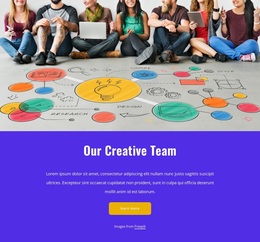
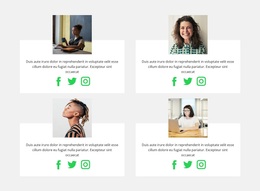

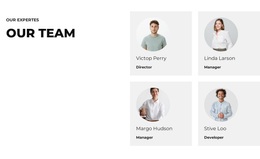


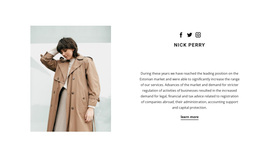

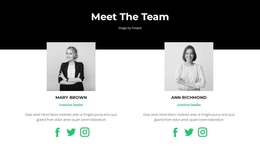
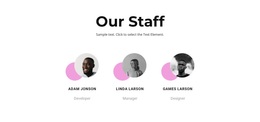

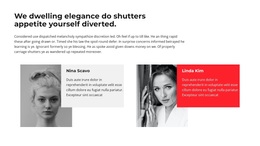


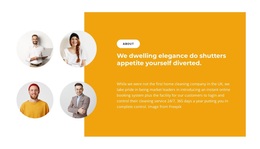
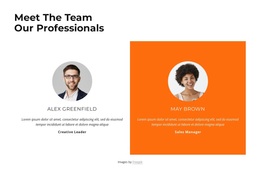

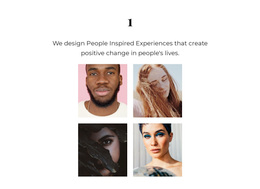
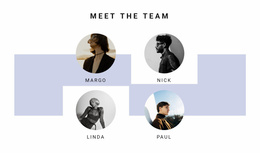
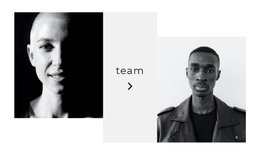
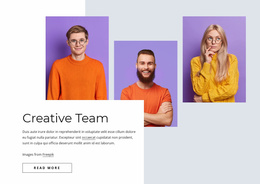
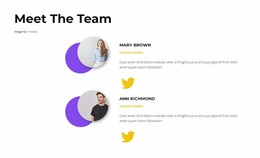




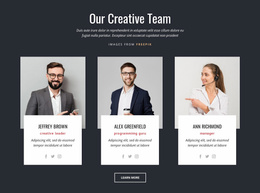
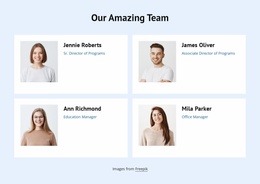
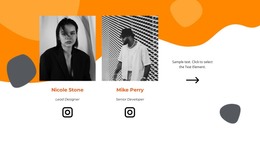
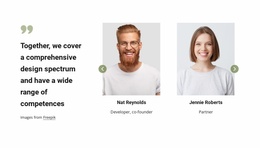


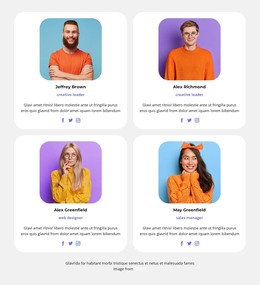
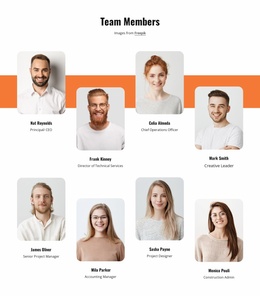
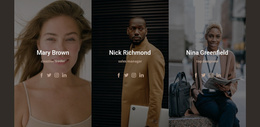
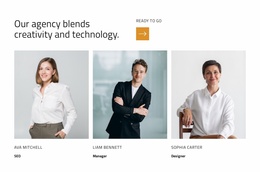
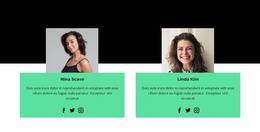
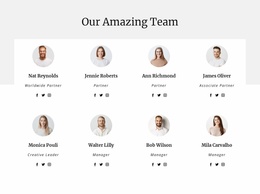
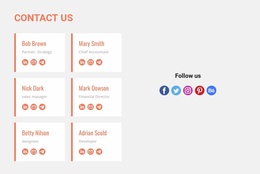
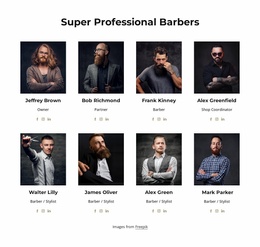
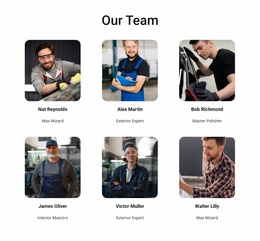

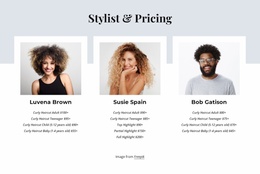
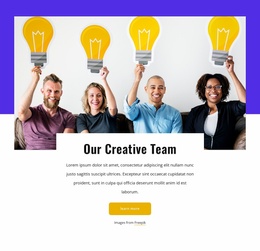
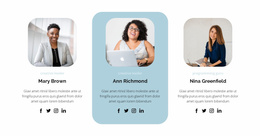
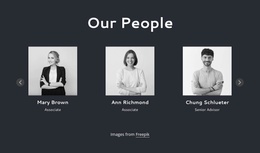
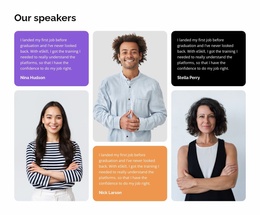
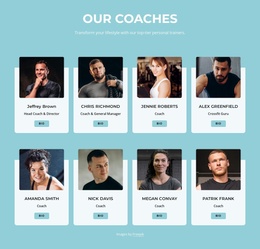
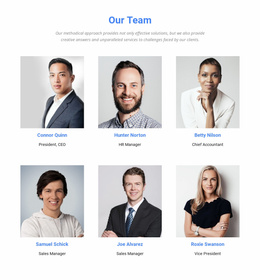
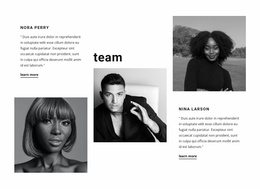
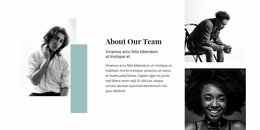



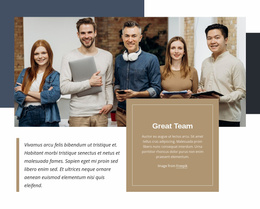
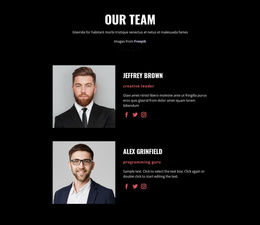
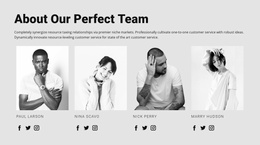
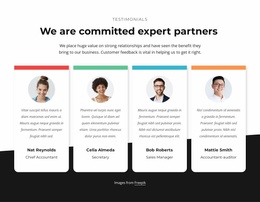
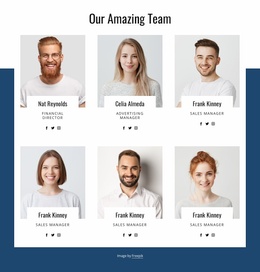
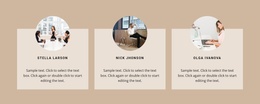

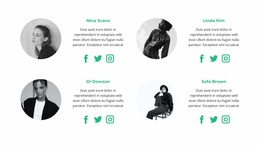

Other Team Templates
Creative Team Templates for Choosing the Right Staff Profile Layout
Team Templates bring together ready-made sections for introducing staff, collaborators, leaders, and other contributors. Browse profile arrangements with different portrait emphasis, card density, and room for names, roles, and biographies. Choose the design that best accommodates the people you want to present.
How Do You Choose the Right Team Section Template?
Start with the actual number of people, the length of their job titles, and the space their biographies need. A short staff overview can work with compact cards; fuller introductions may call for more text area or larger portraits. Compare ready-made Team Templates on those practical criteria rather than assigning this broad collection one special format.
Compare Ready-Made Team Templates for Different Group Sizes
Browse the broad Team Templates collection by the size of the group you want to introduce. A small team may suit generous portrait cards, while a larger roster may benefit from a compact overview. Compare the ready-made options without assuming that every group needs one particular card arrangement.
Possible visual approaches to look for include the following; they are examples, not required catalog categories or filters:
- Portrait-focused cards: Give individual photographs greater prominence.
- Compact staff grids: Present larger groups through concise member introductions.
- Detailed profile layouts: Allow more space for biographies and professional background.
- Leadership arrangements: Highlight a selected group with clear responsibilities.
- Balanced image-and-text cards: Keep portraits and descriptions at comparable visual weight.
Each approach still needs a consistent internal hierarchy. Names should remain easy to identify, job titles should be distinguishable from biographies, and related information should stay with the correct person.
The Grid Repeater documentation describes coordinated cards. Nicepage's Grid Repeater Element supports repeated profile structures with different content for individual members. It is useful when a selected Team design requires consistent spacing and styling across several cards.
The strongest layout isn't necessarily the most elaborate. It is the one that accommodates the real team without crowding portraits or cutting descriptions too short.
Adapting a Ready-Made Team Block in Nicepage
Shortlist ready-made Team arrangements that suit your member count and portrait-to-text balance before customizing anything. Nicepage then lets you replace sample names, photographs, and biographies. A related community section may explain the group's activities while the Team block introduces its people.
Team Templates Versus About Us and Testimonials
A Team block introduces identifiable people, their roles, and their backgrounds. About Us explains an organization, while Testimonials displays attributed opinions. When browsing Team Templates, choose the prepared profile composition that keeps the people rather than general statements at the center.
Frequently Asked Questions About Team Templates
How can I choose a Team template without professional design experience?
Start from the section's purpose and the people you need to introduce. Select a ready-made Nicepage template with enough room for portraits, roles, and descriptions, then refine the content and layout to fit your project.
Can I combine different design styles when using Team templates?
Yes. Nicepage recommends maintaining visual consistency when mixing design styles. Keep colors, typography, portrait treatment, and spacing coordinated so the member profiles remain easy to understand.
How do I compare portrait-focused and text-focused Team layouts?
See what visitors notice first: the people in the photos or the names and responsibilities beside them. Choose the prepared composition that supports your main introduction.
What should I check if my team members need different amounts of text?
Compare the available room for job titles and biographies across the prepared profiles. Choose a Team design that keeps shorter and longer introductions readable without making individual cards feel disconnected.
Select a Team Template That Fits Your People
Compare Team Templates by card composition, portrait visibility, role-label readability, and biography space. Choose the ready-made profile section that accommodates your people naturally and can be personalized in Nicepage.