Health nutritionist Joomla Template


Edit Template Offline
2. Create new page and search for id 6324530
Edit Template Online
Create Awesome Websites


Free Nicepage Builder
Keywords
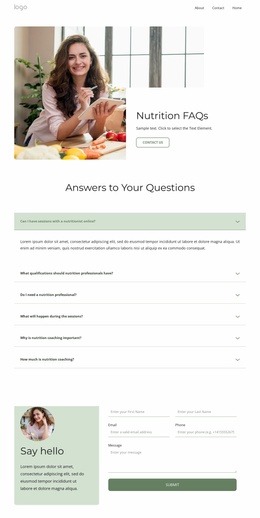
Plan Comparison and Shared Site Regions Suit Structured Joomla Content
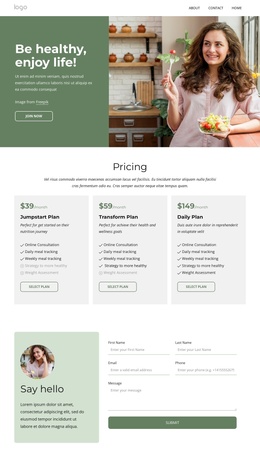
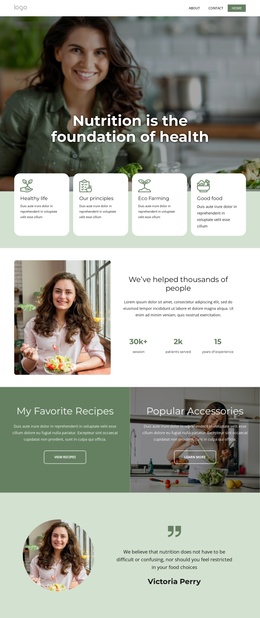
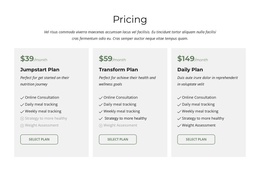
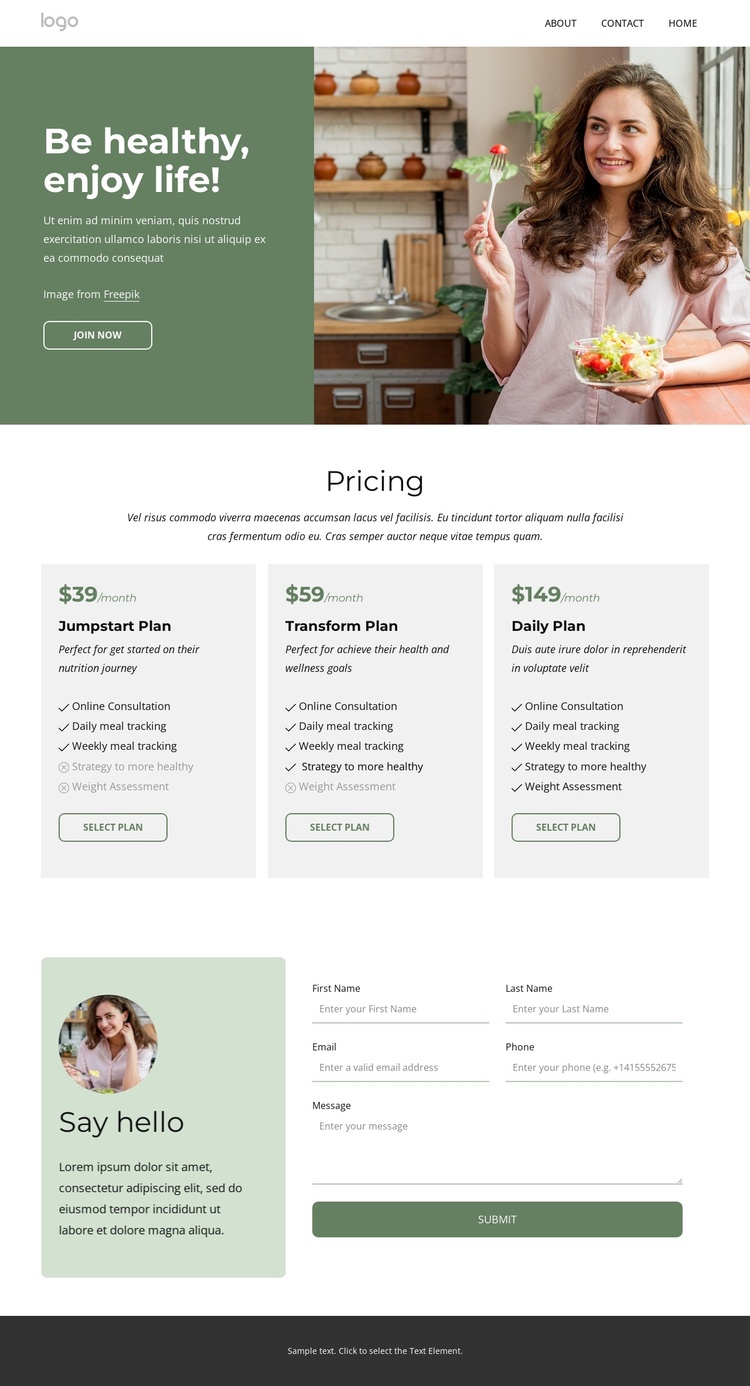
The three pricing cards divide the page into clear information areas that can be interpreted as structured service content. Jumpstart, Transform, and Daily are presented as peer plans, each connected to a monthly price, feature list, and Select Plan action. The listed services—Online Consultation, Daily meal tracking, and Weekly meal tracking—give the pricing area recurring informational content that can remain visually coordinated while the underlying site content is managed through Joomla.
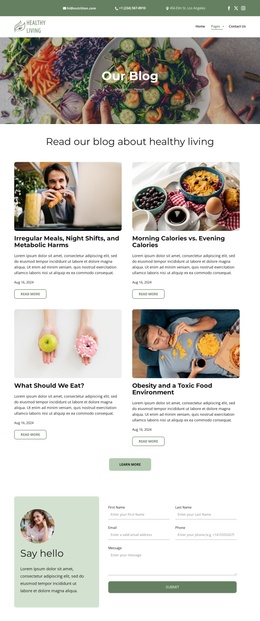
Navigation and shared regions provide a second layer of organization. The two-band header separates contact information from the logo, primary navigation, submenu, and social links, while the dark footer groups Quick Links, Get In Touch details, social links, and subscription content. These regions create consistent site-wide areas around the plan information rather than treating the pricing block as an isolated design fragment.
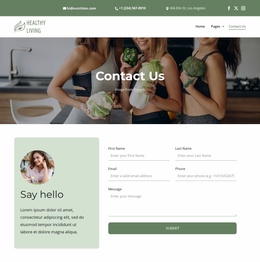
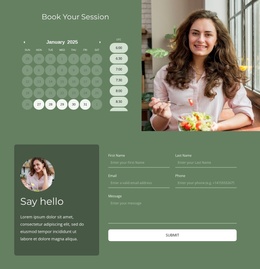
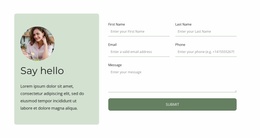
The “Say hello” section adds a structured contact destination by pairing introductory copy with a form and Submit action. That arrangement gives inquiries a distinct content role after visitors review the plans. In a Joomla project, the page can therefore preserve a recognizable relationship between navigation, service choices, contact content, and subscription content without claiming that specific Joomla article or module structures already exist in the template.
Customize with Nicepage
Open this ready-made template in the Joomla Page Builder and customize it visually in the Nicepage editor. Replace demo content, edit page sections, and adapt the design to your project without rebuilding the template from scratch.
Work With This Template in Joomla
Customize and Install the Joomla Template
Start with this ready-made template instead of building the Joomla design from scratch. Customize its layout, content, typography, images, sections, and other design elements visually in the Nicepage application, then export and install the Joomla Template, Nicepage Extension, and supported content on your Joomla website.
Edit the Template Directly in Joomla
After installation, you can edit the Joomla Template directly in Joomla with the Nicepage Joomla Extension. Customize the Header, Footer, Colors, Fonts, typography, and Page Templates from the Joomla workflow while keeping the site design connected with your CMS content.
Edit Joomla Articles Visually
Use the Nicepage Joomla Extension to open and edit Joomla Articles visually from the Joomla Administrator. Change text, images, sections, layouts, and other page content in the Nicepage editor while continuing to manage the Articles through Joomla.
Joomla Content and Template Integration
Use the customized template together with Joomla Articles, module Positions, menus, forms, Blog Pages, and other supported CMS elements. With the Nicepage Extension used as the Site Style Source, shared design settings can be applied across Joomla Articles while Joomla continues to provide the CMS environment for managing site content.
This workflow combines a ready-made Joomla Template with visual customization, direct template editing in Joomla, and continued content management through the Nicepage Joomla Extension.