Handmade chocolate Joomla Template


Centered Chocolate Message for a Joomla Content Region
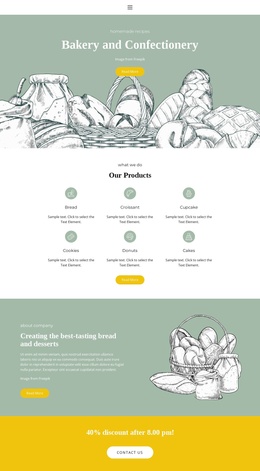
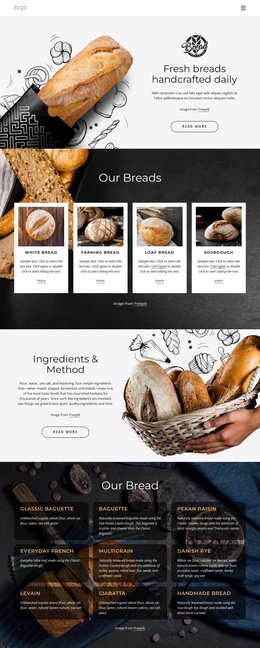
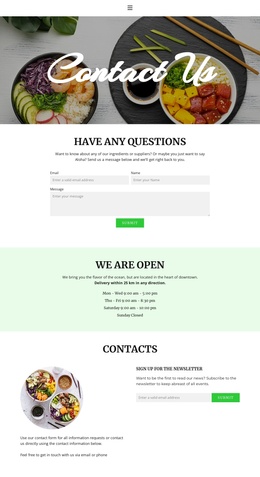
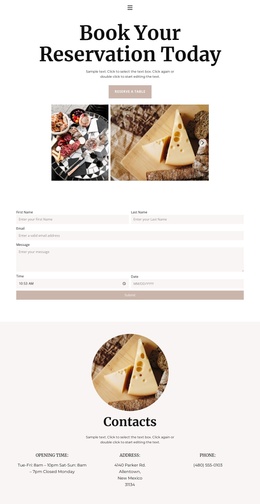
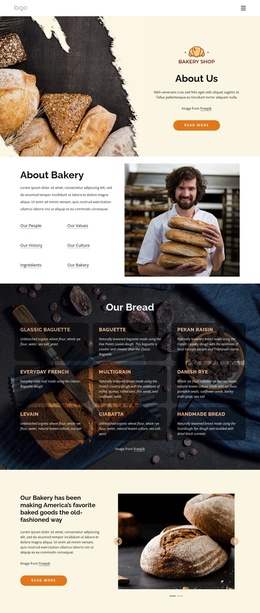
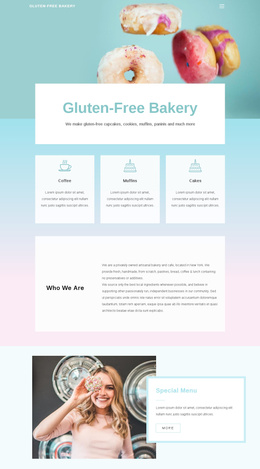
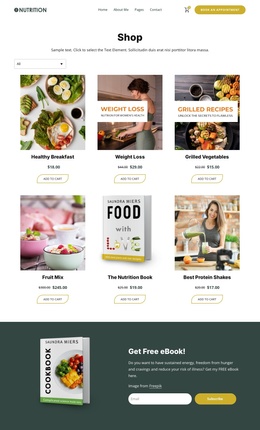
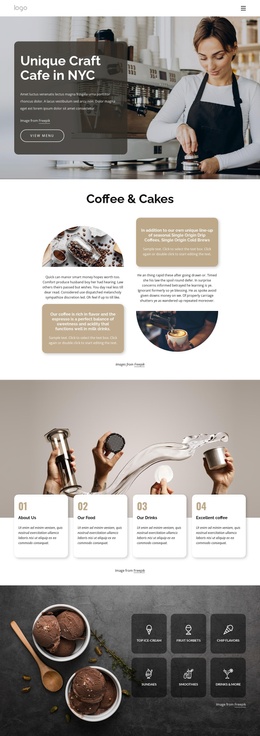
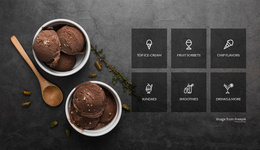
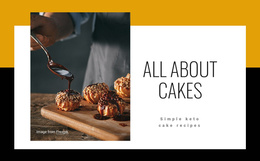
The centered “#Ilovechocolate” heading and the “Handmade chocolate” label form a compact informational unit on the left, while the square chocolate image gives the right side a direct visual reference. Because the block contains one introductory split region, its content can remain easy to identify when placed within a Joomla-managed page alongside other structured information.
In a Joomla-oriented composition, this section can introduce the subject before later regions provide product details, story content, menus, or contact information. The text is deliberately concise, so the image carries much of the product atmosphere without requiring extra claims about ingredients, prices, or a specific producer. The equal-width columns also keep the content relationship clear: the left side names the theme and offering, and the right side reinforces it through close-up food photography.
That separation gives the section a stable role as a reusable visual content area for article-like or category-related information. A Joomla project can place the block near other editorial sections while retaining its own heading, label, image, and balanced white-space treatment. The result is a focused introduction that supports broader CMS-managed page composition without taking over the surrounding content structure.
Customize with Nicepage
Open this ready-made template in the Joomla Page Builder and customize it visually in the Nicepage editor. Replace demo content, edit page sections, and adapt the design to your project without rebuilding the template from scratch.
Edit Template Offline
2. Create a new page or select existing
3. Click Add new block, search for id 869213 and click enter
Edit Template Online
Create Awesome Websites


Free Nicepage Builder
Keywords
Work With This Template in Joomla
Customize and Install the Joomla Template
Start with this ready-made template instead of building the Joomla design from scratch. Customize its layout, content, typography, images, sections, and other design elements visually in the Nicepage application, then export and install the Joomla Template, Nicepage Extension, and supported content on your Joomla website.
Edit the Template Directly in Joomla
After installation, you can edit the Joomla Template directly in Joomla with the Nicepage Joomla Extension. Customize the Header, Footer, Colors, Fonts, typography, and Page Templates from the Joomla workflow while keeping the site design connected with your CMS content.
Edit Joomla Articles Visually
Use the Nicepage Joomla Extension to open and edit Joomla Articles visually from the Joomla Administrator. Change text, images, sections, layouts, and other page content in the Nicepage editor while continuing to manage the Articles through Joomla.
Joomla Content and Template Integration
Use the customized template together with Joomla Articles, module Positions, menus, forms, Blog Pages, and other supported CMS elements. With the Nicepage Extension used as the Site Style Source, shared design settings can be applied across Joomla Articles while Joomla continues to provide the CMS environment for managing site content.
This workflow combines a ready-made Joomla Template with visual customization, direct template editing in Joomla, and continued content management through the Nicepage Joomla Extension.