Gluten-free organic breads Joomla Template


Bakery Messages Form a Structured Joomla Content Region
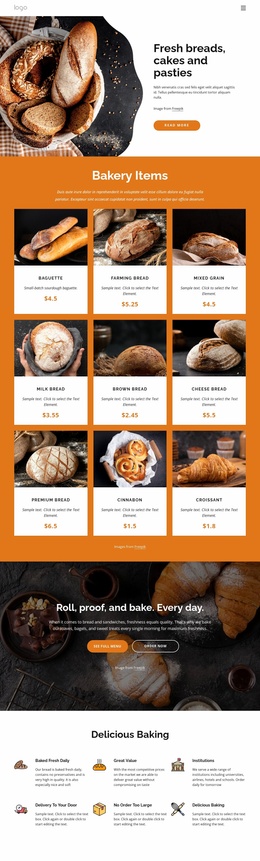
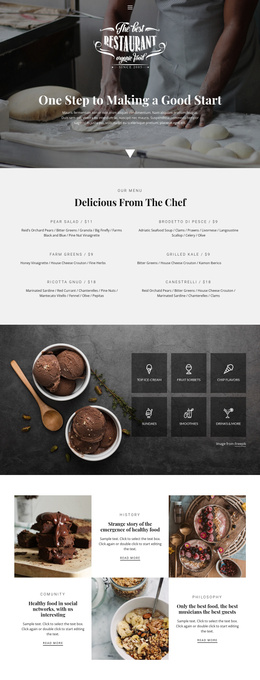
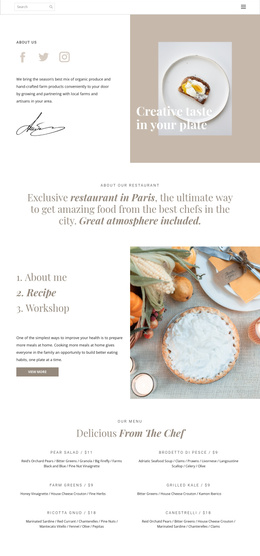
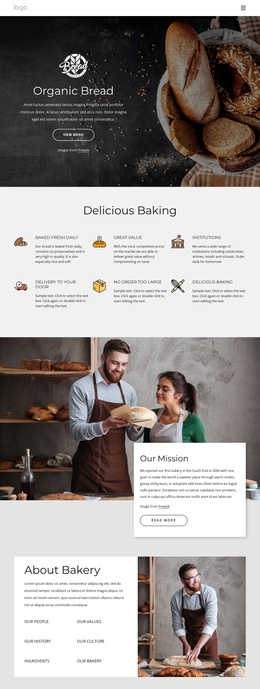
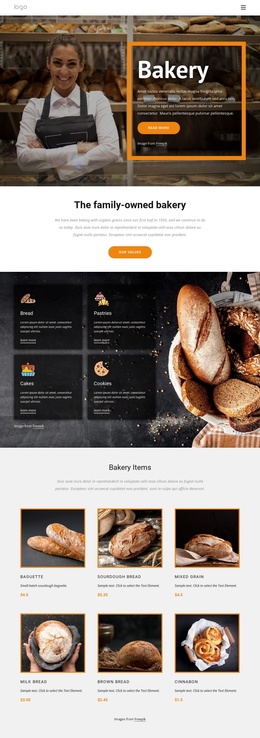
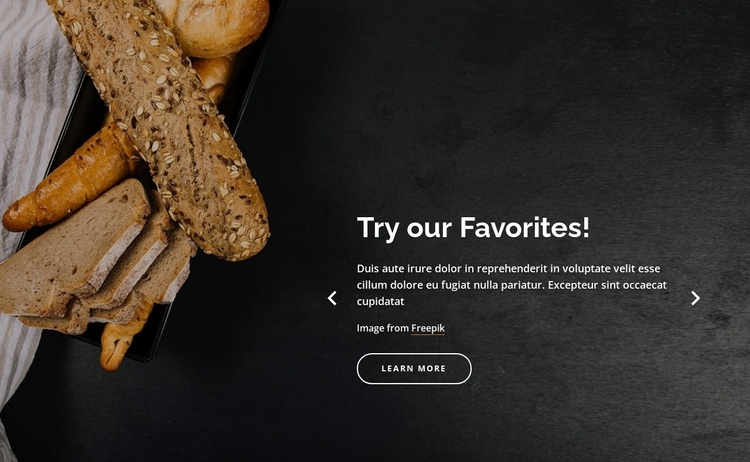
The three slide headings create separate promotional content units inside one reusable section. “Breads and Bagels,” “Try our Favorites!,” and “Quality Bread” each connect to their own supporting paragraph and “learn more” action, while the carousel presents one unit at a time. This gives the block a stable content model for a Joomla-managed page: several related bakery messages share one visual region without becoming unrelated elements. The image credit line associated with each slide remains part of that local content arrangement.
The full-width background image establishes the section’s visual context, with bread imagery concentrated on the left and the text panel placed on the right. Previous and next controls provide direct movement through the three slides, while the indicators communicate that additional promotional units are available. In a Joomla-oriented project, this block can function as a reusable structured information region for bakery offerings while the surrounding site manages broader editorial content and page organization. The section’s dark charcoal background, white text, warm image tones, and rounded outlined actions give the content a consistent presentation across all three messages. The CMS context supports reuse of the section’s role; it does not change the block into a complete Joomla template.
Customize with Nicepage
Open this ready-made template in the Joomla Page Builder and customize it visually in the Nicepage editor. Replace demo content, edit page sections, and adapt the design to your project without rebuilding the template from scratch.
Edit Template Offline
2. Create a new page or select existing
3. Click Add new block, search for id 3283323 and click enter
Edit Template Online
Create Awesome Websites


Free Nicepage Builder
Keywords
Work With This Template in Joomla
Customize and Install the Joomla Template
Start with this ready-made template instead of building the Joomla design from scratch. Customize its layout, content, typography, images, sections, and other design elements visually in the Nicepage application, then export and install the Joomla Template, Nicepage Extension, and supported content on your Joomla website.
Edit the Template Directly in Joomla
After installation, you can edit the Joomla Template directly in Joomla with the Nicepage Joomla Extension. Customize the Header, Footer, Colors, Fonts, typography, and Page Templates from the Joomla workflow while keeping the site design connected with your CMS content.
Edit Joomla Articles Visually
Use the Nicepage Joomla Extension to open and edit Joomla Articles visually from the Joomla Administrator. Change text, images, sections, layouts, and other page content in the Nicepage editor while continuing to manage the Articles through Joomla.
Joomla Content and Template Integration
Use the customized template together with Joomla Articles, module Positions, menus, forms, Blog Pages, and other supported CMS elements. With the Nicepage Extension used as the Site Style Source, shared design settings can be applied across Joomla Articles while Joomla continues to provide the CMS environment for managing site content.
This workflow combines a ready-made Joomla Template with visual customization, direct template editing in Joomla, and continued content management through the Nicepage Joomla Extension.