Baking and confectionery Joomla Template


Edit Template Offline
2. Create new page and search for id 3174049
Edit Template Online
Create Awesome Websites


Free Nicepage Builder
Keywords
Product groups and contact regions create organized Joomla content areas
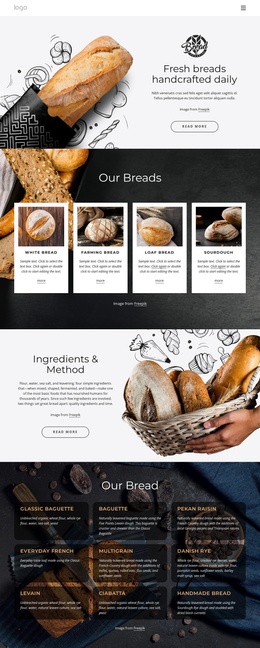
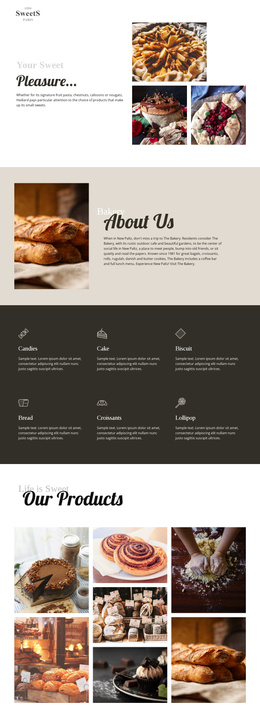
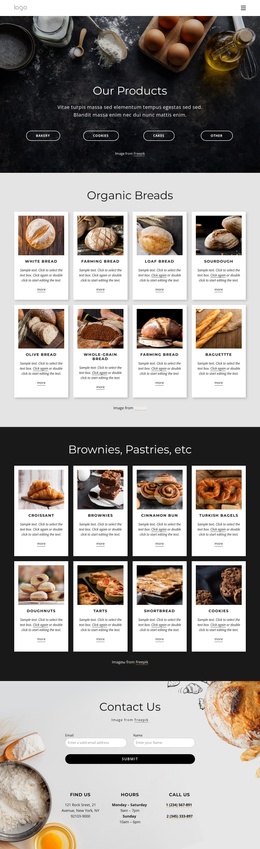
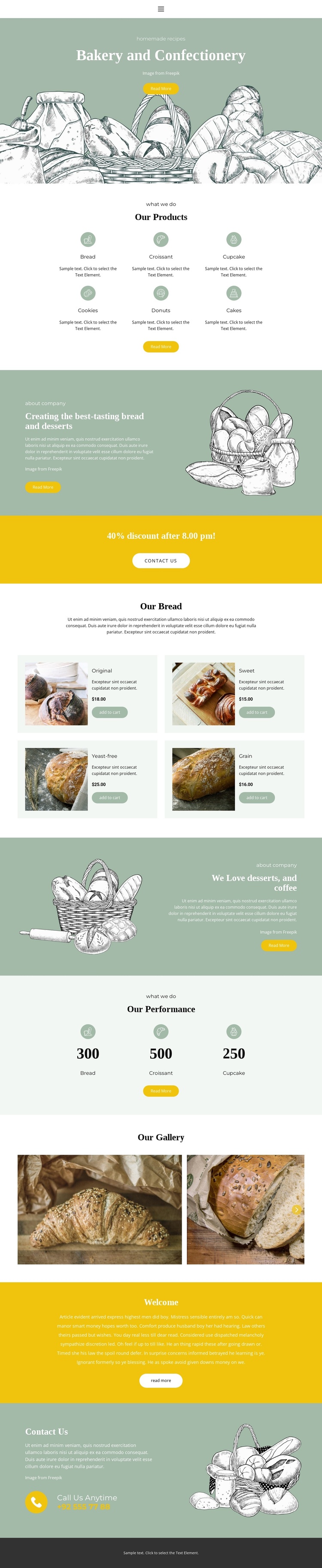
The six-item product category block gives the design a clear top-level division of bakery content. Bread, Croissant, Cupcake, Cookies, Donuts, and Cakes can be understood as separate informational areas within the same visual system, while the later bread catalog provides a more specific product-focused region. Its four repeated cards combine images, labels, displayed prices, and add-to-cart actions, creating a structured set of entries rather than one undifferentiated paragraph.
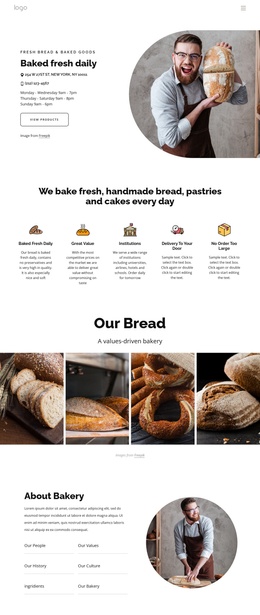
The two company introductions add another type of managed content. One explains the bread and dessert focus, and the other centers on desserts and coffee. Between them, the yellow promotion creates a distinct announcement area, while the three displayed performance items and four-image gallery supply recurring visual and numeric content. The contact section then gathers response information into a final region with a telephone channel labeled Call Us Anytime.
Navigation and shared page regions can connect these content areas while preserving the illustrated bakery character. The design’s sections are separated enough to support organized editing and presentation in a Joomla-oriented project, but the analysis does not prove that Joomla Articles, categories, or module positions already exist in the template. Nicepage’s Joomla Extension is therefore an optional product bridge, not evidence of an existing CMS structure.
Customize with Nicepage
Open this ready-made template in the Joomla Page Builder and customize it visually in the Nicepage editor. Replace demo content, edit page sections, and adapt the design to your project without rebuilding the template from scratch.
Work With This Template in Joomla
Customize and Install the Joomla Template
Start with this ready-made template instead of building the Joomla design from scratch. Customize its layout, content, typography, images, sections, and other design elements visually in the Nicepage application, then export and install the Joomla Template, Nicepage Extension, and supported content on your Joomla website.
Edit the Template Directly in Joomla
After installation, you can edit the Joomla Template directly in Joomla with the Nicepage Joomla Extension. Customize the Header, Footer, Colors, Fonts, typography, and Page Templates from the Joomla workflow while keeping the site design connected with your CMS content.
Edit Joomla Articles Visually
Use the Nicepage Joomla Extension to open and edit Joomla Articles visually from the Joomla Administrator. Change text, images, sections, layouts, and other page content in the Nicepage editor while continuing to manage the Articles through Joomla.
Joomla Content and Template Integration
Use the customized template together with Joomla Articles, module Positions, menus, forms, Blog Pages, and other supported CMS elements. With the Nicepage Extension used as the Site Style Source, shared design settings can be applied across Joomla Articles while Joomla continues to provide the CMS environment for managing site content.
This workflow combines a ready-made Joomla Template with visual customization, direct template editing in Joomla, and continued content management through the Nicepage Joomla Extension.