Fresh bread handcrafted every day Joomla Template


Edit Template Offline
2. Create new page and search for id 3284327
Edit Template Online
Create Awesome Websites


Free Nicepage Builder
Keywords
Bread Categories and Contact Regions Divide the Site Content Clearly
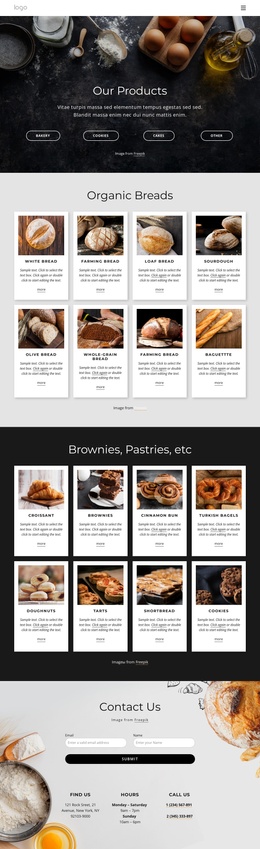
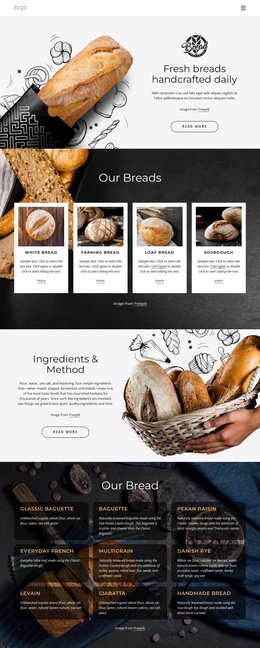
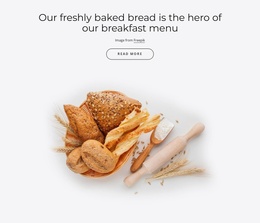
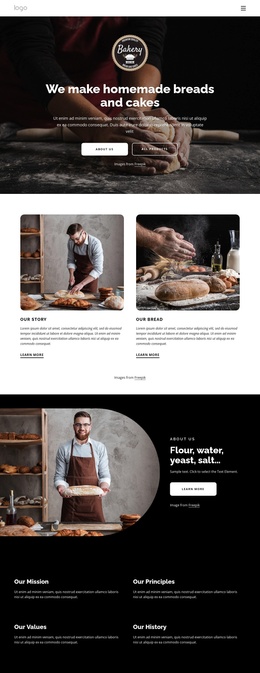
The four featured bread cards and the larger nine-item menu divide the bakery information into two useful levels of content. The first group gives visitors a concise view of featured categories, while the second presents named varieties such as Classic Baguette, Multigrain, Danish Rye, Levain, and Ciabatta with supporting descriptions. This separation creates structured content regions that can remain visually coordinated as the bakery’s information is maintained over time.
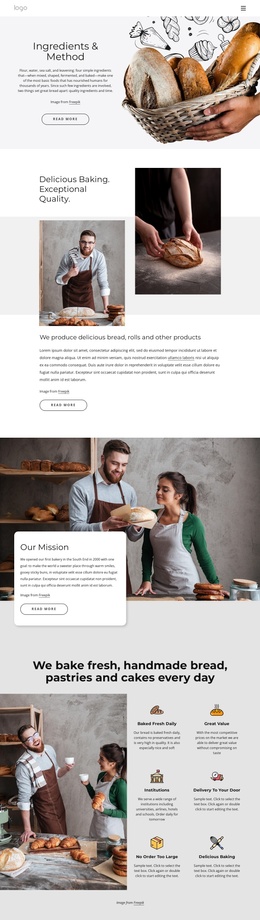
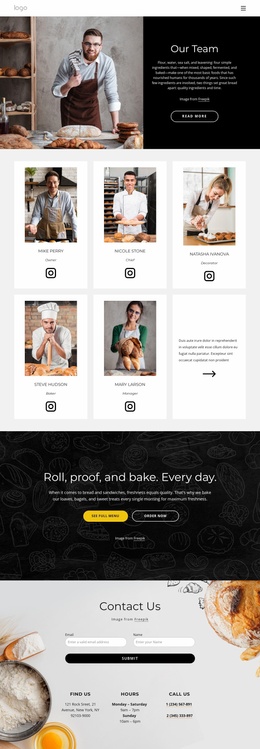
The Ingredients & Method block adds an explanatory area rather than another product list. Its text-and-image arrangement can hold the bakery’s preparation story, while the promotional breakfast section provides a separate editorial message. Four testimonial cards add repeated customer-oriented content, but their names and quotes are structural sample content rather than verified business claims. The navigation, shared footer, and consistent card treatment help connect these areas into one site presentation.
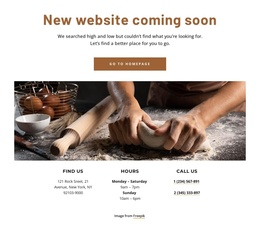
The contact region gives the design a clearly defined service endpoint: a form with name and email fields appears alongside location, hours, and phone information. In a Joomla project, these distinct regions can support a CMS-managed arrangement in which structured bakery information, customer-facing content, and contact details occupy recognizable parts of the site. The design therefore offers more than a decorative homepage; it divides its subject matter into reusable informational areas while preserving one coherent visual direction.
Customize with Nicepage
Open this ready-made template in the Joomla Page Builder and customize it visually in the Nicepage editor. Replace demo content, edit page sections, and adapt the design to your project without rebuilding the template from scratch.
Work With This Template in Joomla
Customize and Install the Joomla Template
Start with this ready-made template instead of building the Joomla design from scratch. Customize its layout, content, typography, images, sections, and other design elements visually in the Nicepage application, then export and install the Joomla Template, Nicepage Extension, and supported content on your Joomla website.
Edit the Template Directly in Joomla
After installation, you can edit the Joomla Template directly in Joomla with the Nicepage Joomla Extension. Customize the Header, Footer, Colors, Fonts, typography, and Page Templates from the Joomla workflow while keeping the site design connected with your CMS content.
Edit Joomla Articles Visually
Use the Nicepage Joomla Extension to open and edit Joomla Articles visually from the Joomla Administrator. Change text, images, sections, layouts, and other page content in the Nicepage editor while continuing to manage the Articles through Joomla.
Joomla Content and Template Integration
Use the customized template together with Joomla Articles, module Positions, menus, forms, Blog Pages, and other supported CMS elements. With the Nicepage Extension used as the Site Style Source, shared design settings can be applied across Joomla Articles while Joomla continues to provide the CMS environment for managing site content.
This workflow combines a ready-made Joomla Template with visual customization, direct template editing in Joomla, and continued content management through the Nicepage Joomla Extension.