Restaurant menu and delivery Joomla Template


Structured Restaurant Information in a CMS Content Region
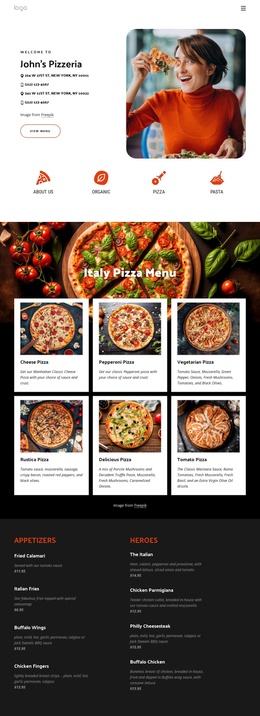
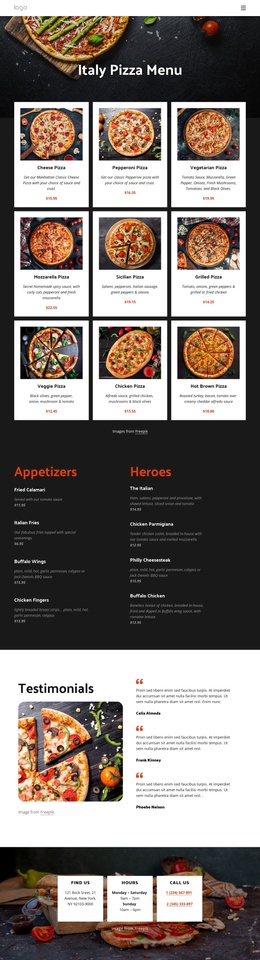
The delivery heading and supporting content divide the section into clear informational roles. The primary message explains the menu delivery offer and occupies the right side, where it acts as the first point of attention. The lower-left group, led by “Time to Make a Difference,” provides room for supporting restaurant copy, while the read-more button connects the information to a further destination. This arrangement can remain a stable visual content region inside a Joomla-managed page or site.
The food-themed background gives the content a strong topic signal through visible pasta ingredients and utensils, while the bright yellow field and high-contrast black type help preserve separation between the text groups. In a Joomla-oriented project, the section can represent structured restaurant information that sits alongside other managed content, such as fuller menu details, contact information, or delivery terms. The block itself remains focused on the promotion: it does not need to become a complete CMS template to provide a useful page region. Its value comes from keeping the offer, supporting explanation, action, and food context together in a reusable arrangement that can be coordinated with the wider Joomla content structure.
Customize with Nicepage
Open this ready-made template in the Joomla Page Builder and customize it visually in the Nicepage editor. Replace demo content, edit page sections, and adapt the design to your project without rebuilding the template from scratch.
Edit Template Offline
2. Create a new page or select existing
3. Click Add new block, search for id 46611 and click enter
Edit Template Online
Create Awesome Websites


Free Nicepage Builder
Keywords
Work With This Template in Joomla
Customize and Install the Joomla Template
Start with this ready-made template instead of building the Joomla design from scratch. Customize its layout, content, typography, images, sections, and other design elements visually in the Nicepage application, then export and install the Joomla Template, Nicepage Extension, and supported content on your Joomla website.
Edit the Template Directly in Joomla
After installation, you can edit the Joomla Template directly in Joomla with the Nicepage Joomla Extension. Customize the Header, Footer, Colors, Fonts, typography, and Page Templates from the Joomla workflow while keeping the site design connected with your CMS content.
Edit Joomla Articles Visually
Use the Nicepage Joomla Extension to open and edit Joomla Articles visually from the Joomla Administrator. Change text, images, sections, layouts, and other page content in the Nicepage editor while continuing to manage the Articles through Joomla.
Joomla Content and Template Integration
Use the customized template together with Joomla Articles, module Positions, menus, forms, Blog Pages, and other supported CMS elements. With the Nicepage Extension used as the Site Style Source, shared design settings can be applied across Joomla Articles while Joomla continues to provide the CMS environment for managing site content.
This workflow combines a ready-made Joomla Template with visual customization, direct template editing in Joomla, and continued content management through the Nicepage Joomla Extension.