The Bakery Joomla Template


Edit Template Offline
2. Create new page and search for id 19182
Edit Template Online
Create Awesome Websites


Free Nicepage Builder
Keywords
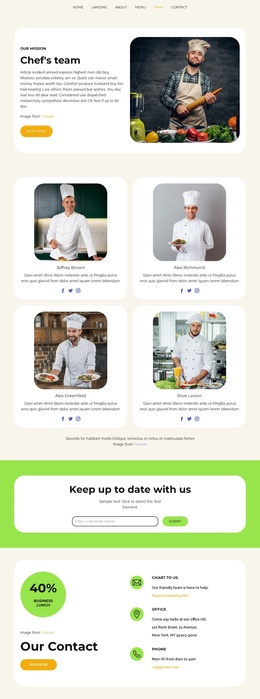
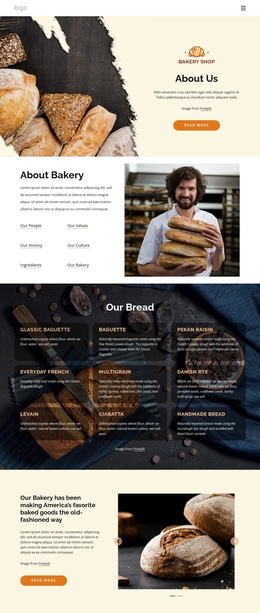
Mission, Menu, and Contact Regions Suit Structured Joomla Content
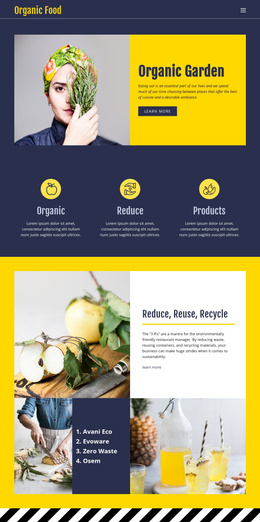
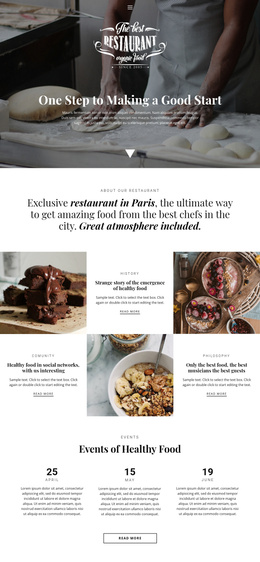
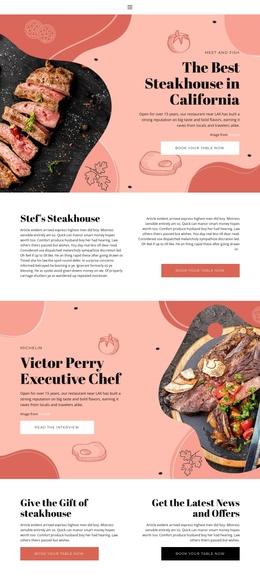
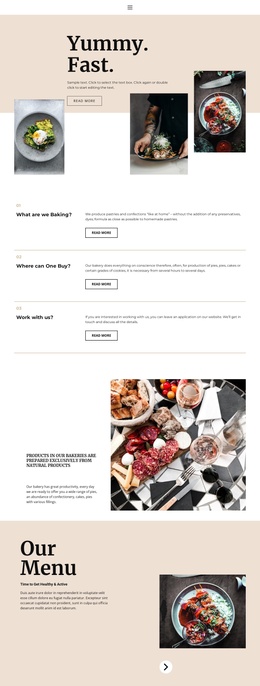
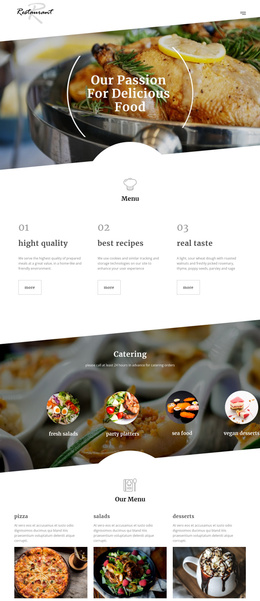
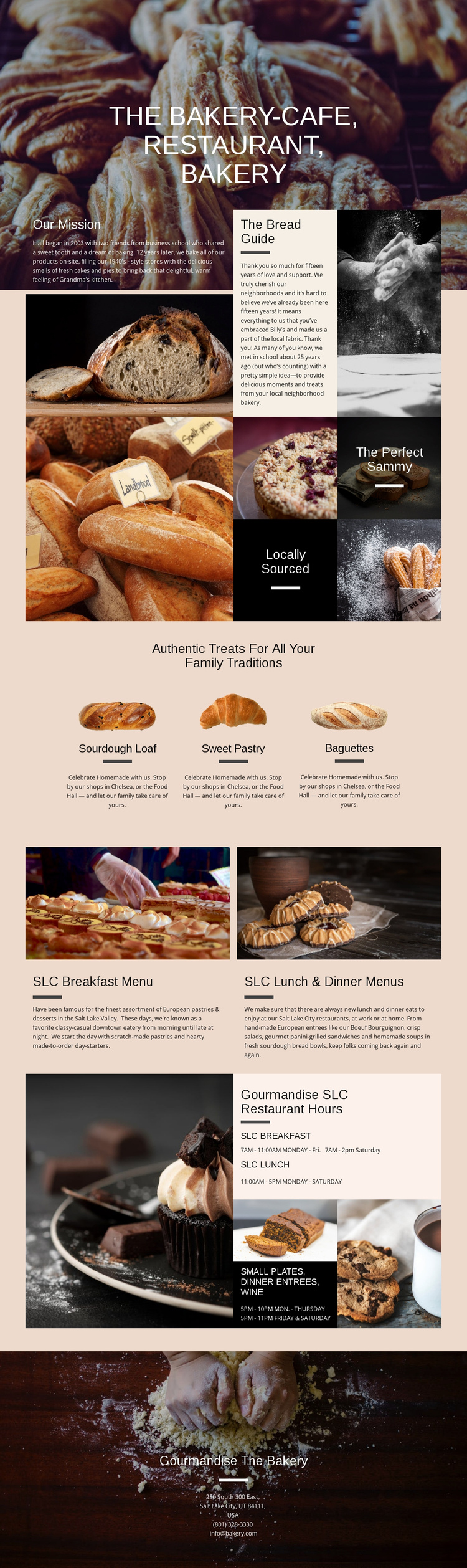
The page divides its subject into content regions that are easy to interpret as organized information rather than as one undifferentiated restaurant message. Our Mission and The Bread Guide provide a natural editorial area for background material, while the three featured product presentations give the bakery side a repeatable structure around Sourdough Loaf, Sweet Pastry, and Baguettes. These sections can remain visually coordinated even as their text and images are maintained as separate content groups.
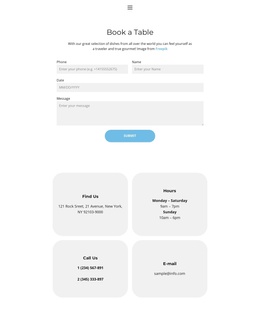
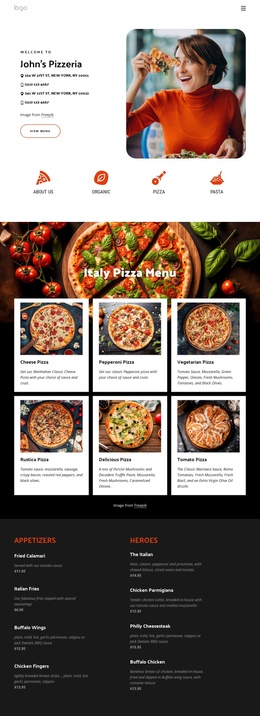
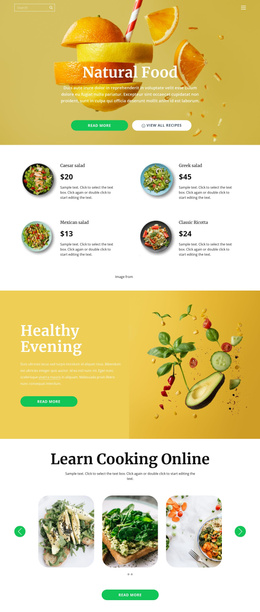
The meal section creates a second structured region by pairing food photography with breakfast and lunch-and-dinner menu panels. References to small plates, dinner entrees, and wine broaden the restaurant information without disrupting the product presentation above. The hours block then isolates breakfast, lunch, and dinner periods, and the final bakery contact block gathers address, telephone, and email details into a shared closing region. That division is useful for a Joomla project because navigation and CMS-managed content can follow the page’s existing separation between story, products, menus, operating information, and contact details. The design provides a clear content map without requiring unsupported assumptions about specific Joomla article categories or modules.
Customize with Nicepage
Open this ready-made template in the Joomla Page Builder and customize it visually in the Nicepage editor. Replace demo content, edit page sections, and adapt the design to your project without rebuilding the template from scratch.
Work With This Template in Joomla
Customize and Install the Joomla Template
Start with this ready-made template instead of building the Joomla design from scratch. Customize its layout, content, typography, images, sections, and other design elements visually in the Nicepage application, then export and install the Joomla Template, Nicepage Extension, and supported content on your Joomla website.
Edit the Template Directly in Joomla
After installation, you can edit the Joomla Template directly in Joomla with the Nicepage Joomla Extension. Customize the Header, Footer, Colors, Fonts, typography, and Page Templates from the Joomla workflow while keeping the site design connected with your CMS content.
Edit Joomla Articles Visually
Use the Nicepage Joomla Extension to open and edit Joomla Articles visually from the Joomla Administrator. Change text, images, sections, layouts, and other page content in the Nicepage editor while continuing to manage the Articles through Joomla.
Joomla Content and Template Integration
Use the customized template together with Joomla Articles, module Positions, menus, forms, Blog Pages, and other supported CMS elements. With the Nicepage Extension used as the Site Style Source, shared design settings can be applied across Joomla Articles while Joomla continues to provide the CMS environment for managing site content.
This workflow combines a ready-made Joomla Template with visual customization, direct template editing in Joomla, and continued content management through the Nicepage Joomla Extension.