Unforgettable Flavors Joomla Template


Edit Template Offline
2. Create new page and search for id 6330981
Edit Template Online
Create Awesome Websites


Free Nicepage Builder
Keywords
Restaurant Content Regions Lead Naturally into Joomla Site Areas
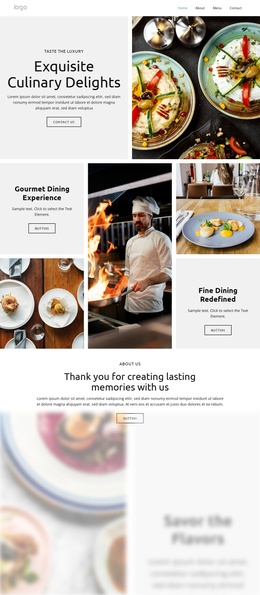
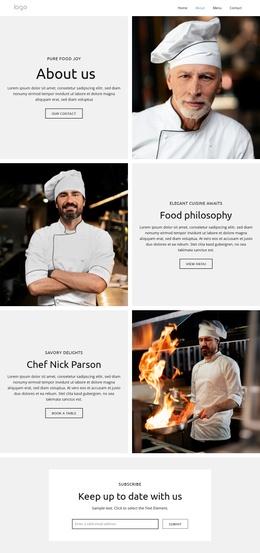
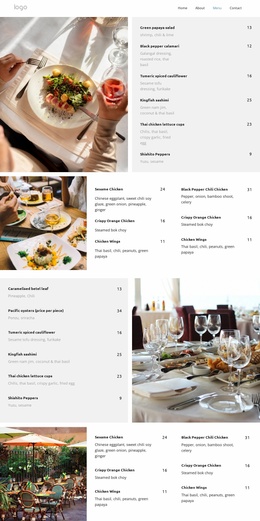
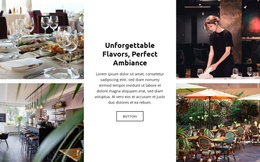
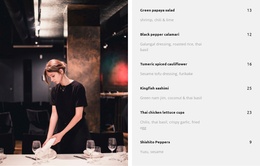
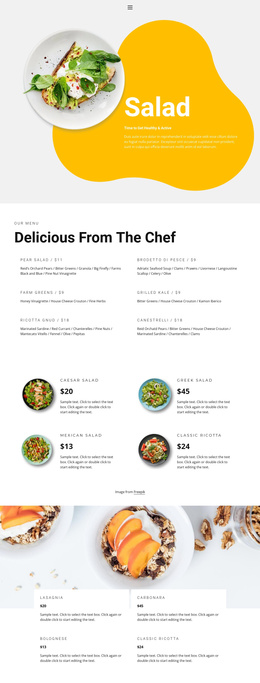
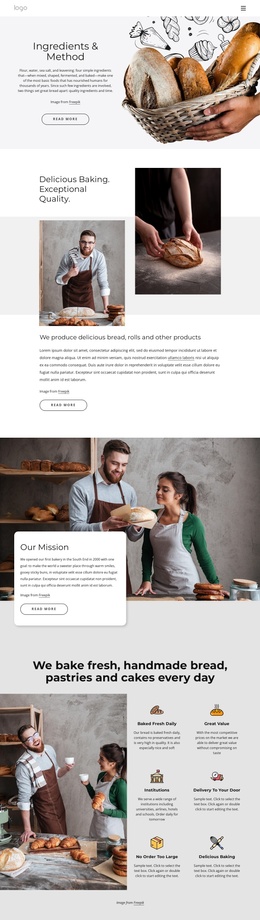
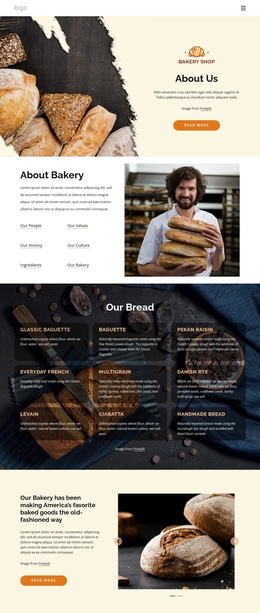
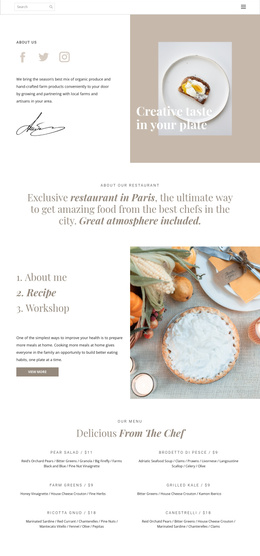
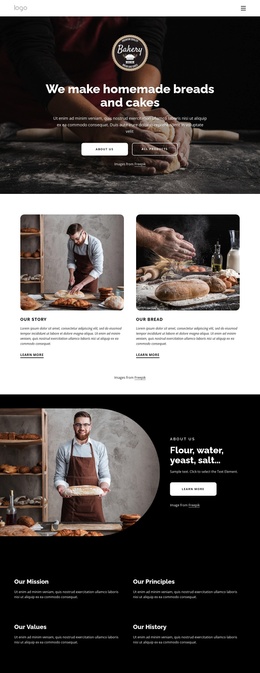
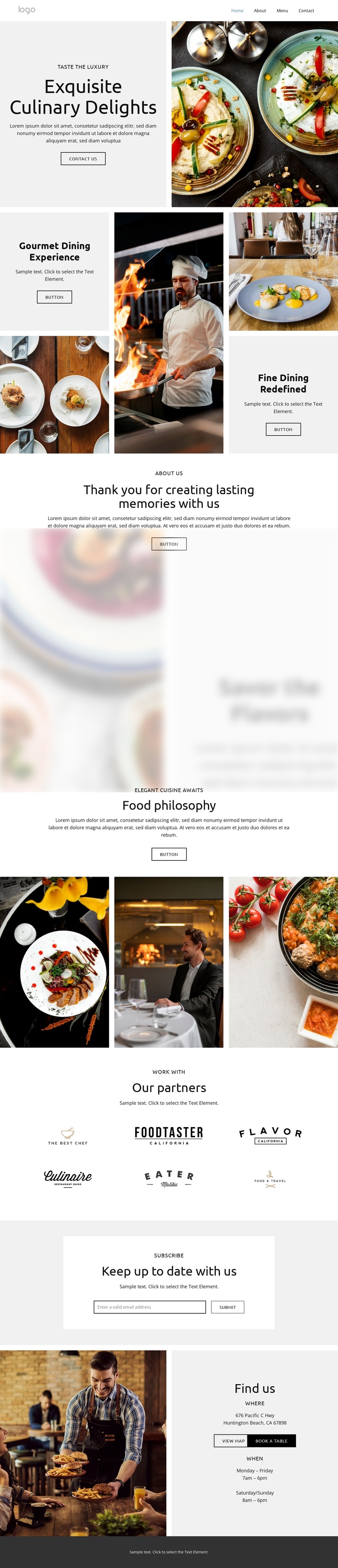
The restaurant content is divided into practical regions that can map cleanly to a CMS-managed site. The opening culinary introduction establishes the main subject through “Exquisite Culinary Delights,” food and chef photography, and supporting dining feature panels. The About Us and food philosophy sections then provide structured informational content, while the six partner logo marks create a separate repeated area for affiliations. These distinctions help keep different kinds of restaurant information from being presented as one undifferentiated block.
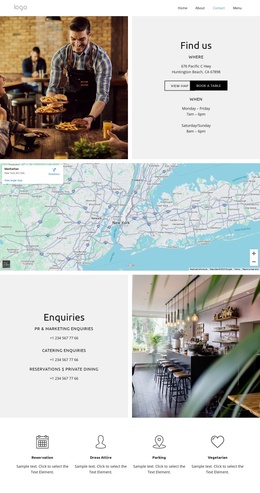
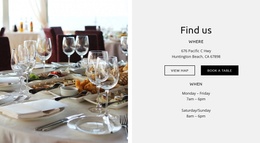
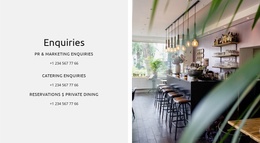
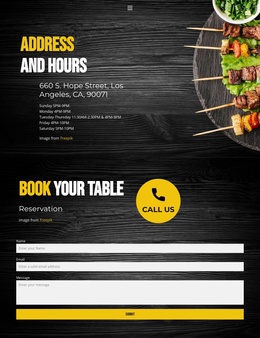
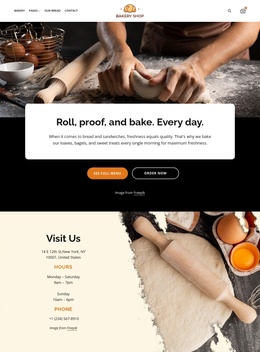
The contact-oriented regions add another useful layer. “Keep up to date with us” contains an email subscription invitation, and “Find us” brings together a restaurant photograph, Huntington Beach, CA, opening hours, and a table-booking action. In a Joomla project, these areas can be interpreted as coordinated site content while navigation and the dark footer remain shared regions around the page. The design does not require claims about specific Joomla articles or modules to be useful; its value comes from the clear division between culinary storytelling, supporting affiliations, subscription communication, and practical guest information. A Joomla implementation can preserve those relationships while replacing sample copy, partner marks, location details, and imagery with the restaurant’s own content. This makes the layout suitable for a CMS environment where recurring informational sections need to remain visually connected as the site content is maintained.
Customize with Nicepage
Open this ready-made template in the Joomla Page Builder and customize it visually in the Nicepage editor. Replace demo content, edit page sections, and adapt the design to your project without rebuilding the template from scratch.
Work With This Template in Joomla
Customize and Install the Joomla Template
Start with this ready-made template instead of building the Joomla design from scratch. Customize its layout, content, typography, images, sections, and other design elements visually in the Nicepage application, then export and install the Joomla Template, Nicepage Extension, and supported content on your Joomla website.
Edit the Template Directly in Joomla
After installation, you can edit the Joomla Template directly in Joomla with the Nicepage Joomla Extension. Customize the Header, Footer, Colors, Fonts, typography, and Page Templates from the Joomla workflow while keeping the site design connected with your CMS content.
Edit Joomla Articles Visually
Use the Nicepage Joomla Extension to open and edit Joomla Articles visually from the Joomla Administrator. Change text, images, sections, layouts, and other page content in the Nicepage editor while continuing to manage the Articles through Joomla.
Joomla Content and Template Integration
Use the customized template together with Joomla Articles, module Positions, menus, forms, Blog Pages, and other supported CMS elements. With the Nicepage Extension used as the Site Style Source, shared design settings can be applied across Joomla Articles while Joomla continues to provide the CMS environment for managing site content.
This workflow combines a ready-made Joomla Template with visual customization, direct template editing in Joomla, and continued content management through the Nicepage Joomla Extension.