Healthy menu Joomla Template


Edit Template Offline
2. Create new page and search for id 17886
Edit Template Online
Create Awesome Websites


Free Nicepage Builder
Keywords
Food Topics Divide Naturally Into Structured Content Regions
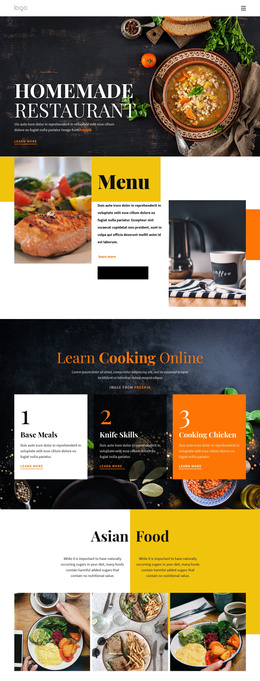
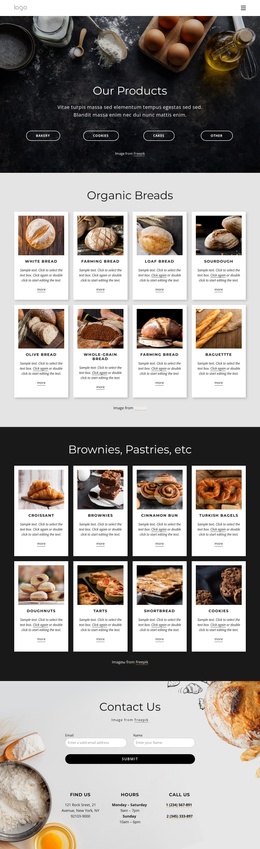
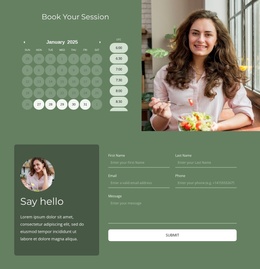
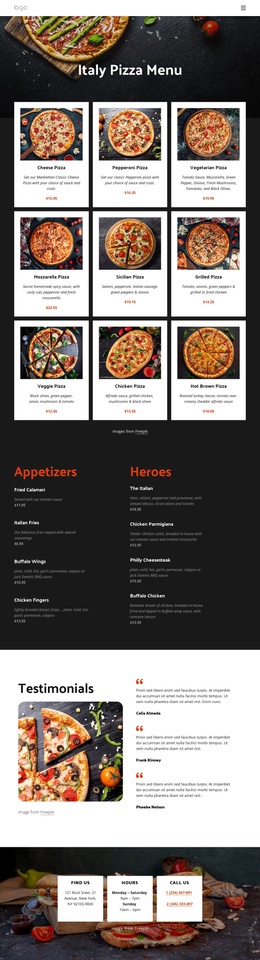
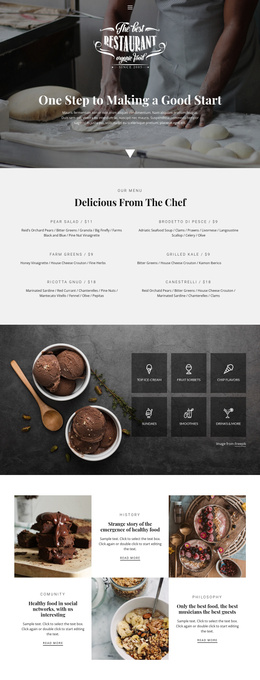
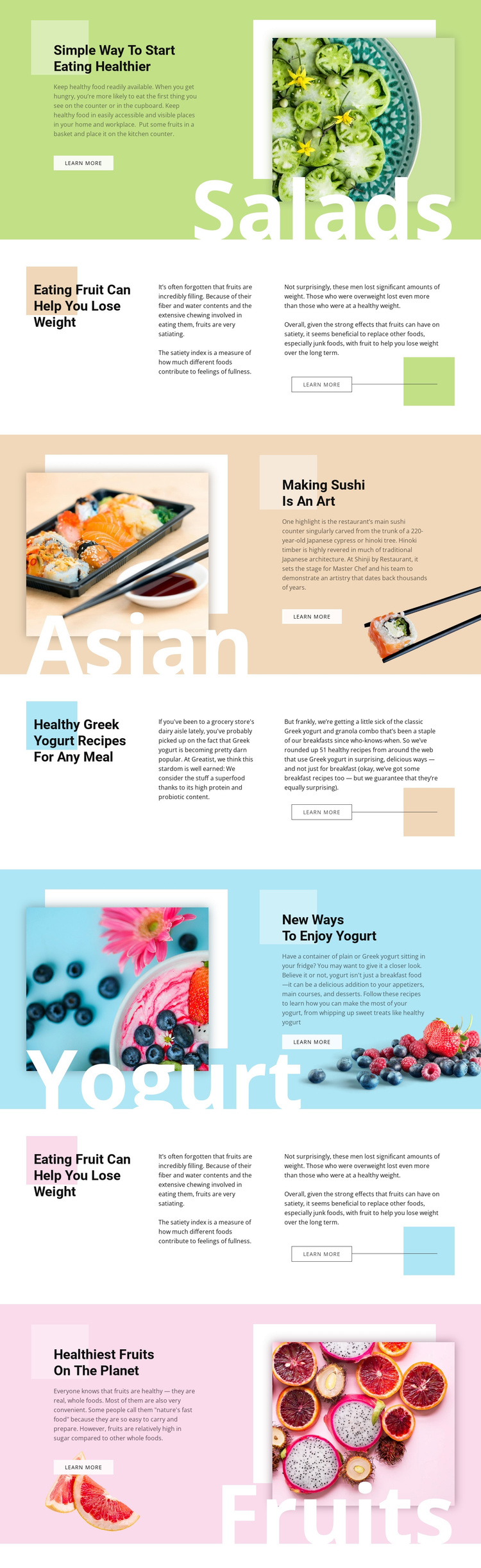
The salad, sushi, yogurt, and fruit subjects already divide the page into recognizable editorial regions that can be mapped to organized CMS content. Image-led sections present a category label, photograph, heading, supporting copy, and Learn more action as a compact topic area. The Split sections provide a different region for longer explanations, using a prominent heading beside two text passages. Together, these patterns create a useful distinction between featured food subjects and more detailed guidance.
The repeated fruit section and the two yogurt-related areas show how related information can remain visually coordinated while occupying separate content positions. Navigation can therefore connect readers to a specific topic without losing the shared page character. The alternating sequence also gives a structured site region a clear order: healthy-eating introduction, fruit guidance, cuisine, recipes, yogurt ideas, and fruit-focused closing content. The design does not prove that Joomla Articles, categories, or modules already exist, but its content zones are suitable for a Joomla-managed interpretation where those editorial areas are maintained through the CMS.
A Joomla project could preserve the pastel fields, image treatments, headings, and recurring action placement while organizing the underlying food reading into manageable sections. The value comes from the relationship between reusable visual regions and clearly separated subject matter, not from replacing the design with a generic CMS layout.
Customize with Nicepage
Open this ready-made template in the Joomla Page Builder and customize it visually in the Nicepage editor. Replace demo content, edit page sections, and adapt the design to your project without rebuilding the template from scratch.
Work With This Template in Joomla
Customize and Install the Joomla Template
Start with this ready-made template instead of building the Joomla design from scratch. Customize its layout, content, typography, images, sections, and other design elements visually in the Nicepage application, then export and install the Joomla Template, Nicepage Extension, and supported content on your Joomla website.
Edit the Template Directly in Joomla
After installation, you can edit the Joomla Template directly in Joomla with the Nicepage Joomla Extension. Customize the Header, Footer, Colors, Fonts, typography, and Page Templates from the Joomla workflow while keeping the site design connected with your CMS content.
Edit Joomla Articles Visually
Use the Nicepage Joomla Extension to open and edit Joomla Articles visually from the Joomla Administrator. Change text, images, sections, layouts, and other page content in the Nicepage editor while continuing to manage the Articles through Joomla.
Joomla Content and Template Integration
Use the customized template together with Joomla Articles, module Positions, menus, forms, Blog Pages, and other supported CMS elements. With the Nicepage Extension used as the Site Style Source, shared design settings can be applied across Joomla Articles while Joomla continues to provide the CMS environment for managing site content.
This workflow combines a ready-made Joomla Template with visual customization, direct template editing in Joomla, and continued content management through the Nicepage Joomla Extension.