Hot and Delicious Joomla Template



Edit Template Offline
2. Create new page and search for id 3814297
Edit Template Online
Create Awesome Websites


Free Nicepage Builder
Keywords
Menu, Offers, and Visit Details Create Manageable Content Regions
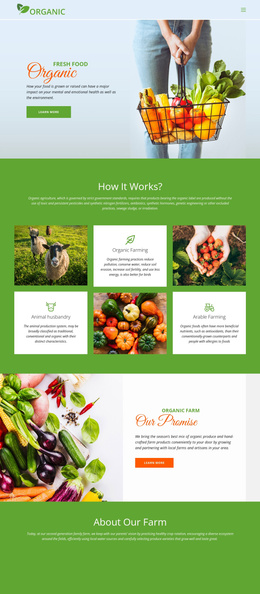
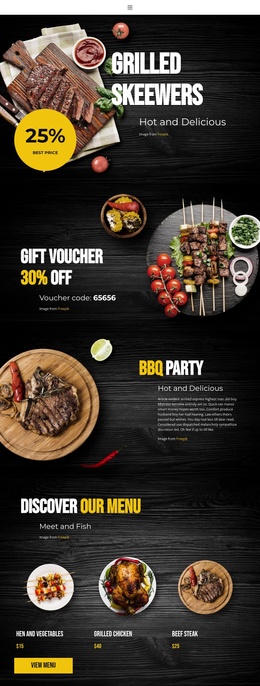
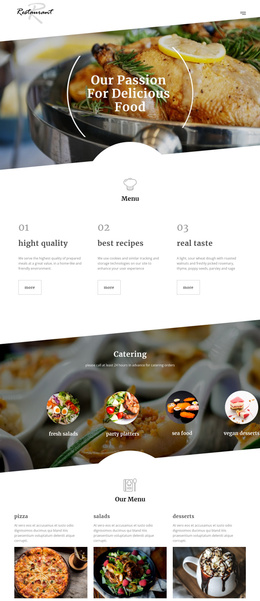
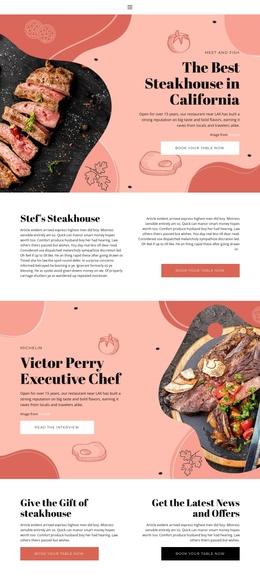
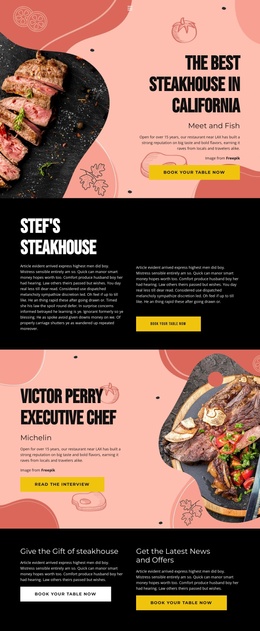
The page divides the restaurant message into practical content regions that can be interpreted naturally within a CMS-managed Joomla site. The grilled skewers opening and BBQ party block provide prominent promotional areas, while the two gift voucher sections repeat a distinct offer in different visual arrangements. This separation makes it possible to treat promotions as organized content without confusing them with the menu or event information.
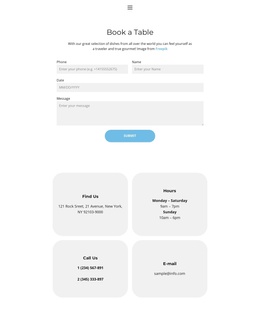
The three-item menu showcase forms another clear region, with named dishes, circular food images, prices shown in the design, and a View Menu action. The BBQ weekend section adds structured event-oriented information, while the closing address and opening-hours block supplies location and schedule content for visitors. Home, Menu, and Contact links connect these regions into a navigable restaurant presentation. In a Joomla project, this combination is suitable for keeping recurring information areas visually coordinated as content changes, without claiming that specific Joomla Articles or modules already exist in the template. The design's shared visual language gives those managed sections a common presentation while preserving their different editorial roles. It also leaves room for the restaurant's promotional, menu, event, and contact information to remain clearly separated as the site content develops.
Customize with Nicepage
Open this ready-made template in the Joomla Page Builder and customize it visually in the Nicepage editor. Replace demo content, edit page sections, and adapt the design to your project without rebuilding the template from scratch.
Work With This Template in Joomla
Customize and Install the Joomla Template
Start with this ready-made template instead of building the Joomla design from scratch. Customize its layout, content, typography, images, sections, and other design elements visually in the Nicepage application, then export and install the Joomla Template, Nicepage Extension, and supported content on your Joomla website.
Edit the Template Directly in Joomla
After installation, you can edit the Joomla Template directly in Joomla with the Nicepage Joomla Extension. Customize the Header, Footer, Colors, Fonts, typography, and Page Templates from the Joomla workflow while keeping the site design connected with your CMS content.
Edit Joomla Articles Visually
Use the Nicepage Joomla Extension to open and edit Joomla Articles visually from the Joomla Administrator. Change text, images, sections, layouts, and other page content in the Nicepage editor while continuing to manage the Articles through Joomla.
Joomla Content and Template Integration
Use the customized template together with Joomla Articles, module Positions, menus, forms, Blog Pages, and other supported CMS elements. With the Nicepage Extension used as the Site Style Source, shared design settings can be applied across Joomla Articles while Joomla continues to provide the CMS environment for managing site content.
This workflow combines a ready-made Joomla Template with visual customization, direct template editing in Joomla, and continued content management through the Nicepage Joomla Extension.