Order ice cream online Joomla Template


Edit Template Offline
2. Create new page and search for id 1442806
Edit Template Online
Create Awesome Websites


Free Nicepage Builder
Keywords
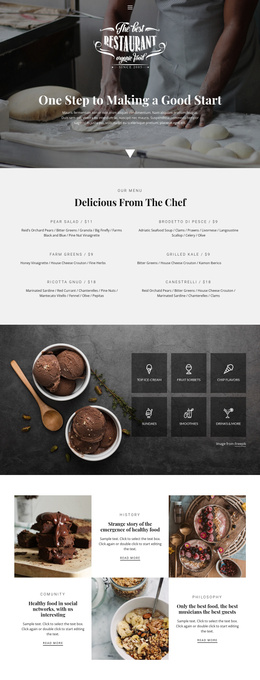
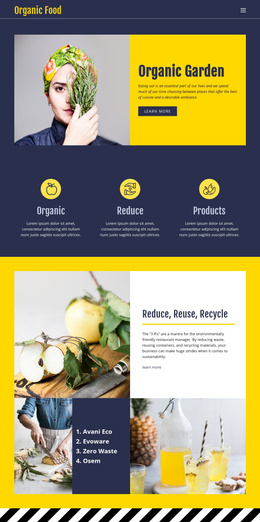
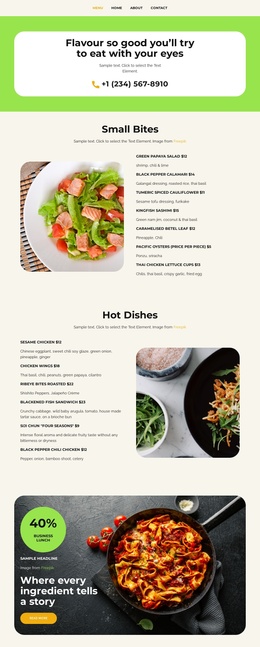
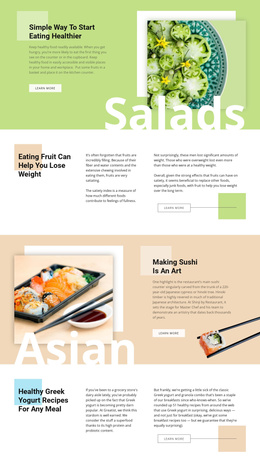
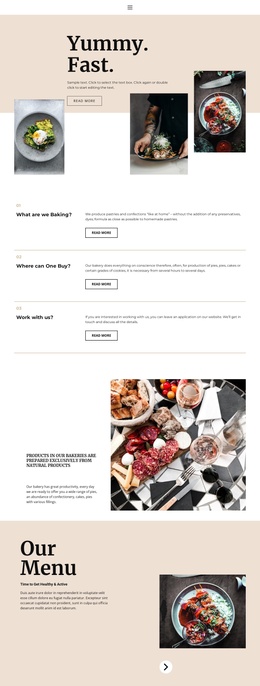
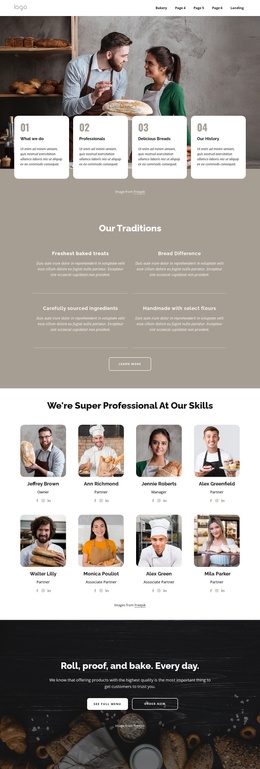
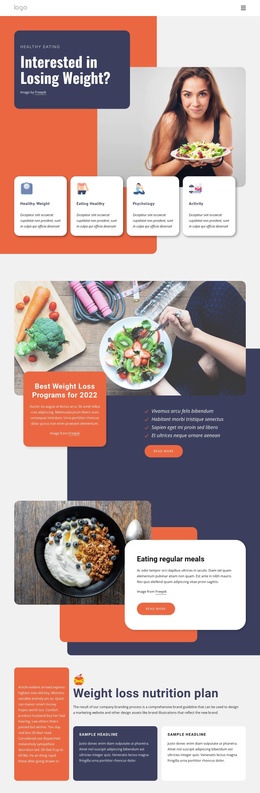
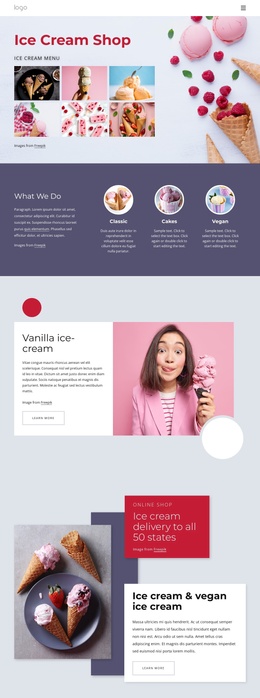
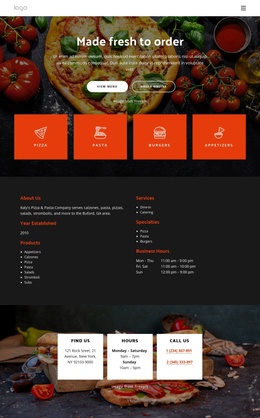
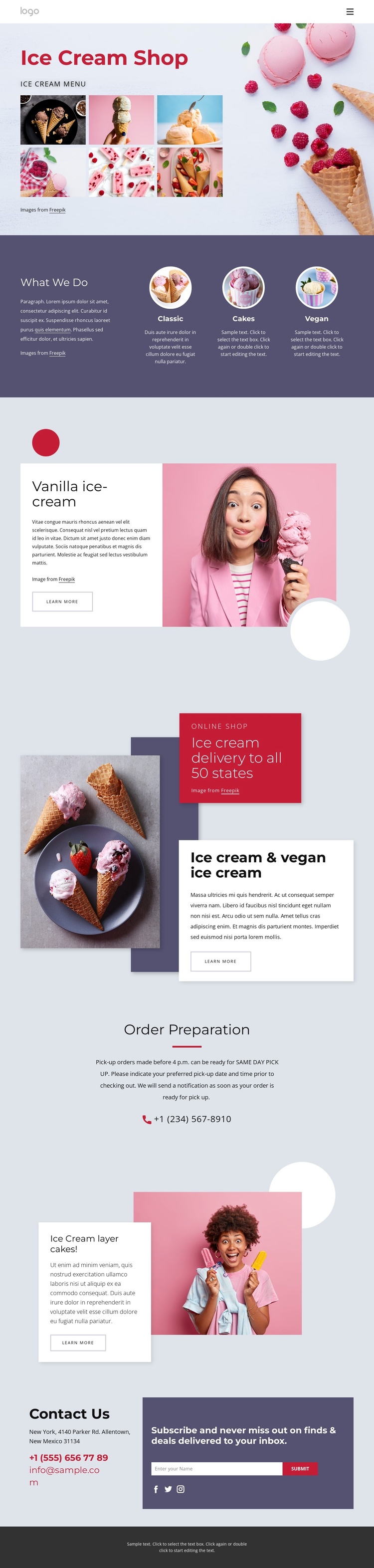
Product categories and contact regions divide the content clearly
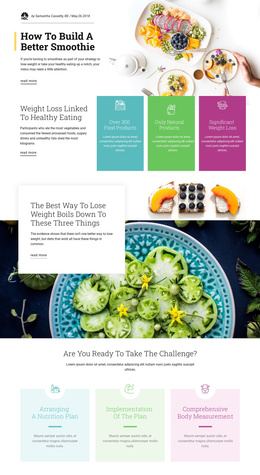
The three-item What We Do section creates a useful set of structured content regions around Classic, Cakes, and Vegan options. Each category is presented as a peer item, making the group suitable for organizing related dessert information without treating the sample labels as a complete business catalogue. The later vanilla ice-cream and ice cream layer cakes sections add more focused product areas, each pairing imagery with explanatory text and a Learn more action.
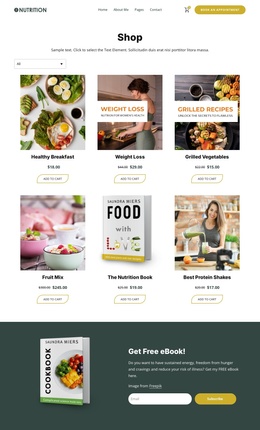
The online-shop block introduces a different kind of site region. Its delivery message, promotional badge, overlapping product image, and text card can serve as a prominent content area for shopping-related information, while the Order Preparation section provides a separate place for practical instructions and a phone channel. This division is useful for a CMS-managed site because product presentation and operational information remain visually distinct.
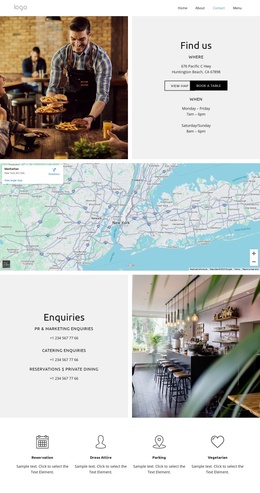
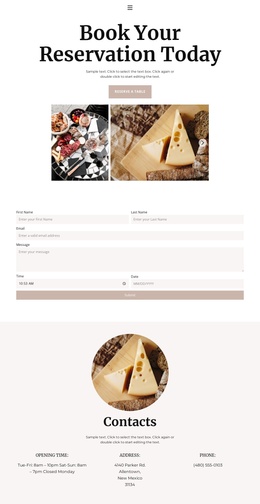
The closing Contact Us section brings together phone and email channels, subscription access, a Subscribe button, and social media icons. Shared navigation and the compact dark footer complete the page’s reusable outer regions. In a Joomla project, these areas could provide a coordinated arrangement for structured shop information, category content, contact material, and recurring site regions. The interpretation concerns how the verified sections can be organized through a CMS; it does not claim that Joomla Articles, modules, or positions already exist in the template.
Customize with Nicepage
Open this ready-made template in the Joomla Page Builder and customize it visually in the Nicepage editor. Replace demo content, edit page sections, and adapt the design to your project without rebuilding the template from scratch.
Work With This Template in Joomla
Customize and Install the Joomla Template
Start with this ready-made template instead of building the Joomla design from scratch. Customize its layout, content, typography, images, sections, and other design elements visually in the Nicepage application, then export and install the Joomla Template, Nicepage Extension, and supported content on your Joomla website.
Edit the Template Directly in Joomla
After installation, you can edit the Joomla Template directly in Joomla with the Nicepage Joomla Extension. Customize the Header, Footer, Colors, Fonts, typography, and Page Templates from the Joomla workflow while keeping the site design connected with your CMS content.
Edit Joomla Articles Visually
Use the Nicepage Joomla Extension to open and edit Joomla Articles visually from the Joomla Administrator. Change text, images, sections, layouts, and other page content in the Nicepage editor while continuing to manage the Articles through Joomla.
Joomla Content and Template Integration
Use the customized template together with Joomla Articles, module Positions, menus, forms, Blog Pages, and other supported CMS elements. With the Nicepage Extension used as the Site Style Source, shared design settings can be applied across Joomla Articles while Joomla continues to provide the CMS environment for managing site content.
This workflow combines a ready-made Joomla Template with visual customization, direct template editing in Joomla, and continued content management through the Nicepage Joomla Extension.