Smooth lines in facades Joomla Template



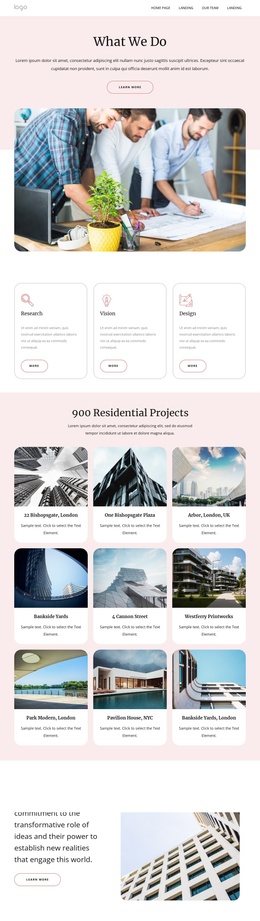
The Paired Images Turn Company Copy Into Stable Page Content
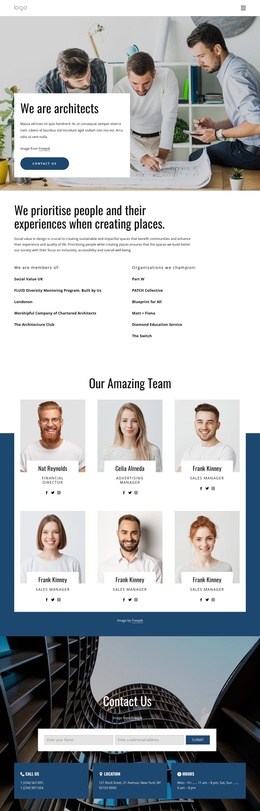
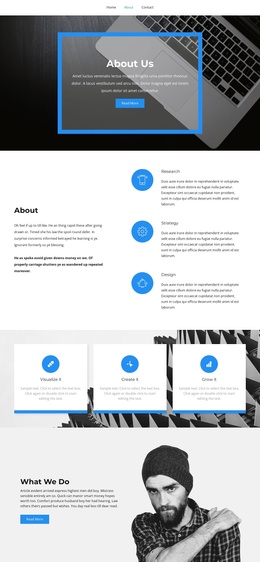
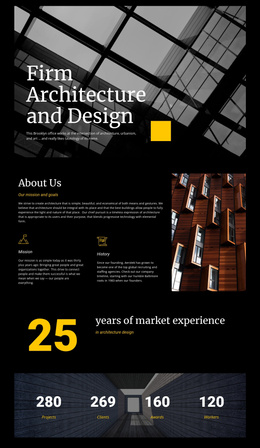
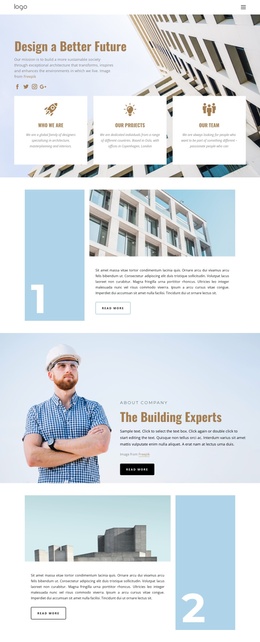
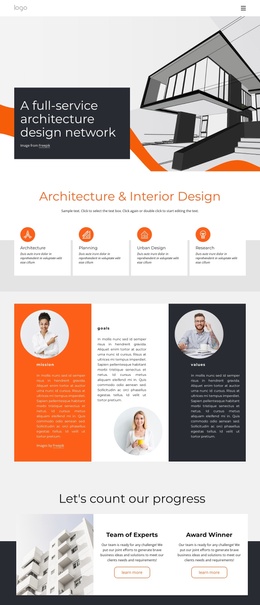
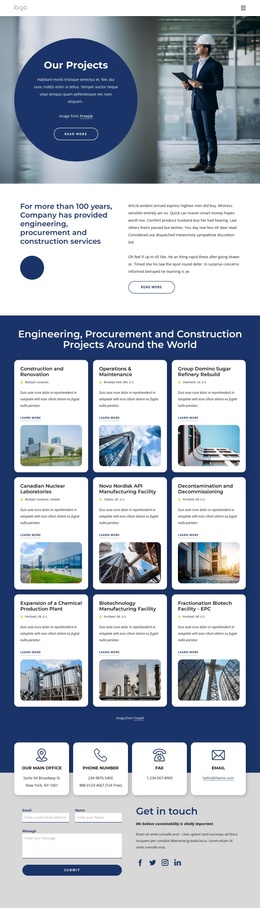
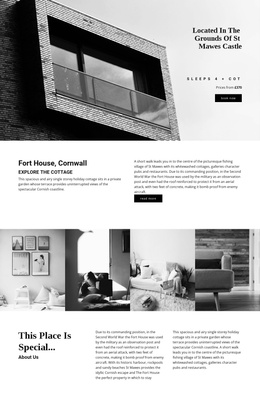
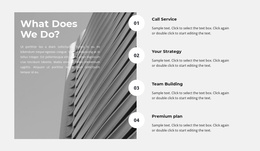
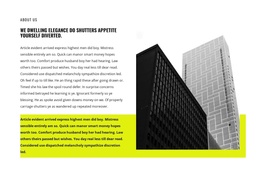
The “About Company” heading gives this section a clear permanent-content role, while the arrow beneath it creates a small visual signal at the beginning of the reading path. From there, the four-part row places an architectural photograph before the compact descriptive paragraph and follows it with a second photograph. The sequence lets the company introduction remain concise while the imagery supplies the dominant visual context.
The two tall photographs do more than decorate the row. They create visual boundaries around the text and connect the organization’s introduction with an architecture-and-building subject. Between them, the paragraph occupies a narrow vertical measure that keeps the copy focused rather than allowing it to spread across the full section. White space, black typography, and the absence of interactive controls reinforce the impression of stable, readable information.
In a WordPress-managed project, this block can function as reusable content for a company or about area on a page, while other CMS-managed material surrounds it. Its value lies in preserving a recognizable visual section whenever the page needs an introduction that combines text with architectural imagery. The wider WordPress environment can handle the surrounding site and publishing context, but the block itself remains a self-contained four-part presentation rather than a complete theme or site.
Customize with Nicepage
Open this ready-made template in the Joomla Page Builder and customize it visually in the Nicepage editor. Replace demo content, edit page sections, and adapt the design to your project without rebuilding the template from scratch.
Edit Template Offline
2. Create a new page or select existing
3. Click Add new block, search for id 294799 and click enter
Edit Template Online
Create Awesome Websites


Free Nicepage Builder
Keywords
Work With This Template in Joomla
Customize and Install the Joomla Template
Start with this ready-made template instead of building the Joomla design from scratch. Customize its layout, content, typography, images, sections, and other design elements visually in the Nicepage application, then export and install the Joomla Template, Nicepage Extension, and supported content on your Joomla website.
Edit the Template Directly in Joomla
After installation, you can edit the Joomla Template directly in Joomla with the Nicepage Joomla Extension. Customize the Header, Footer, Colors, Fonts, typography, and Page Templates from the Joomla workflow while keeping the site design connected with your CMS content.
Edit Joomla Articles Visually
Use the Nicepage Joomla Extension to open and edit Joomla Articles visually from the Joomla Administrator. Change text, images, sections, layouts, and other page content in the Nicepage editor while continuing to manage the Articles through Joomla.
Joomla Content and Template Integration
Use the customized template together with Joomla Articles, module Positions, menus, forms, Blog Pages, and other supported CMS elements. With the Nicepage Extension used as the Site Style Source, shared design settings can be applied across Joomla Articles while Joomla continues to provide the CMS environment for managing site content.
This workflow combines a ready-made Joomla Template with visual customization, direct template editing in Joomla, and continued content management through the Nicepage Joomla Extension.