Сommercial and industrial construction Joomla Template



Edit Template Offline
2. Create new page and search for id 5524990
Edit Template Online
Create Awesome Websites


Free Nicepage Builder
Keywords
Process Stages and Project Categories Form Structured Joomla Content
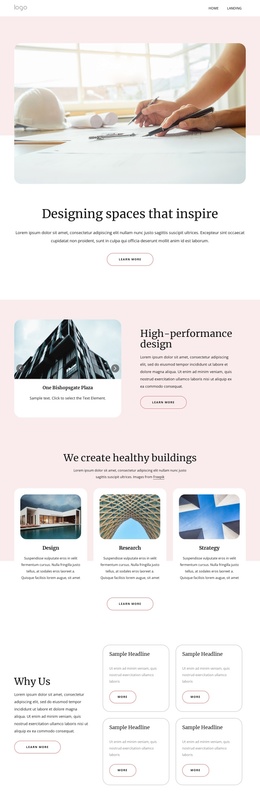
The page divides construction information into recurring content regions instead of relying on one long block of undifferentiated copy. The Building Process section is especially suitable for structured management because Concept, Prototyping, and Building appear as three related items with a consistent card treatment. Each stage has a defined place in the explanation, allowing the visual relationship between process steps to remain clear as the text or imagery is adapted.
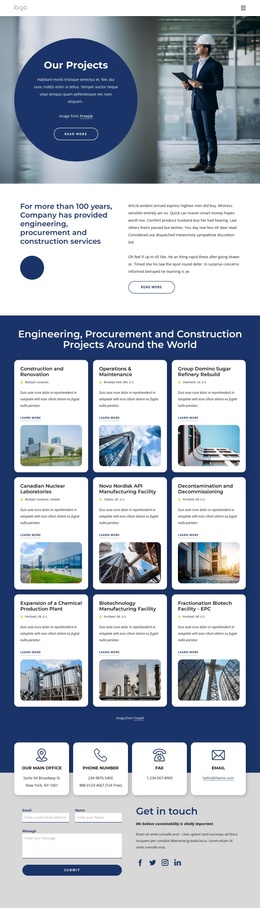
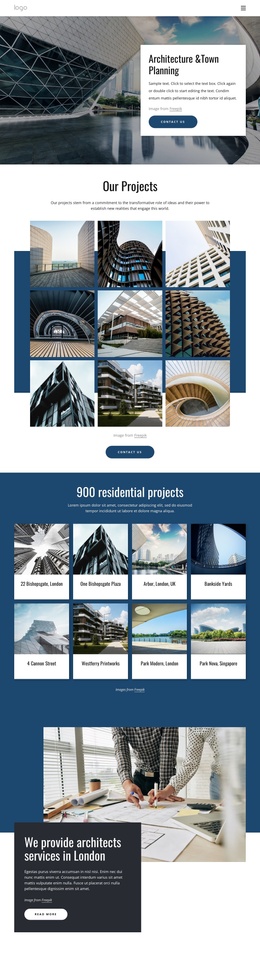
The Project Portfolio section provides a second content grouping. Its nine visible categories—such as Civic & Cultural, Commercial, Federal, College & University, Industrial, and Headquarters—give the page a practical way to organize different project directions. The gallery’s three-column arrangement keeps those categories visually connected while distinguishing them from the Our Works description and the company section. That separation helps preserve a clear relationship between project examples, process information, and general contracting capabilities.
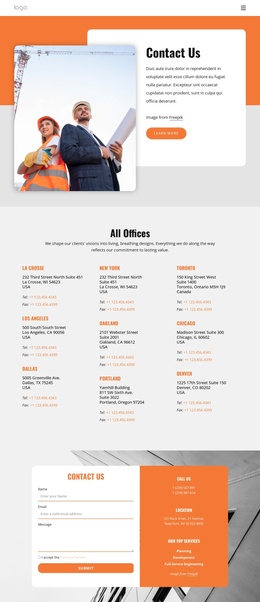
The navigation, contact form, direct contact details, and social footer complete the site-oriented structure. In a Joomla project, these regions can be interpreted as coordinated content and navigation areas rather than as isolated design fragments. The Joomla Extension is a relevant product bridge when the finished design needs to work with Joomla content, but the page’s main value remains its already-defined division between process, portfolio, company information, and inquiry content.
Customize with Nicepage
Open this ready-made template in the Joomla Page Builder and customize it visually in the Nicepage editor. Replace demo content, edit page sections, and adapt the design to your project without rebuilding the template from scratch.
Work With This Template in Joomla
Customize and Install the Joomla Template
Start with this ready-made template instead of building the Joomla design from scratch. Customize its layout, content, typography, images, sections, and other design elements visually in the Nicepage application, then export and install the Joomla Template, Nicepage Extension, and supported content on your Joomla website.
Edit the Template Directly in Joomla
After installation, you can edit the Joomla Template directly in Joomla with the Nicepage Joomla Extension. Customize the Header, Footer, Colors, Fonts, typography, and Page Templates from the Joomla workflow while keeping the site design connected with your CMS content.
Edit Joomla Articles Visually
Use the Nicepage Joomla Extension to open and edit Joomla Articles visually from the Joomla Administrator. Change text, images, sections, layouts, and other page content in the Nicepage editor while continuing to manage the Articles through Joomla.
Joomla Content and Template Integration
Use the customized template together with Joomla Articles, module Positions, menus, forms, Blog Pages, and other supported CMS elements. With the Nicepage Extension used as the Site Style Source, shared design settings can be applied across Joomla Articles while Joomla continues to provide the CMS environment for managing site content.
This workflow combines a ready-made Joomla Template with visual customization, direct template editing in Joomla, and continued content management through the Nicepage Joomla Extension.