Commercial industrial roofing Joomla Template


Edit Template Offline
2. Create new page and search for id 6440852
Edit Template Online
Create Awesome Websites


Free Nicepage Builder
Keywords
The Facts & Questions Accordion Organizes Roofing Content
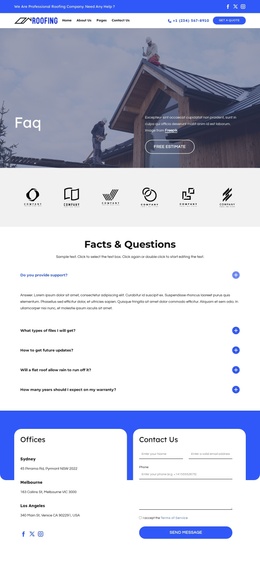
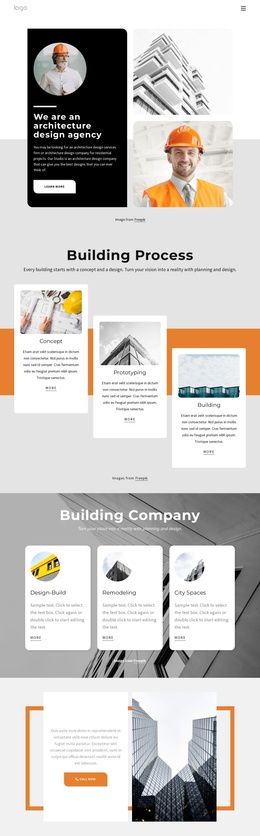
The centered Facts & Questions section creates a natural structured-content area for a Joomla-managed roofing site. Five expandable question rows divide the page into discrete information topics without requiring every answer to occupy the initial view. That arrangement is useful for recurring service information because each question has a defined position, while the surrounding heading and supporting text explain the role of the section.
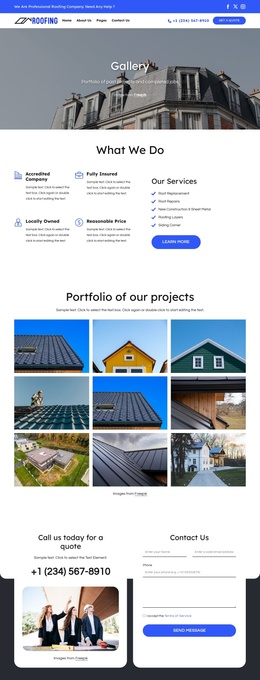
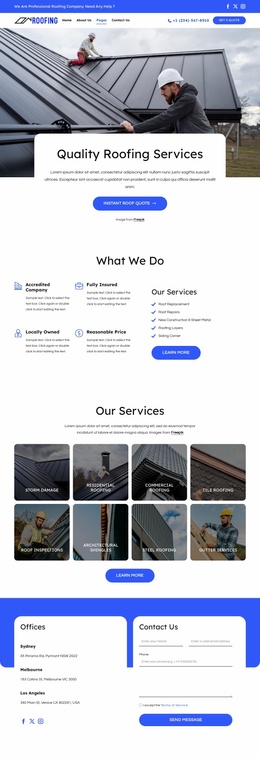
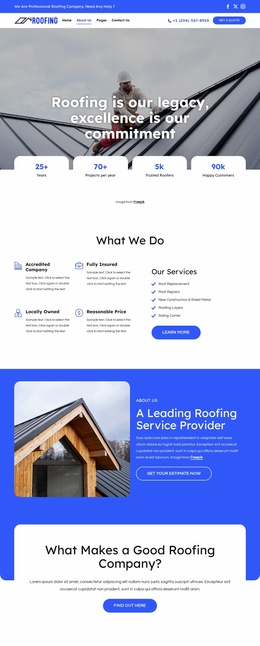
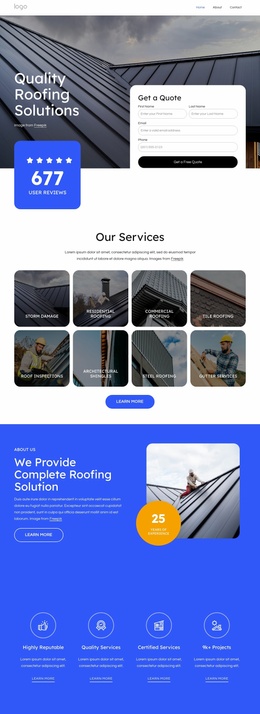
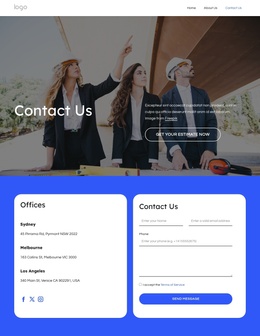
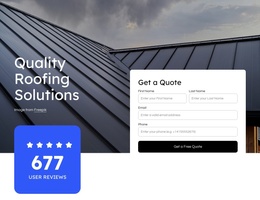
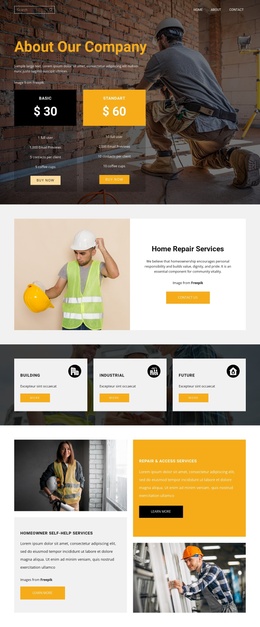
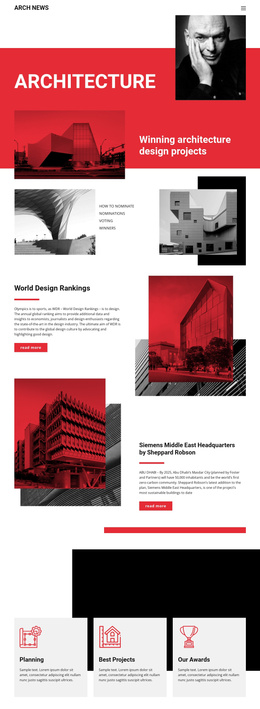
The rest of the page supplies complementary CMS-oriented regions. The two-row header separates a blue utility strip from the primary navigation and includes social links, branding, phone contact, and a quote action. The rooftop hero introduces the FAQ page with a Free Estimate button, while the six-logo row provides a dedicated showcase area before the main questions. These regions create recognizable places for navigation, introductory content, repeated informational items, and supporting visual material.
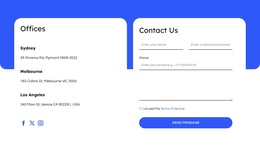
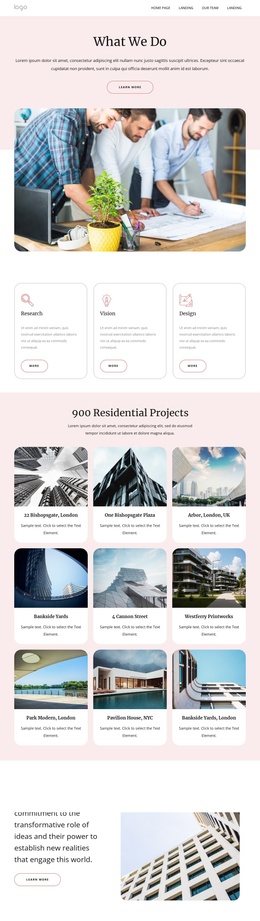
The Offices block gives the page another structured content group: three office locations appear beside a contact form and Send Message button. This relationship connects location information with an inquiry area without treating the sample addresses as verified business details. In a Joomla project, the page can therefore retain a coordinated visual frame while its questions, service information, office content, and contact messaging remain distinct, maintainable site regions. The footer adds shared branding, contact information, and secondary links to complete the content hierarchy.
Customize with Nicepage
Open this ready-made template in the Joomla Page Builder and customize it visually in the Nicepage editor. Replace demo content, edit page sections, and adapt the design to your project without rebuilding the template from scratch.
Work With This Template in Joomla
Customize and Install the Joomla Template
Start with this ready-made template instead of building the Joomla design from scratch. Customize its layout, content, typography, images, sections, and other design elements visually in the Nicepage application, then export and install the Joomla Template, Nicepage Extension, and supported content on your Joomla website.
Edit the Template Directly in Joomla
After installation, you can edit the Joomla Template directly in Joomla with the Nicepage Joomla Extension. Customize the Header, Footer, Colors, Fonts, typography, and Page Templates from the Joomla workflow while keeping the site design connected with your CMS content.
Edit Joomla Articles Visually
Use the Nicepage Joomla Extension to open and edit Joomla Articles visually from the Joomla Administrator. Change text, images, sections, layouts, and other page content in the Nicepage editor while continuing to manage the Articles through Joomla.
Joomla Content and Template Integration
Use the customized template together with Joomla Articles, module Positions, menus, forms, Blog Pages, and other supported CMS elements. With the Nicepage Extension used as the Site Style Source, shared design settings can be applied across Joomla Articles while Joomla continues to provide the CMS environment for managing site content.
This workflow combines a ready-made Joomla Template with visual customization, direct template editing in Joomla, and continued content management through the Nicepage Joomla Extension.