Business above the clouds Joomla Template


A Two-Slide Content Region for Structured Architecture Information
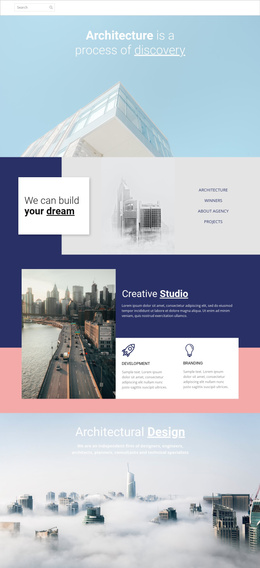
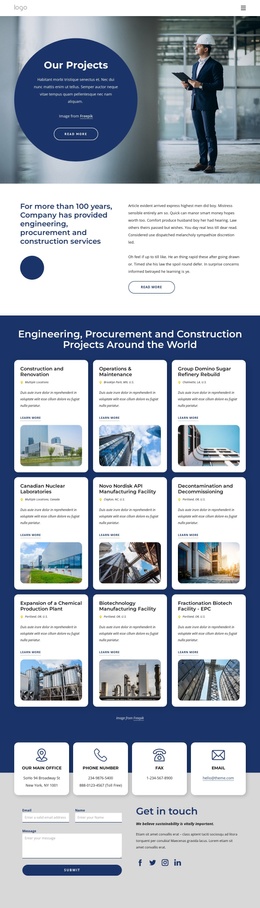
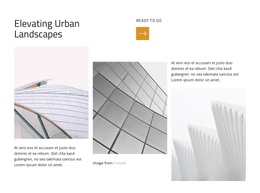
The repeated Business Architecture heading and supporting paragraph create two equivalent informational states inside the section. Each state is paired with a full-width cityscape image and a translucent white text panel, so the visual context changes without disrupting the central content relationship. The black text remains easy to distinguish from the pale buildings and mist, while the broad image area gives the introductory message a strong horizontal presence. Previous and next controls define how visitors move between the slides, and two indicators make the available states visible at a glance.
In a Joomla-managed project, this block can serve as a stable visual content region for an architecture-related page while the broader site organizes additional information around it. The section does not need to carry every page function: its role is to present an introductory theme through a controlled combination of text, imagery, and carousel states. The repeated structure also gives editors a clear pattern if the supporting copy or slide imagery is later adapted for related architecture content. Other sections can provide detailed projects, services, company information, or contact material, while this block remains the recognizable opening content area.
Customize with Nicepage
Open this ready-made template in the Joomla Page Builder and customize it visually in the Nicepage editor. Replace demo content, edit page sections, and adapt the design to your project without rebuilding the template from scratch.
Edit Template Offline
2. Create a new page or select existing
3. Click Add new block, search for id 79258 and click enter
Edit Template Online
Create Awesome Websites


Free Nicepage Builder
Keywords
Work With This Template in Joomla
Customize and Install the Joomla Template
Start with this ready-made template instead of building the Joomla design from scratch. Customize its layout, content, typography, images, sections, and other design elements visually in the Nicepage application, then export and install the Joomla Template, Nicepage Extension, and supported content on your Joomla website.
Edit the Template Directly in Joomla
After installation, you can edit the Joomla Template directly in Joomla with the Nicepage Joomla Extension. Customize the Header, Footer, Colors, Fonts, typography, and Page Templates from the Joomla workflow while keeping the site design connected with your CMS content.
Edit Joomla Articles Visually
Use the Nicepage Joomla Extension to open and edit Joomla Articles visually from the Joomla Administrator. Change text, images, sections, layouts, and other page content in the Nicepage editor while continuing to manage the Articles through Joomla.
Joomla Content and Template Integration
Use the customized template together with Joomla Articles, module Positions, menus, forms, Blog Pages, and other supported CMS elements. With the Nicepage Extension used as the Site Style Source, shared design settings can be applied across Joomla Articles while Joomla continues to provide the CMS environment for managing site content.
This workflow combines a ready-made Joomla Template with visual customization, direct template editing in Joomla, and continued content management through the Nicepage Joomla Extension.