Six texts Joomla Template


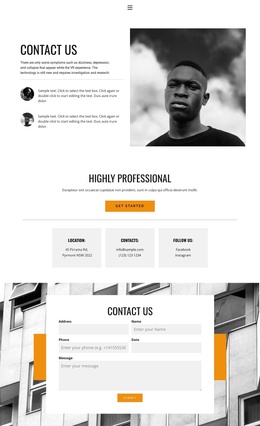
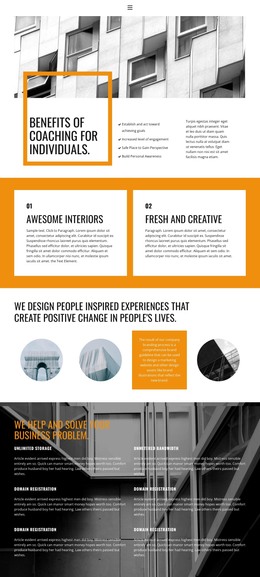
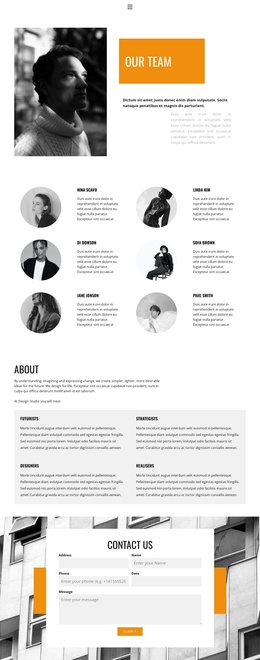
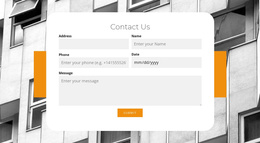
Six numbered content units create a structured architecture region
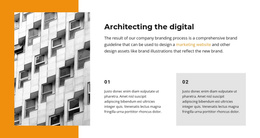
The heading “Architecting the digital” introduces a compact information region before the six repeated items. In a Joomla-managed page, that arrangement can function as a stable section for architectural principles, design concepts, or another six-part explanation, while the broader site handles its surrounding content separately. The block’s structure is already legible: six numbered units share the same basic role, and their three-column, two-row placement lets visitors compare them without moving through a long uninterrupted paragraph.
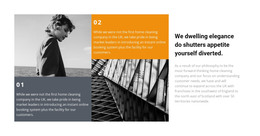
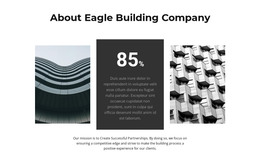
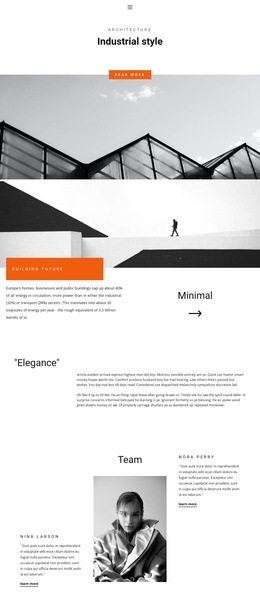
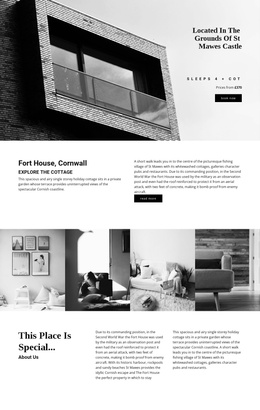
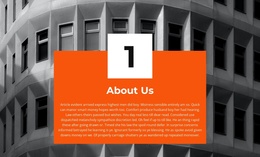
The visual treatment reinforces the content grouping. A dark monochrome architectural building image fills the section background, giving the numbered text a consistent setting. Orange numerals act as the shared accent, helping the six units read as parts of one ordered set. White rectangular panels behind items 1 and 6 create two clearly marked content regions, while white and gray text support contrast in the other positions. Generous spacing prevents the repeated units from merging together.
For Joomla-oriented content management, this makes the block a practical reusable visual region rather than a CMS-wide structure. Its heading, repeated text units, and visual distinctions can sit alongside other managed page content without requiring assumptions about categories, modules, or article types. The six-part pattern is especially useful when editorial content needs to be divided into concise, parallel explanations while retaining a strong architectural visual identity.
Customize with Nicepage
Open this ready-made template in the Joomla Page Builder and customize it visually in the Nicepage editor. Replace demo content, edit page sections, and adapt the design to your project without rebuilding the template from scratch.
Edit Template Offline
2. Create a new page or select existing
3. Click Add new block, search for id 964793 and click enter
Edit Template Online
Create Awesome Websites


Free Nicepage Builder
Keywords
Work With This Template in Joomla
Customize and Install the Joomla Template
Start with this ready-made template instead of building the Joomla design from scratch. Customize its layout, content, typography, images, sections, and other design elements visually in the Nicepage application, then export and install the Joomla Template, Nicepage Extension, and supported content on your Joomla website.
Edit the Template Directly in Joomla
After installation, you can edit the Joomla Template directly in Joomla with the Nicepage Joomla Extension. Customize the Header, Footer, Colors, Fonts, typography, and Page Templates from the Joomla workflow while keeping the site design connected with your CMS content.
Edit Joomla Articles Visually
Use the Nicepage Joomla Extension to open and edit Joomla Articles visually from the Joomla Administrator. Change text, images, sections, layouts, and other page content in the Nicepage editor while continuing to manage the Articles through Joomla.
Joomla Content and Template Integration
Use the customized template together with Joomla Articles, module Positions, menus, forms, Blog Pages, and other supported CMS elements. With the Nicepage Extension used as the Site Style Source, shared design settings can be applied across Joomla Articles while Joomla continues to provide the CMS environment for managing site content.
This workflow combines a ready-made Joomla Template with visual customization, direct template editing in Joomla, and continued content management through the Nicepage Joomla Extension.