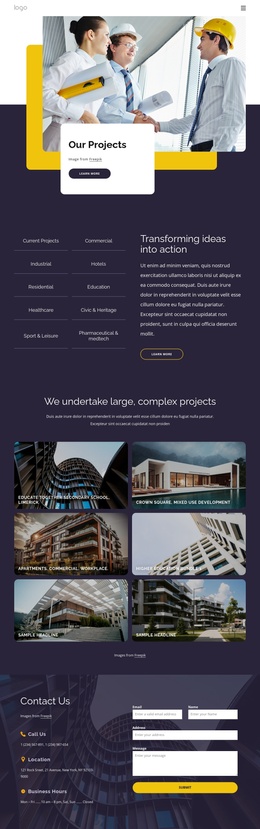
International construction services company Joomla Template



Edit Template Offline
2. Create new page and search for id 5825900
Edit Template Online
Create Awesome Websites


Free Nicepage Builder
Keywords
Service regions and contact content form a practical CMS structure
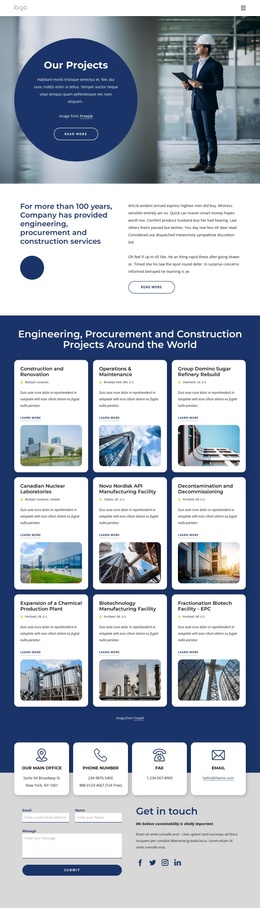
The page divides construction information into several reusable content regions. The four service categories—Design-Build, Home Remodeling, City Spaces, and Civil Engineers—can function as broad navigation or informational groupings, while the separate six-item service area provides more detailed engineering and construction content. This distinction gives a Joomla-oriented project a way to keep high-level service subjects separate from the longer list of specific capabilities.
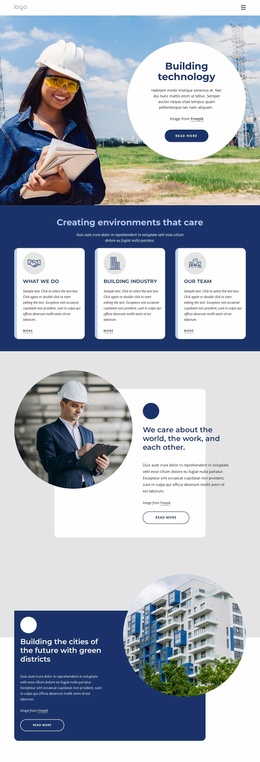
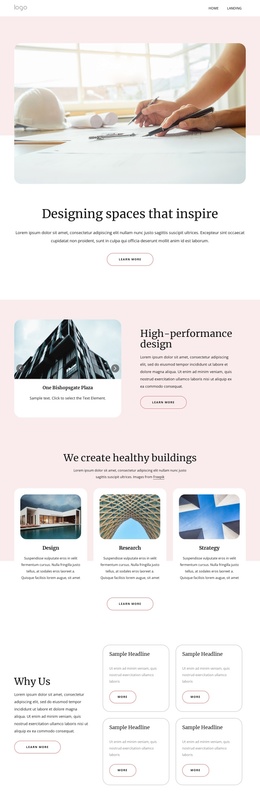
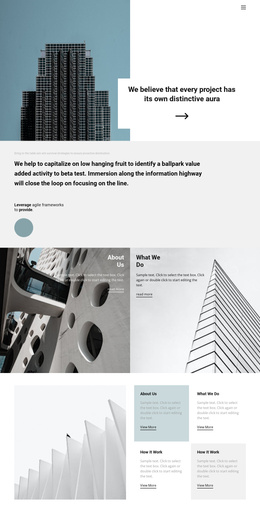
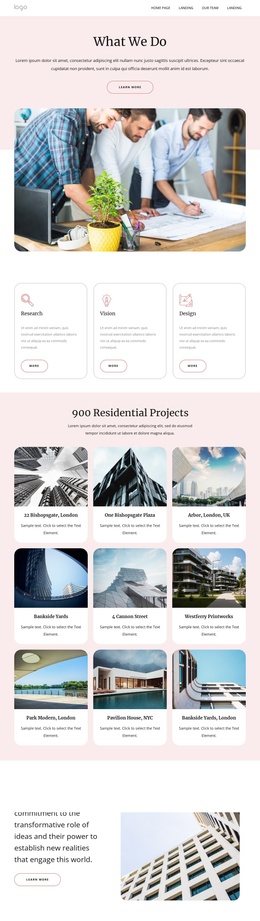
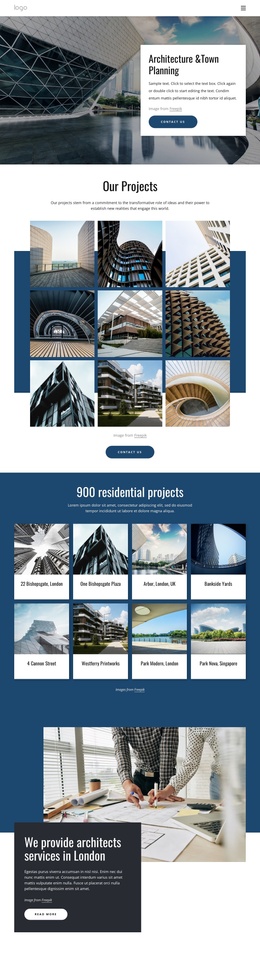
The “What We Do” and infrastructure sections add explanatory context around those recurring service areas. One uses a central text panel surrounded by four project images; the other combines a capabilities statement, three bullet points, and workplace imagery. The About Us section contributes company background and four displayed metrics, while the shared dark navy treatment helps these regions remain part of one coordinated visual system. These relationships are more useful than treating the page as a collection of unrelated labels.
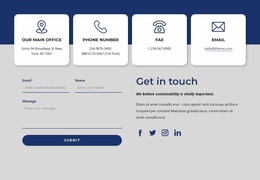
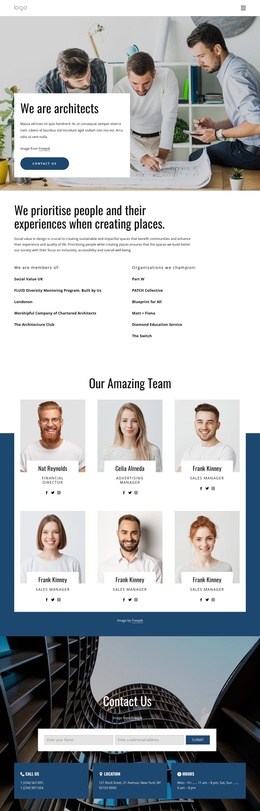
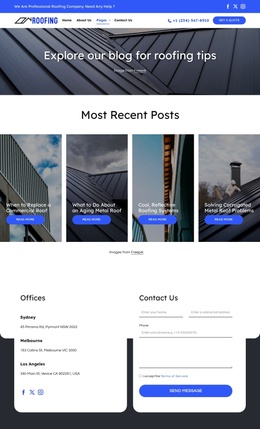
The final region is organized for direct contact: an office address, phone numbers, fax number, email address, social links, and an inquiry form with name, email, and message inputs. In a Joomla project, this combination naturally separates structured contact information from visitor-submitted communication. Navigation can then connect the major content areas without changing the verified design. The template analysis supports adaptation of these content regions; it does not establish that Joomla Articles, module positions, or other CMS structures already exist in the page.
Customize with Nicepage
Open this ready-made template in the Joomla Page Builder and customize it visually in the Nicepage editor. Replace demo content, edit page sections, and adapt the design to your project without rebuilding the template from scratch.
Work With This Template in Joomla
Customize and Install the Joomla Template
Start with this ready-made template instead of building the Joomla design from scratch. Customize its layout, content, typography, images, sections, and other design elements visually in the Nicepage application, then export and install the Joomla Template, Nicepage Extension, and supported content on your Joomla website.
Edit the Template Directly in Joomla
After installation, you can edit the Joomla Template directly in Joomla with the Nicepage Joomla Extension. Customize the Header, Footer, Colors, Fonts, typography, and Page Templates from the Joomla workflow while keeping the site design connected with your CMS content.
Edit Joomla Articles Visually
Use the Nicepage Joomla Extension to open and edit Joomla Articles visually from the Joomla Administrator. Change text, images, sections, layouts, and other page content in the Nicepage editor while continuing to manage the Articles through Joomla.
Joomla Content and Template Integration
Use the customized template together with Joomla Articles, module Positions, menus, forms, Blog Pages, and other supported CMS elements. With the Nicepage Extension used as the Site Style Source, shared design settings can be applied across Joomla Articles while Joomla continues to provide the CMS environment for managing site content.
This workflow combines a ready-made Joomla Template with visual customization, direct template editing in Joomla, and continued content management through the Nicepage Joomla Extension.