General contracting company Joomla Template



Edit Template Offline
2. Create new page and search for id 247914
Edit Template Online
Create Awesome Websites


Free Nicepage Builder
Keywords
Service Regions and Contact Content Form a Structured CMS Layout
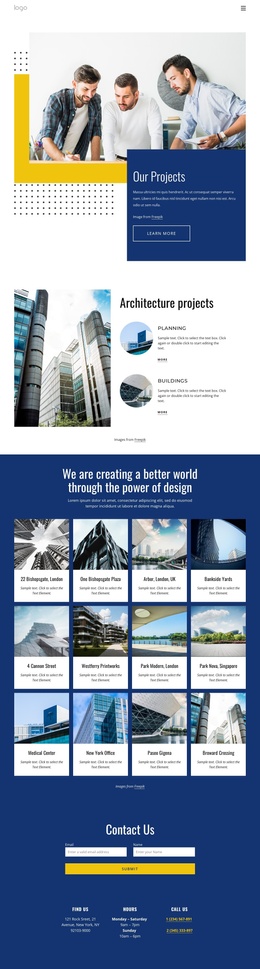
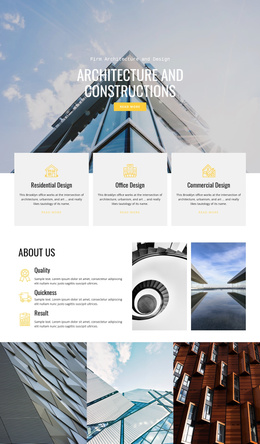
The four service cards give the page a natural first content region for Design-Build, Remodeling, City Spaces, and Civil Engineers. Their repeated format separates the primary service categories from the later six-item capability group, where Buildings, Development, Oil and Gas, Power, Transportation, and Environmental work are presented as a broader sector structure. This distinction is useful when construction information needs to remain organized rather than placed in one undifferentiated block.
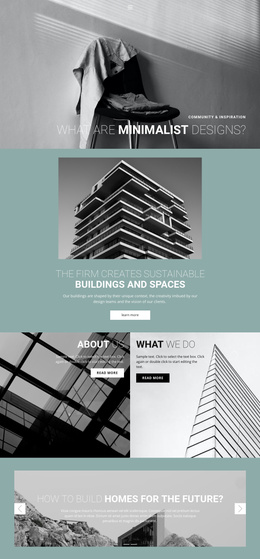
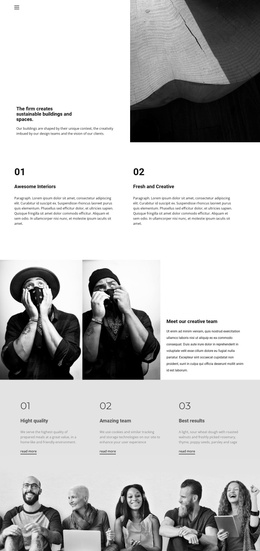
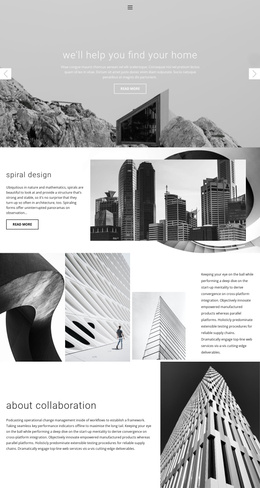
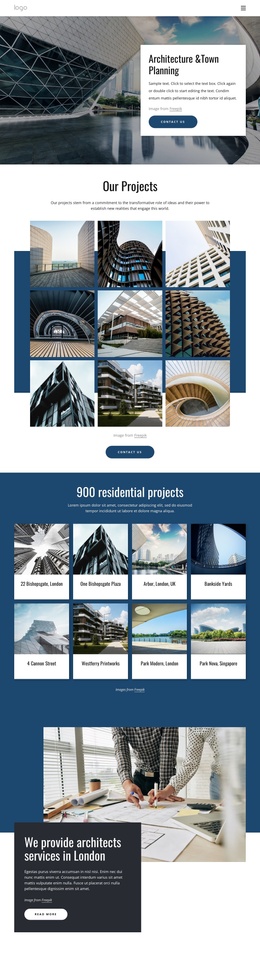
The General Contracting section adds a company-level information area through descriptive text and circular construction imagery. The following collaboration and About Us content provides another reusable region, while the Ecological Architecture tiles divide architectural specialties into alternating image-and-text rows. These relationships allow the visual system to support several types of managed content while retaining the same Header, navigation, section styling, and footer direction.
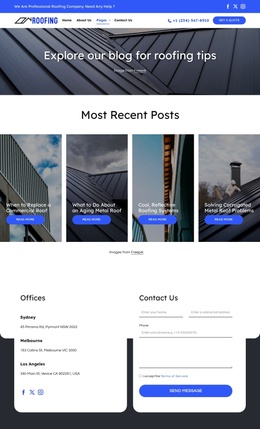
The closing area combines a contact form, contact information, and social links for Facebook, Instagram, Twitter, and YouTube. The form’s name, email, and message inputs create a defined inquiry region, while the privacy policy notice and footer links provide supporting site content. In a Joomla project, these distinct service, capability, architectural, contact, and navigation regions can be organized as CMS-managed information without treating sample address, phone, email, or opening hours as verified company facts.
Customize with Nicepage
Open this ready-made template in the Joomla Page Builder and customize it visually in the Nicepage editor. Replace demo content, edit page sections, and adapt the design to your project without rebuilding the template from scratch.
Work With This Template in Joomla
Customize and Install the Joomla Template
Start with this ready-made template instead of building the Joomla design from scratch. Customize its layout, content, typography, images, sections, and other design elements visually in the Nicepage application, then export and install the Joomla Template, Nicepage Extension, and supported content on your Joomla website.
Edit the Template Directly in Joomla
After installation, you can edit the Joomla Template directly in Joomla with the Nicepage Joomla Extension. Customize the Header, Footer, Colors, Fonts, typography, and Page Templates from the Joomla workflow while keeping the site design connected with your CMS content.
Edit Joomla Articles Visually
Use the Nicepage Joomla Extension to open and edit Joomla Articles visually from the Joomla Administrator. Change text, images, sections, layouts, and other page content in the Nicepage editor while continuing to manage the Articles through Joomla.
Joomla Content and Template Integration
Use the customized template together with Joomla Articles, module Positions, menus, forms, Blog Pages, and other supported CMS elements. With the Nicepage Extension used as the Site Style Source, shared design settings can be applied across Joomla Articles while Joomla continues to provide the CMS environment for managing site content.
This workflow combines a ready-made Joomla Template with visual customization, direct template editing in Joomla, and continued content management through the Nicepage Joomla Extension.