Above the clouds Joomla Template

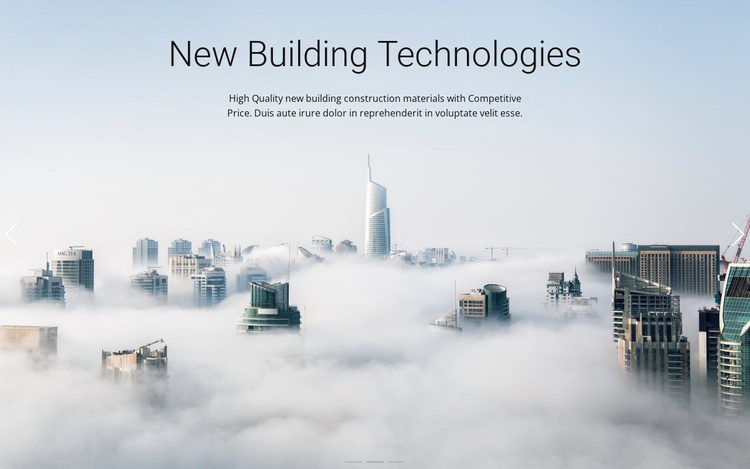
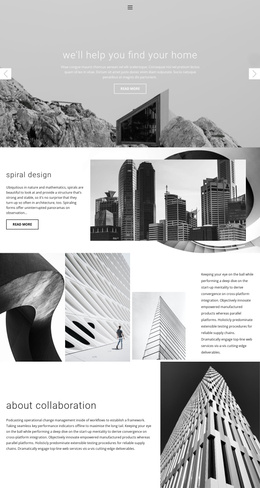
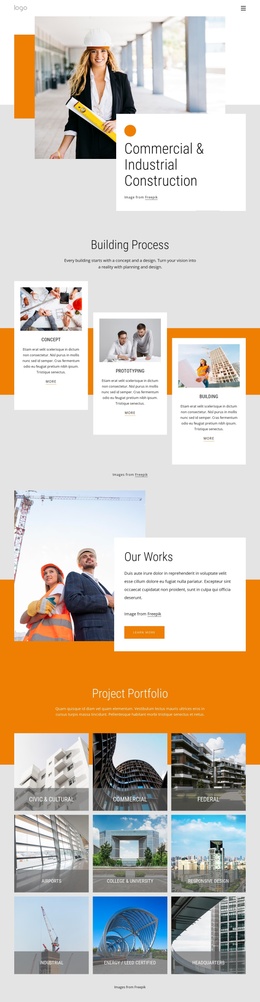
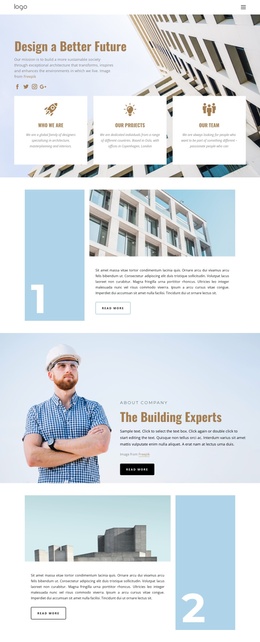
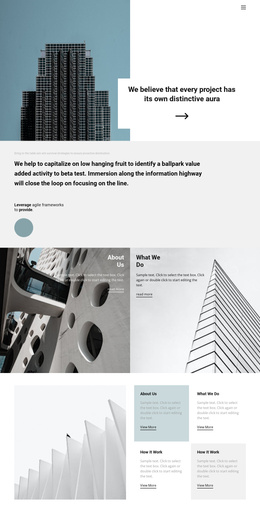
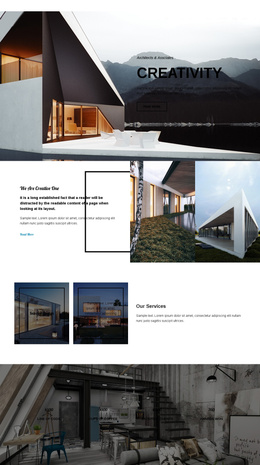
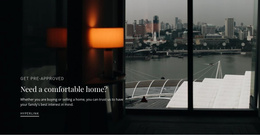
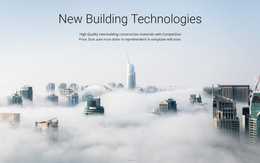
Above the clouds is a reusable hero section that can participate in a Joomla-managed page. The block presents three structured message states—Building the Future, New Building Technologies, and Family Building Services—over a full-width misty cityscape. Each state contains a heading and supporting paragraph, while previous and next controls and three indicators expose the carousel sequence. The visible slide refers to new building construction materials and competitive price, giving the section a concrete construction-oriented information unit. Its centered hierarchy makes the block suitable for introducing a broader set of architecture, building, or service content around it.

Structured Building Messages in a Joomla Content Region

The three slide states divide the hero into recognizable information units that can remain together as one Joomla-oriented content region. Building the Future, New Building Technologies, and Family Building Services each provide a heading-and-paragraph message, while the full-width cityscape gives those units a shared visual setting. The visible New Building Technologies slide adds a specific materials-and-price theme, showing how the section can introduce structured service or offering information without needing to carry all related details.

The carousel controls preserve the relationship between those messages. Previous and next controls allow the visitor to move between the states, and the three indicators show that the hero contains a defined set of alternatives rather than one long text area. In a Joomla-managed project, this makes the block suitable as a stable visual section within a page whose broader editorial content is handled elsewhere. The section can present a concise introduction while neighboring content provides deeper descriptions, project information, or contact details. Nicepage's Joomla workflow can connect visual design with Joomla content in the surrounding project, but the block's own role remains the organized hero region: three construction-related messages, a shared image treatment, and confirmed carousel navigation.

Customize with Nicepage

Open this ready-made template in the Joomla Page Builder and customize it visually in the Nicepage editor. Replace demo content, edit page sections, and adapt the design to your project without rebuilding the template from scratch.

Edit Template Offline

1. Download and Install the Nicepage application for Windows and Mac. Or WordPress and Joomla plugins from the download page
2. Create a new page or select existing
3. Click Add new block, search for id 76852 and click enter

Edit Template Online

Run Online Builder to edit this template on our hosting

Create Awesome Websites

WordPress Plugin WordPress
Windows Application Windows App
Joomla Plugin Joomla
Mac OS Application Mac OS App
HTML5 HTML5
Online Builder Online

Free Nicepage Builder

15,000+ Templates
Easy Drag-n-Drop
No Coding
Mobile-Friendly

Keywords


Work With This Template in Joomla

Customize and Install the Joomla Template

Start with this ready-made template instead of building the Joomla design from scratch. Customize its layout, content, typography, images, sections, and other design elements visually in the Nicepage application, then export and install the Joomla Template, Nicepage Extension, and supported content on your Joomla website.

Edit the Template Directly in Joomla

After installation, you can edit the Joomla Template directly in Joomla with the Nicepage Joomla Extension. Customize the Header, Footer, Colors, Fonts, typography, and Page Templates from the Joomla workflow while keeping the site design connected with your CMS content.

Edit Joomla Articles Visually

Use the Nicepage Joomla Extension to open and edit Joomla Articles visually from the Joomla Administrator. Change text, images, sections, layouts, and other page content in the Nicepage editor while continuing to manage the Articles through Joomla.

Joomla Content and Template Integration

Use the customized template together with Joomla Articles, module Positions, menus, forms, Blog Pages, and other supported CMS elements. With the Nicepage Extension used as the Site Style Source, shared design settings can be applied across Joomla Articles while Joomla continues to provide the CMS environment for managing site content.

This workflow combines a ready-made Joomla Template with visual customization, direct template editing in Joomla, and continued content management through the Nicepage Joomla Extension.


Editing Joomla content visually with Nicepage

More from Architecture & Building Joomla Templates