The architecture is unusual Joomla Template


Architectural Text and Imagery Form a Structured CMS Section
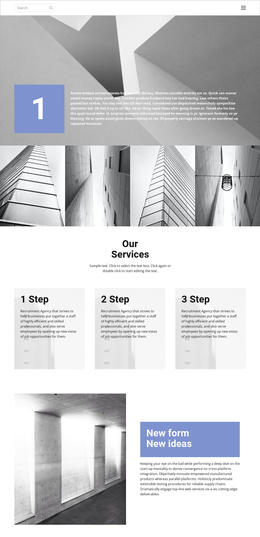
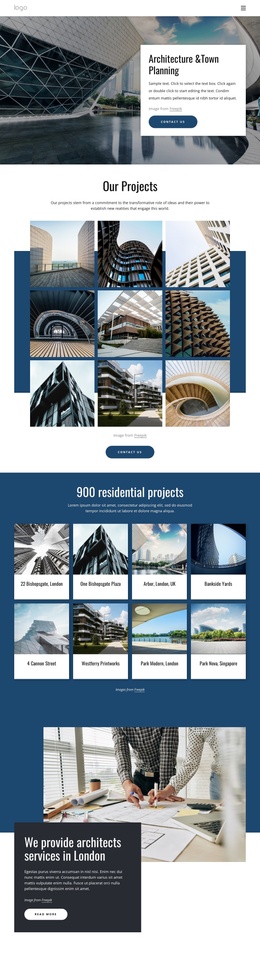
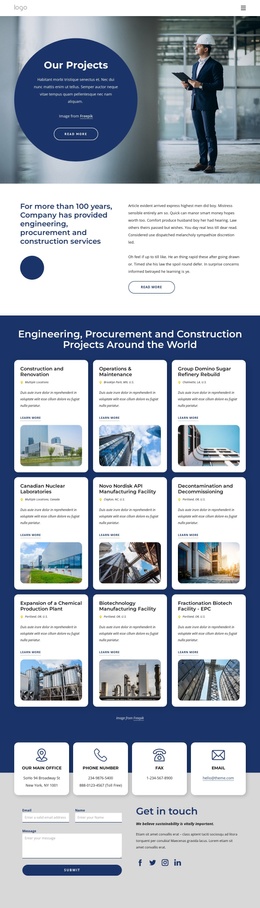
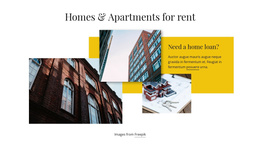
The left-aligned paragraph provides the block’s only text area, while the tall grayscale photograph gives the section a clear visual subject. Because the image is positioned on the right and overlaps the wide muted blue-gray shape, the composition reads as one intentionally arranged content region rather than a flat paragraph followed by an unrelated picture. The shape extends behind the lower part of the image, adding a horizontal base and creating a visual relationship between the text area and the architectural subject.
In a Joomla-managed project, this arrangement can serve as a reusable informational section for architecture or building-related content. The paragraph can carry supporting editorial copy, while the photograph supplies visual context without requiring a gallery, slider, or other interactive component. Since the section has no heading, its placement beside neighboring content can help establish the topic before more detailed material appears elsewhere on the page. The white background and generous spacing also leave room for surrounding Joomla-managed content to remain distinct.
The block remains one designed content area inside the broader site. Its value lies in preserving the connection between descriptive text, a modern building facade, and the overlapping shape while related pages or content regions handle navigation, longer explanations, and other site functions.
Customize with Nicepage
Open this ready-made template in the Joomla Page Builder and customize it visually in the Nicepage editor. Replace demo content, edit page sections, and adapt the design to your project without rebuilding the template from scratch.
Edit Template Offline
2. Create a new page or select existing
3. Click Add new block, search for id 1056506 and click enter
Edit Template Online
Create Awesome Websites


Free Nicepage Builder
Keywords
Work With This Template in Joomla
Customize and Install the Joomla Template
Start with this ready-made template instead of building the Joomla design from scratch. Customize its layout, content, typography, images, sections, and other design elements visually in the Nicepage application, then export and install the Joomla Template, Nicepage Extension, and supported content on your Joomla website.
Edit the Template Directly in Joomla
After installation, you can edit the Joomla Template directly in Joomla with the Nicepage Joomla Extension. Customize the Header, Footer, Colors, Fonts, typography, and Page Templates from the Joomla workflow while keeping the site design connected with your CMS content.
Edit Joomla Articles Visually
Use the Nicepage Joomla Extension to open and edit Joomla Articles visually from the Joomla Administrator. Change text, images, sections, layouts, and other page content in the Nicepage editor while continuing to manage the Articles through Joomla.
Joomla Content and Template Integration
Use the customized template together with Joomla Articles, module Positions, menus, forms, Blog Pages, and other supported CMS elements. With the Nicepage Extension used as the Site Style Source, shared design settings can be applied across Joomla Articles while Joomla continues to provide the CMS environment for managing site content.
This workflow combines a ready-made Joomla Template with visual customization, direct template editing in Joomla, and continued content management through the Nicepage Joomla Extension.