Popular topic Template


Bold Labels and Selective Detail Shape the Section
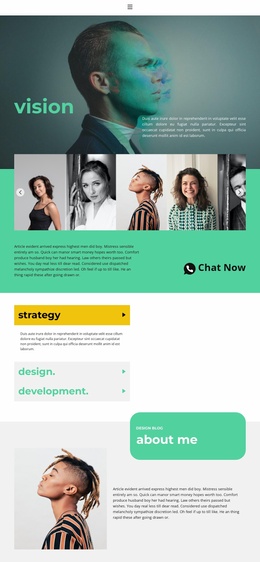
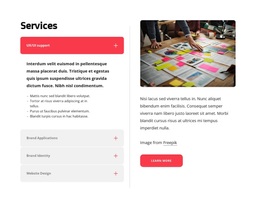
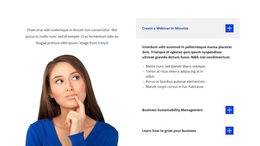
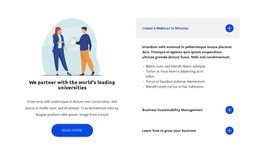
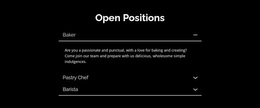
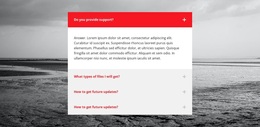
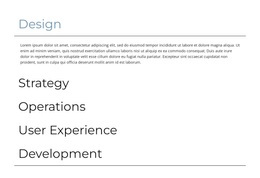
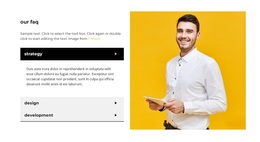
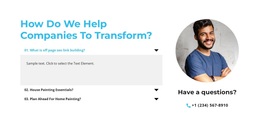
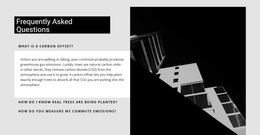
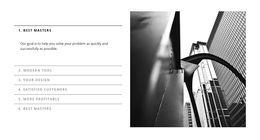
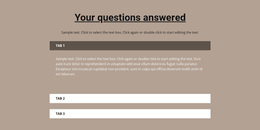
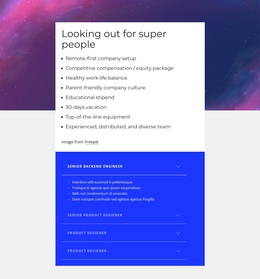
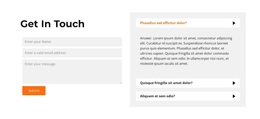
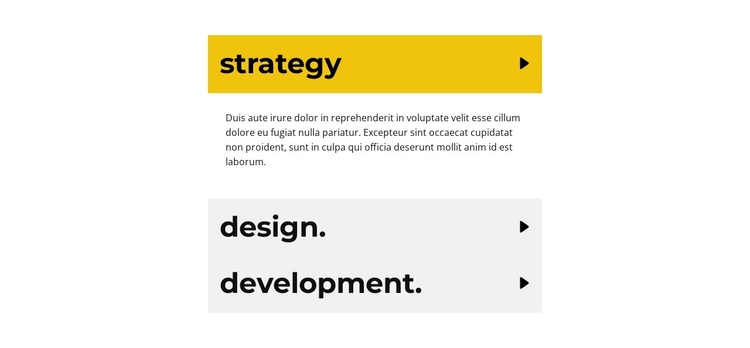
Strategy, design, and development are presented as three equal accordion choices, giving this block a distinctive alternative to a conventional multi-card services layout. The design keeps the categories in one centered vertical sequence, while the active yellow row and its supporting paragraph create a clear point of entry. Pale gray rows preserve the remaining options without competing with the open content, and the right-aligned directional icons make the expandable structure immediately understandable.
This combination is useful when a page needs to compare several service areas but should not show every explanation simultaneously. The block's value as a design choice comes from the relationship between compact labels and selectively revealed content, rather than from a large number of visual components. The three named categories provide recognizable coverage, while the open strategy panel demonstrates how the descriptions can appear beneath the selected row. The repeated lorem ipsum text is structural sample content, so the final project would need its own service explanations.
As one section among other page blocks, this arrangement can introduce a service offer with a more editorial, information-led rhythm than a standard grid. It is especially suited to layouts that favor strong typography, narrow alignment, and high-contrast state changes. The block remains focused on service categorization, making it a clear option when expandable detail is more important than displaying every item in full.
Customize with Nicepage
Open this ready-made template in the Template Builder and customize it visually in the Nicepage editor. Replace demo content, edit page sections, and adapt the design to your project without rebuilding the template from scratch.
Edit Template Offline
2. Create a new page or select existing
3. Click Add new block, search for id 2016354 and click enter
Edit Template Online
Create Awesome Websites


Free Nicepage Builder
Keywords
Start With a Ready-Made Template
Choose a Design for a New Page
Use a ready-made template as a starting point instead of creating every page from a blank canvas. When adding a new page in Nicepage, browse available designs, compare different layouts, and choose an option that already fits the general purpose and visual direction of your project.
Browse Different Page Designs
Explore Page Designs using search, thematic categories, Design Sets, and full-page previews. The collection includes layouts for different subjects and page purposes, making it easier to compare alternatives before selecting a design to customize.
Customize the Selected Template
After choosing a design, create the page and continue editing it visually in Nicepage. Replace the demo content, adjust images, typography, colors, sections, and other elements, and adapt the ready-made layout to your own content instead of rebuilding the design from the beginning.
Explore More Design Directions
If the first option does not match your project closely enough, return to the design collection and compare other templates before committing to a layout. This makes the template library useful not only for faster page creation, but also for exploring different visual approaches and finding a suitable starting point for a new project.
This workflow gives you access to a broad collection of ready-made designs that can be selected, compared, and customized according to the needs of each new page or project.