

React Landing Pages
SaaS founders and React product teams need a direct route from application interest to trial registration or demo requests. A focused landing page connects the software offer, practical benefits, customer evidence, and signup action without unrelated distractions.
-
Free Website Builder SoftwareDownload

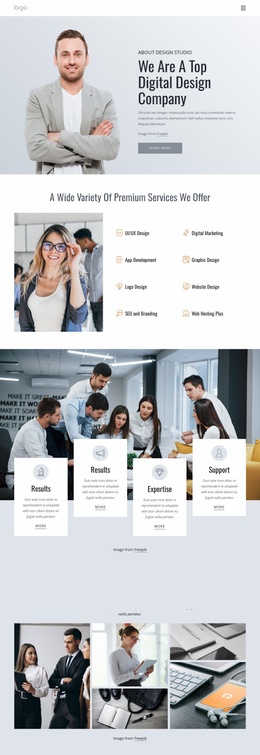
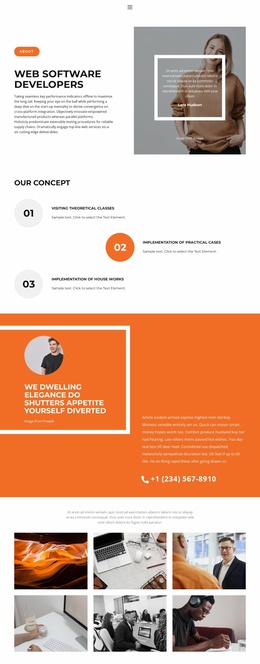
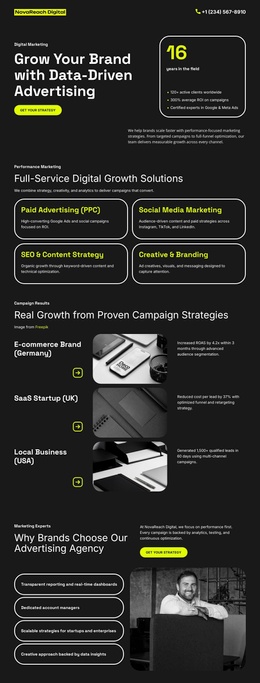

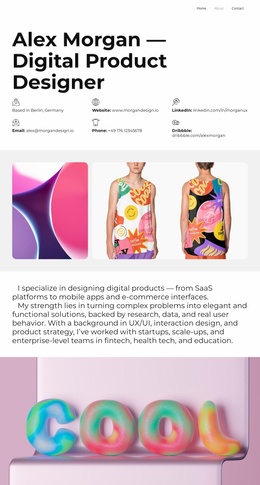
More Landing Pages from Technology Category



Other Technology Landing Pages
React Landing Page Designs for Software Campaigns
A React Landing Page can support an early-access campaign, a software trial, or a product demo request. These goals differ, but each needs a deliberate path from an offer to a meaningful next step. Nicepage supplies visual layouts for presenting React-related software rather than the React application's source code.
Explain a Beta Offer Before Asking for a Signup
Imagine a team preparing a browser-based accessibility checker for frontend developers. Visitors arrive from a launch announcement. They need to know what the tool checks, who can join the beta, and whether joining means immediate access or a place on a waiting list.
Evidence before signup: a short example of a detected accessibility issue is more relevant than a decorative dashboard screenshot. Label sample results accurately and explain the product stage. If support for a specific development workflow is still uncertain, do not present it as confirmed compatibility.
This is one campaign model, not the only use for a React landing page. A React SaaS product presentation may instead show an interface, explain two or three important features, demonstrate a practical benefit, and finish with a Start Free Trial or Request a Demo action. The evidence and form should change with that offer.
Match the CTA and Form to the Commitment
For a beta waiting list, an email-only form may be enough. A demo request can reasonably ask about the visitor's organization or requirements, while a trial registration needs a signup flow appropriate to the product. Do not promise beta updates and then present an unexpected sales questionnaire.
A Nicepage Button Element can direct visitors to a relevant form block or destination. Label the button according to what actually follows: “Join the Beta List” should not lead to a generic consultation form.
Check the submission path: verify that the configured form sends the information correctly and displays an appropriate confirmation. A website form does not automatically register a user inside an external React application.
Helpful secondary links, such as compatibility details or a privacy notice, can remain available when they support the primary goal. The key difference from a general one-page portfolio is the campaign's conversion journey, not whether the page has links or a contact form.