Online school Landing Page



Edit Template Offline
2. Create new page and search for id 3636971
Edit Template Online
Create Awesome Websites


Free Nicepage Builder
Keywords
Course Discovery Moves Toward a Clear Inquiry Point
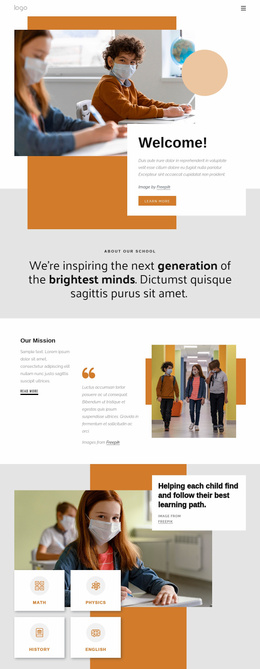
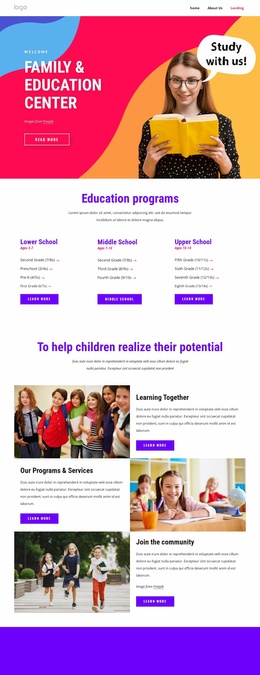
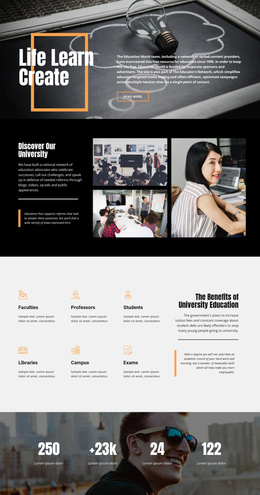
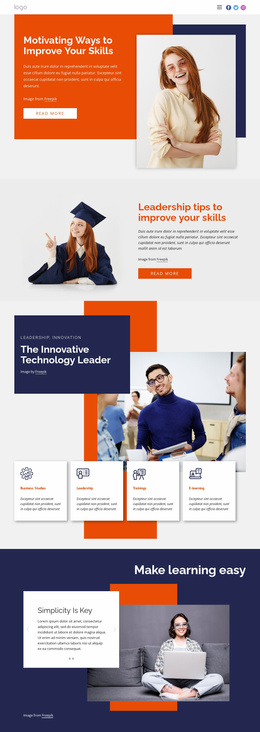
The hero establishes the first response path with an Online School message, introductory copy, a Learn more action, and a large student image. From there, the six numbered categories help visitors identify a subject area, while the three pathway cards organize the next decision around Executive Education, Professional Certificates, and Online degree programs. This sequence moves from broad attention to more specific learning options without requiring the visitor to interpret an unstructured list.
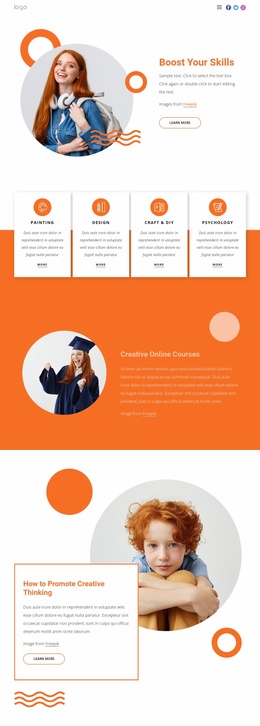
The page then adds reasons to continue: the audience section names Learners, Teachers, and Classes, the free-course cards provide Arts & Humanities, Health & Medicine, and Engineering options, and the four displayed metric tiles create a compact proof-oriented pause. Six testimonial cards extend that reassurance through learner-focused social evidence. These elements support exploration, but they should remain subordinate to the page’s main response path rather than becoming competing destinations.
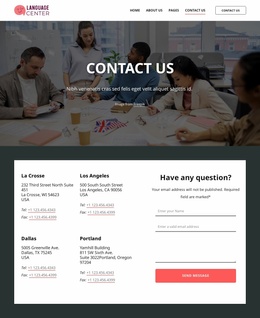
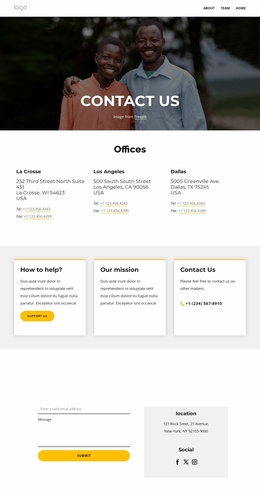
The closing contact area provides the strongest confirmed response point. Its Get in Touch heading, displayed Sydney, Melbourne, and Los Angeles locations, and inquiry form lead naturally to the Submit action. Nicepage’s Contact Form Element can support a form-based implementation, but the template itself should not be treated as proof of any particular submission service. The sample metrics, names, testimonials, and addresses are structural content and require replacement or verification.
Customize with Nicepage
Open this ready-made template in the Landing Page Builder and customize it visually in the Nicepage editor. Replace demo content, edit page sections, and adapt the design to your project without rebuilding the template from scratch.
Build a Landing Page Around One Conversion Goal
Focus on One Primary Action
Use the landing page to guide visitors toward one measurable response, such as requesting a quote, registering, subscribing, booking a consultation, applying for a service, or submitting an inquiry. Keep the primary call-to-action consistent across the important sections so the headline, supporting content, form, and CTA buttons work toward the same campaign goal instead of competing for attention.
Capture Leads With a Form
Use the Contact Form Element to add a contact, subscription, application, or other conversion form directly to the landing page. Customize the form fields, layout, labels, inputs, and button to collect the information required for your campaign while keeping the form focused on the action you want visitors to complete.
Nicepage also provides several form submission options. Form submissions can be sent to Email, stored as Leads, added to Google Sheets, passed to a custom URL or server endpoint, or used to populate a MailChimp mailing list. This provides practical options for collecting inquiries, registrations, subscriptions, applications, and other campaign responses.
Manage Leads and Campaign Responses
When submissions are stored as Leads, you can use Contact Form Leads to review the information collected through the landing page and use it for follow-up. Keep the form connected to the same offer and primary CTA presented throughout the page so visitors move from the campaign message to a clear conversion action.
This workflow makes the template suitable for landing pages where the offer, content, call-to-action, form, and lead collection process work together toward one defined conversion goal.

More from Education Landing Pages
-
Free Website Builder SoftwareDownload