

Library Landing Pages
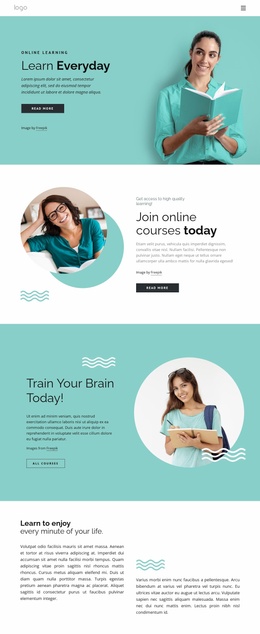
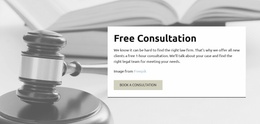
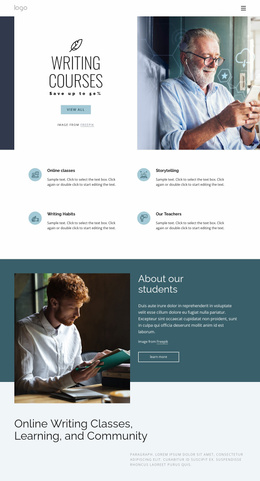
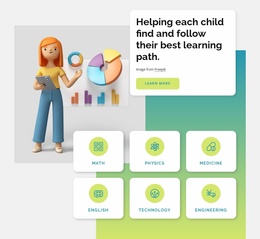
A library workshop, author talk, or seasonal reading challenge deserves a clear invitation. These landing page templates highlight program details, participation benefits, and a direct registration action without unrelated library information.
-
-

-
-
-
-
-
-
-
Free Website Builder SoftwareDownload
-
-
-
-
-
-
-
-
-
-













More Website & HTML Templates for Library




More Landing Pages from Education Category
-
-
-
-
-
Nov 12, 2026
-
-
-
-




Other Education Landing Pages
Simple Library Landing Page Templates for Events and Programs
Give your library's next reading program or community event a clear destination with a dedicated library landing page. For an upcoming author talk, visitors should immediately see who is speaking, what the discussion covers, and how to request a place. The same single-purpose format can serve other campaigns, but each page should direct attention toward one meaningful action.
Present One Library Program With a Clear Purpose
An effective library landing page begins with a specific invitation. For an author talk, that invitation might name the guest writer, introduce the book being discussed, and state whether attendees can ask questions afterward.
The opening section should communicate the program name, intended audience, date, location, and main benefit. A visible call to action, such as "Register for the Author Talk" or "Request a Seat," gives interested visitors an immediate direction.
Supporting information should answer practical questions rather than repeat promotional messages. Participation fees, age requirements, event duration, accessibility details, and available places may all influence a visitor's decision. For a seasonal reading challenge, the equivalent page could explain eligible ages and how families sign up; its main action would be joining the program rather than requesting a seat at a talk.
Guide Visitors From Interest to Registration
Once a program captures attention, the remaining sections should remove uncertainty and make registration straightforward.
For an author talk, the page can introduce the speaker, outline the discussion and Q&A, explain venue accessibility, and then present a concise registration form. The form should request only the information necessary for the library to process the application.
Nicepage offers a Contact Form Element with adjustable fields, labels, and submission options. A library can use this element to collect participation inquiries and receive submissions through a configured destination.
For the author talk, the form may request the attendee's name, contact email, and preferred session if multiple times are offered. If a separate event management system controls attendance, the main CTA can instead direct visitors to that registration service.
Make the Primary Action Easy to Recognize
The registration section should follow the information a visitor needs to decide: speaker, date, venue, access requirements, and remaining places if known. On a longer page, a second link to the same form can appear after these details.
Use direct, specific wording. "Reserve a Seat" communicates a different commitment from "Request Program Details." The button label should accurately describe what happens after selection.
Support Participation With Focused Information
Before publication, check whether the landing page answers the questions that could prevent a visitor from registering. Make the date, eligibility requirements, location, expected activities, and contact information clear.
After submission, a message might say: "We received your request for the author talk. We will email you separately to confirm your place." When seats are limited, don't claim a seat is reserved unless the registration system confirms it.
Choose a library landing page template around its specific conversion goal. An author talk may invite visitors to request a seat, while a reading challenge calls for program sign-up; in either case, the page should support that single action without distracting visitors with unrelated services.