
High School HTML5 Templates
Semantic HTML5 gives school announcements, academic information, policies, and event content clearer structural roles. A standards-based hierarchy also helps those sections stay understandable as the page adapts to different screens.





















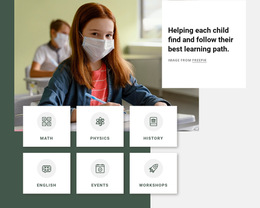




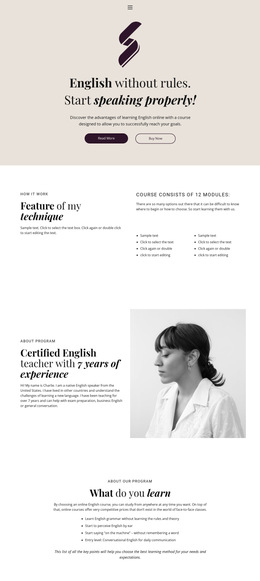












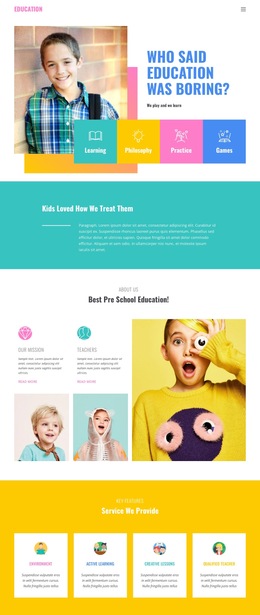






































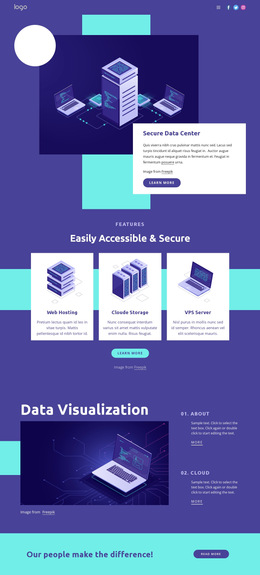

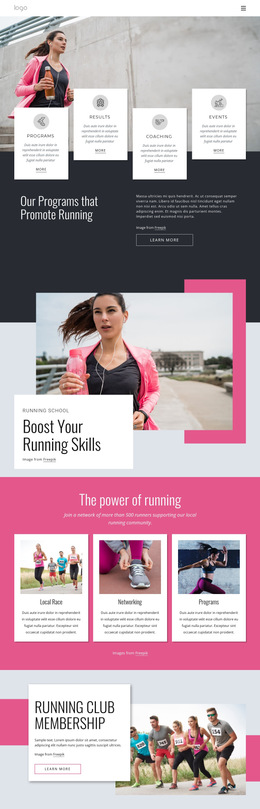
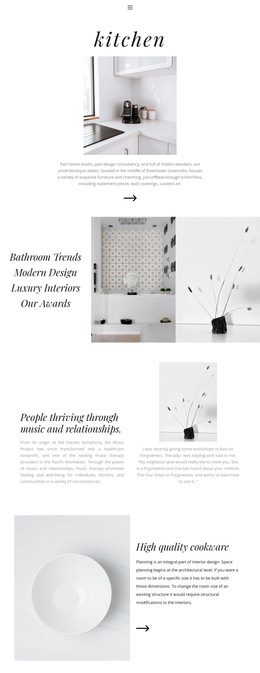





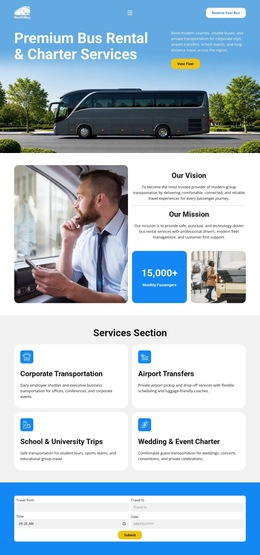











Other Education HTML5 Templates
High School HTML5 Template Worth the Label
"HTML5" sits on almost every school template sold today, and on many of them, it means little more than a recent build date. A High School HTML5 Template deserves the name when the code underneath is organized: announcements live in elements that say what they are, a bell schedule avoids being one long run of unnamed containers, and the document still validates after real school content goes in.
Semantic Elements Worth Looking For
Vendors rarely publish their code, so the demo source is the fastest way to judge a product. A few things are worth confirming before committing to one:
- distinct "header," "nav," and "footer" regions instead of generic containers named after their position;
- one "main" region per screen, holding the academic content that the screen exists for;
- "article" blocks for items that stand on their own, such as a graduation notice or a fixture change;
- valid markup that survives your own text, images, and inquiry forms.
Native media handling belongs on the same list. Schools post assembly recordings and match highlights more often than they expect, and the current elements save you from bolting a player onto the template later.
How Announcements Differ From Standing Policy
A school publishes two kinds of things at once. A snow day notice, a fixture change, or an enrollment deadline lasts for a week. The student handbook, the attendance rules, and the department descriptions stay for years. Semantic structure keeps that difference visible in the code, so whoever edits in February can tell at a glance which block is temporary. School material that benefits from a structural role of its own:
- dated announcements that appear and disappear throughout the term;
- long policy documents split into sections that can be linked directly;
- exam timetables that have to stay readable as separate units.
When the layout shifts on a narrow screen, the link between a heading and the content beneath it should be preserved. Losing it is how a policy paragraph ends up reading like part of the notice above it.
Modern Tags Alone Prove Nothing
Current elements will not rescue a template whose screens assume a language academy or a university department. They will not lift rankings on their own, whatever the listing implies; the payoff shows up in maintenance and accessibility work months later. Check the code quality first, then confirm that the structure underneath actually fits the high school it will carry.