
Calendar Date HTML5 Templates
-
-

-
-
-
-
-
Free Website Builder SoftwareDownload
-
-
-
-
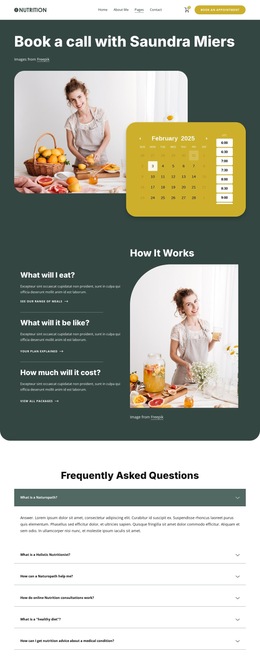
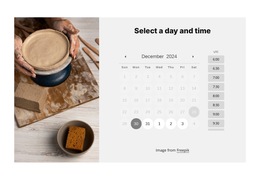
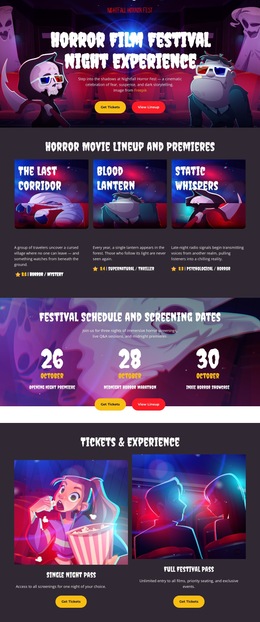
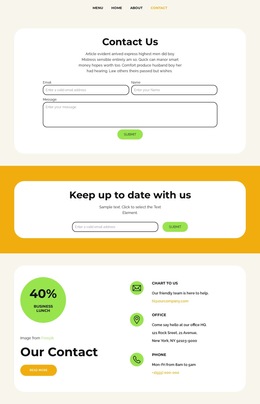
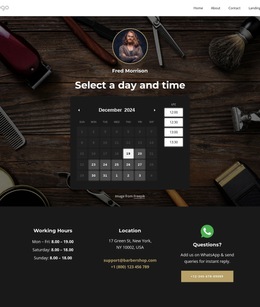

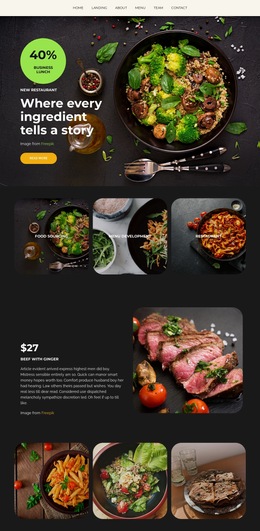

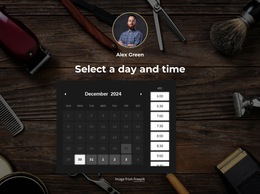
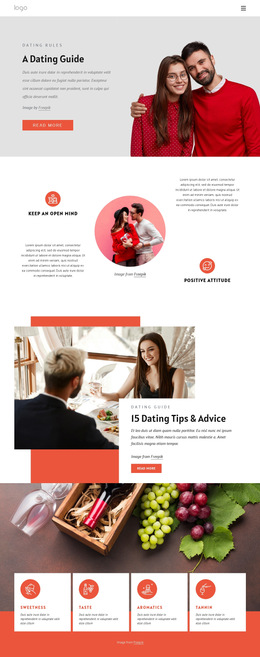
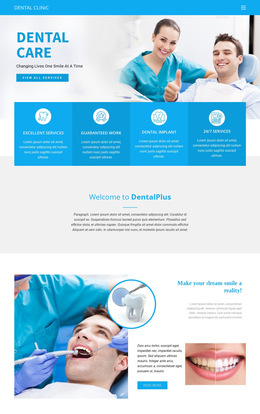

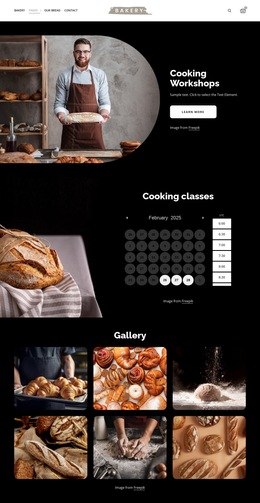
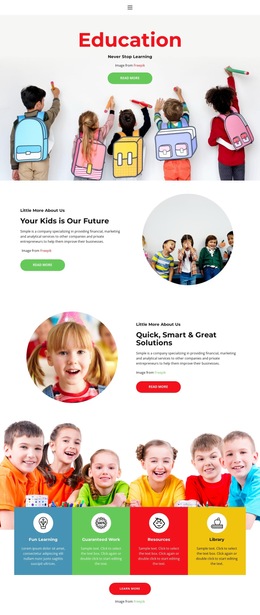
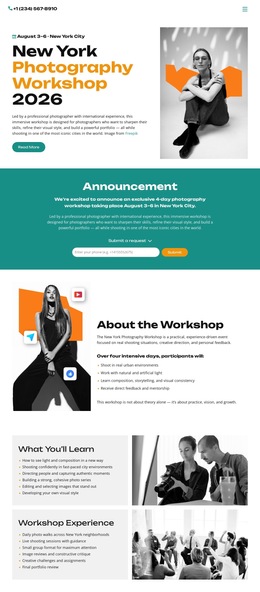

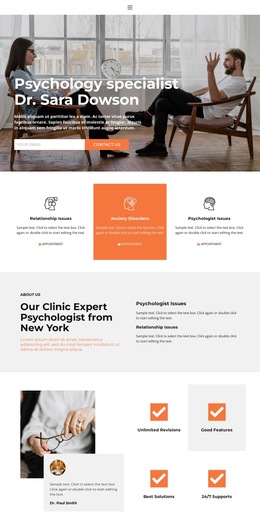
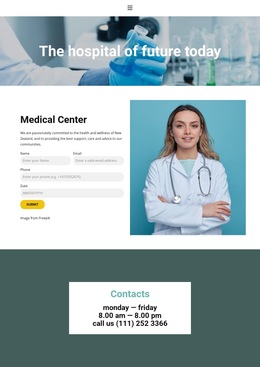
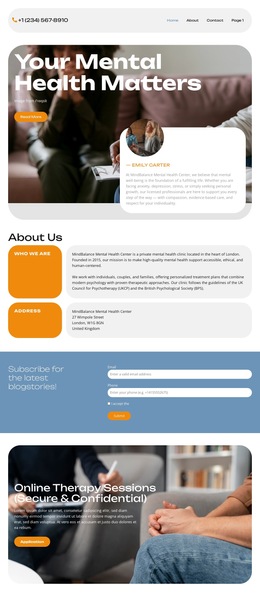
More Website & HTML Templates for Calendar Date




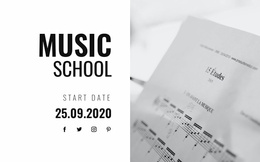

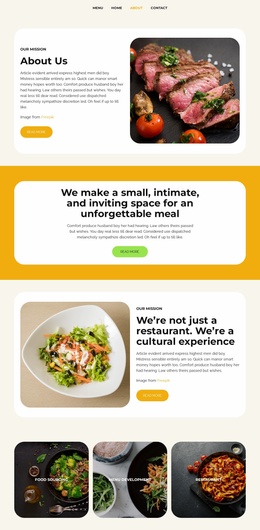



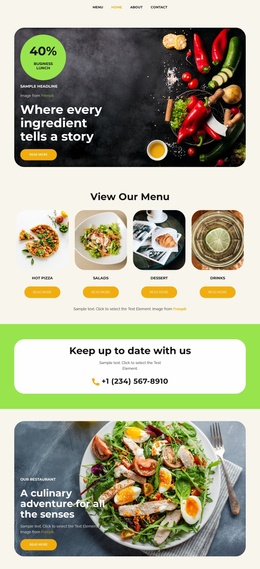
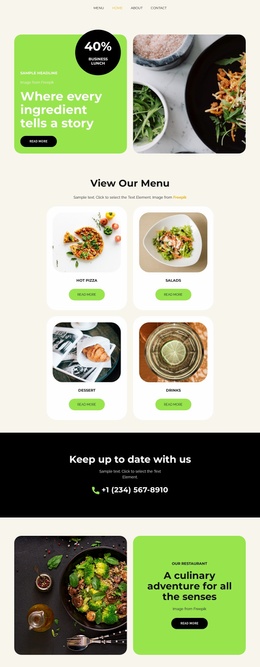

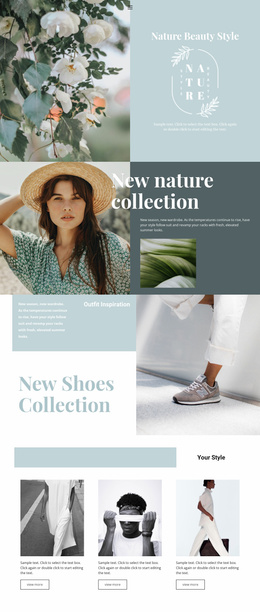
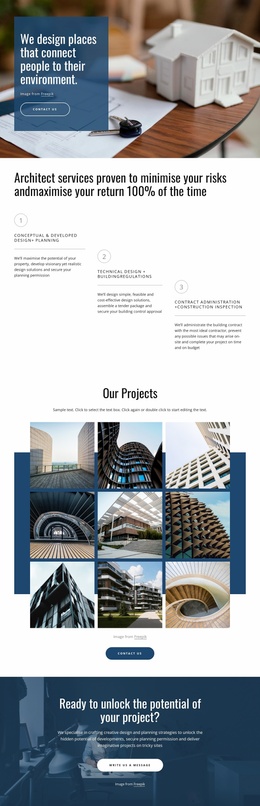



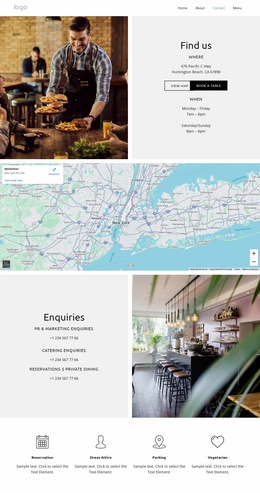
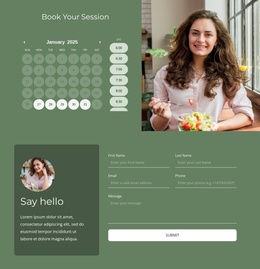
More HTML5 Templates from Calendar & Booking Category
Other Calendar & Booking HTML5 Templates
Build Modern Schedule Pages With A Calendar Date HTML5 Template
Today’s sites need clear, quick date displays. People look up event times, booking slots, deadlines, or schedules. Confusion can make them miss key details, so clarity is vital. Calendar date HTML5 templates help organize this kind of time-based content in a cleaner and much more practical way. After all, people usually visit schedule-focused pages with one simple goal. They want to know what happens, when it happens, and what they should do next.
HTML5 supports a long list of practical use cases. A music school may use them to organize lesson schedules, recital dates, and enrollment periods. Local tourism platforms can also benefit from these solutions because seasonal tours, attraction hours, and booking dates need to be easy to find. And the result will feel much more useful because visitors can act based on the date or time without having to search through unrelated pages.
HTML5 became the recommended standard in 2014. But it was actually released in 2008. The years in between involved a lot of gradual adoption.
Hypertext Markup for Date-Focused Portals
HTML5 offers plenty of ways to make your scheduling services much more interactive and dynamic. Moreover, it improves performance and adapts well to various screen sizes.
Let’s explore what this format offers:
- Well-made layouts for various calendar info.
- Lightning-fast loading speed.
- Contemporary booking pages now feature really universal sections.
- Native multimedia support.
- Improved cross-browsing compatibility.
Better Planning Tools for Schedule-Based Sites
These solutions make the development process easier. Most of the design work is done here, so adding content and polishing the functions can now become the main priorities.
Admins get a boost, too. They can now easily publish schedule changes, deadline updates, and announcements. And they can do it much faster than before. Moreover, the resulting site looks contemporary. The approach really helps organizations keep their info current, and they don't have to stress over each update feeling huge.
Finally, there are plenty of things that the users will enjoy, too. For example, quick loading times make the overall experience much more pleasant. The resulting sites will render well on mobile screens, which is useful as well. Multimedia support and interactive elements improve UX.
Create Schedule Pages That Feel Up-To-Date With HTML5
Want to make dates and schedules easier to read? Try using calendar date HTML5 templates. Nicepage provides layouts for event organizers, schools, studios, service providers, and booking platforms needing clearer date presentation. Check out the collection and make pages that help visitors easily see what events happen and when. No unnecessary effort required.