

Calendar HTML5 Templates
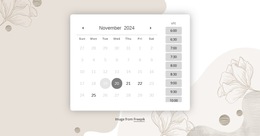
An HTML5 calendar template gives you a starting layout for a modern schedule page, whether you are highlighting upcoming events or showing dates in a monthly view. Compare presentation formats and identify any extra interactive features your site needs.
-
-

-
-
-
-
-
-
Free Website Builder SoftwareDownload
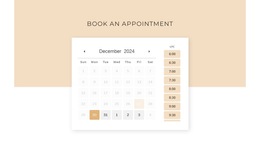
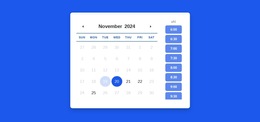
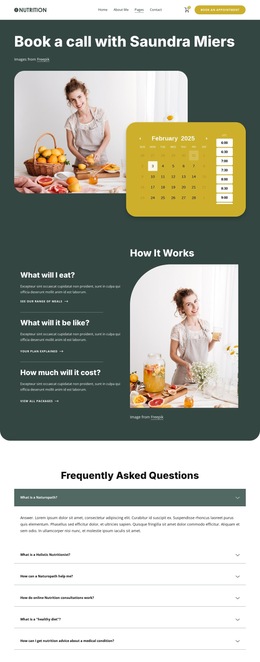
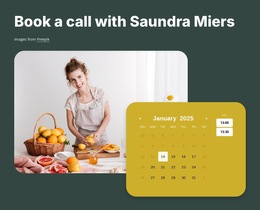
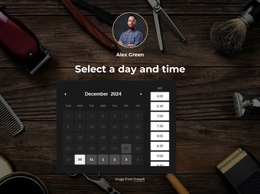

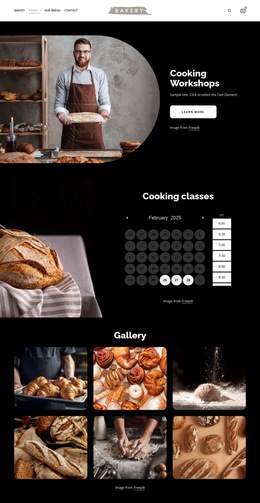
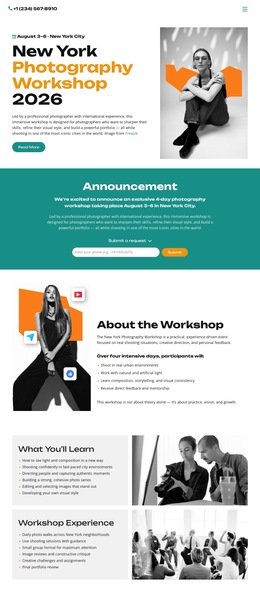
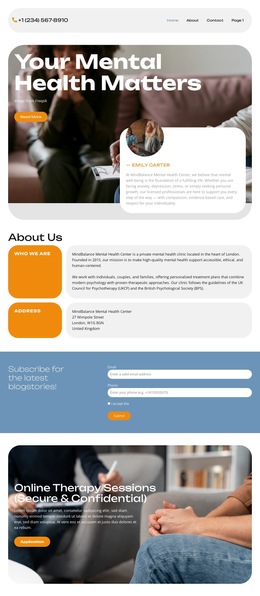
More Website & HTML Templates for Calendar
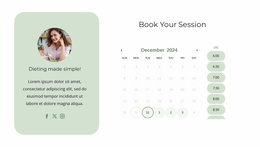
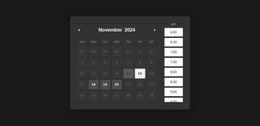

More HTML5 Templates from Calendar & Booking Category
Other Calendar & Booking HTML5 Templates
Professional Calendar HTML5 Template for Modern Event Pages
An HTML5 calendar template offers a starting point for a modern schedule page that keeps dates, event descriptions, and related sections connected. Instead of relying on a decorative month grid alone, look for a page with clear date headings, structured entries, and space for useful event information. For a local workshop series, each session can show its date, start time, and description in a consistent order. That organization should stay clear when the page shifts from desktop columns to a vertical mobile view.
Modern HTML5 Calendar Page Formats
Depending on the available collection, useful formats to look for include:
- Structured Schedule Sections: Group dates and activities under meaningful headings instead of placing all details in one grid.
- Responsive Event Entries: Keep the date, time, and description together when columns stack on a phone.
- Date-Navigation Page: Position a calendar overview beside a chronological list, with interactive behavior implemented separately.
- Recurring Program Page: Present sessions in a consistent sequence that can be updated as new dates are announced.
These formats illustrate different ways to organize schedule content; individual templates may provide only some of them. A recurring program may benefit from uniform entries, whereas an occasional event needs more room for its description and location.
Visual Structure and Responsive HTML5 Design
Modern HTML5 pages can combine a clear content hierarchy with flexible sections that adapt to different screen sizes. A schedule might show date navigation beside activity descriptions on desktop, then place these parts in a readable vertical sequence on mobile. Date labels should stay associated with the correct entries rather than relying on visual position alone.
Semantic HTML5 elements add a useful layer beneath that presentation: <section> can group related schedule entries, while <time> can identify a machine-readable date or start time. Consistent headings and event details support a logical reading order for visitors, including those using assistive technologies. These elements do not automatically make an interactive calendar accessible, so keyboard controls and date selection still require appropriate implementation and checks.
Adapting an HTML5 Calendar Page
A suitable page makes the relationship between dates and their details obvious. Examine date navigation, entry summaries, and related links, then check whether that relationship survives the mobile arrangement. A polished visual design doesn't guarantee an accessible interactive calendar; you still need to test keyboard behavior when dates are clickable.
If your preferred layout needs a specialized component, Nicepage offers an HTML Element to add custom content. That option is useful after selecting a design, but it shouldn't replace searching for a template that already fits your page. Extra features, such as reservations or filters, need their own implementation.
Choose an HTML5 calendar page that keeps dates, start times, event details, and responsive sections in a consistent order. That structure makes the schedule easier to read and maintain; filters, reservations, and other interactive tools can be assessed separately.