

Shopping Cart HTML5 Templates
A shopping cart needs more than a list of purchased items. HTML5 layouts give product details, editable quantities, and order actions meaningful places in the page structure, helping retailers prepare understandable cart interfaces for desktop and mobile visitors.







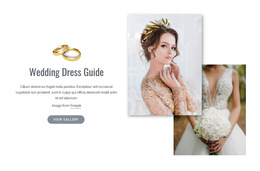




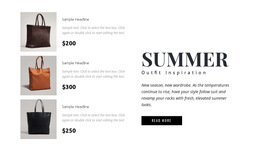









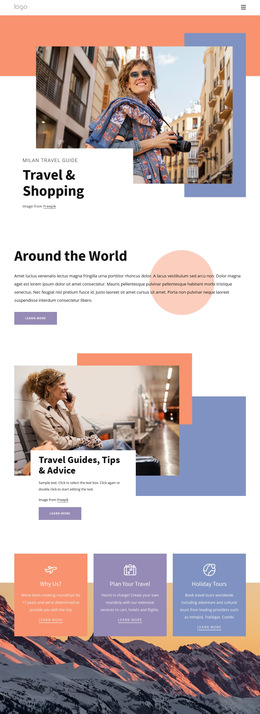





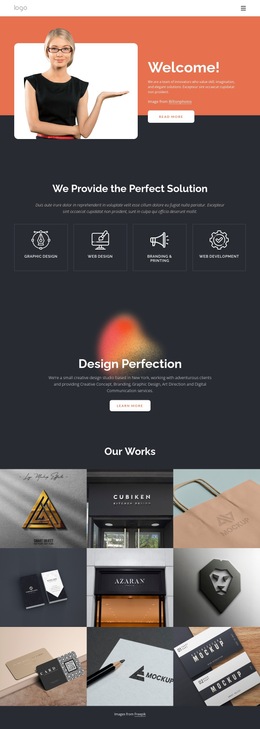








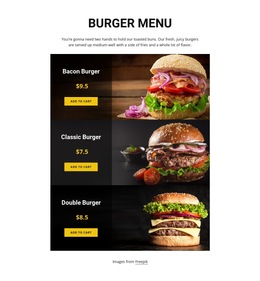

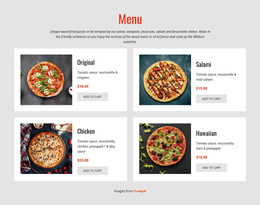






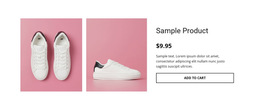

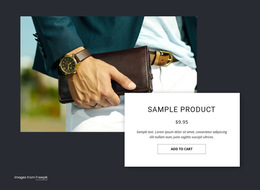



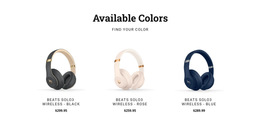
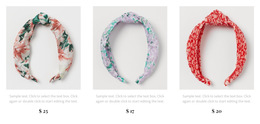




More Website & HTML Templates for Shopping Cart



























Other Shop Page HTML5 Templates
Shopping Cart HTML5 Template With Semantic Markup and Accessible Controls
When selecting a shopping cart HTML5 template, inspect the complete ready-made structure: are products grouped coherently, is the order summary easy to locate, and can controls be identified without relying on their visual position? Native form elements, clear labels, and room for error messages are useful signs of a maintainable cart layout. Modern HTML templates generally use HTML5 already, so the value here is a closer look at the quality of the delivered markup, not a claim that HTML5 is a separate ecommerce technology.
Semantic HTML5 Structure for Shopping Cart Content
Start with a meaningful document structure: a main content region, a titled product collection, and an order summary grouped separately. Within each product entry, a numeric quantity input can use type="number", a suitable minimum, and a label such as “Quantity for blue linen shirt.” Native constraints express expected values, but the application must still validate submitted changes.
Group each product with its own relevant controls. Real <button> elements should trigger actions; a styled link should not masquerade as a quantity button. If the cart uses a table, column headers must identify the values they describe. These choices make the interface easier to navigate without depending on visual alignment alone.
Check that the template provides identifiable removal actions, visible focus states, and an understandable order of controls. A dynamic total update may need an accessible status message, but that behavior must be implemented by the application rather than assumed from the static HTML5 page.
Product Information and Cart States
A template preview with only a populated order may conceal missing message areas. Check whether the layout can accommodate these four states:
- Empty cart: Show a meaningful message and a working route back to shopping rather than an unexplained blank area.
- Invalid quantity: Associate a specific error with the relevant input; color alone is not an adequate explanation.
- Unavailable product: Identify the affected item and explain what the shopper can do next without hiding essential order information.
- Updated total: After a quantity change, expose the revised amount and an accessible status message while keeping focus predictable.
The template can provide appropriate markup and message locations for these states; JavaScript or server-side ecommerce logic must detect the conditions, change the displayed content, and announce dynamic updates where needed. Disabled controls and estimated delivery charges also require understandable labels.
HTML5 Cart Templates in Ecommerce Projects
For HTML storefronts, Nicepage offers E-Commerce In HTML options to configure product content and export the website with the required assets.
A visual HTML5 cart layout and a functional shopping cart are not necessarily the same thing. Product persistence, quantity calculations, and payment processing require the appropriate e-commerce functionality. Nicepage's dedicated Shopping Cart Page Template is intended for WordPress and Joomla, not standalone HTML websites.
On small screens, preserve a logical reading and focus order even if CSS changes where the summary appears visually. Visual rearrangement must not make the spoken or keyboard sequence confusing.
Choose the template whose product groups, labeled controls, summary, and message areas remain understandable with realistic content. Then verify the actual cart behavior in the intended e-commerce implementation.