

Recipe HTML5 Templates
Techniques such as pastry folding or chocolate tempering are easier to explain through demonstrations. An HTML5 recipe template provides a foundation for combining written culinary instructions, instructional photographs, and cooking videos.
-

-
-
-
-
-
-
Free Website Builder SoftwareDownload
-
-
-
-
-
-
-
-
-
-
-






More Website & HTML Templates for Recipe










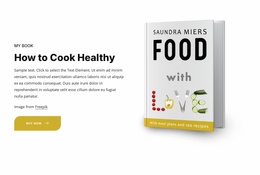
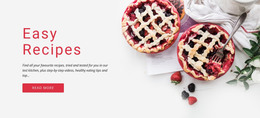
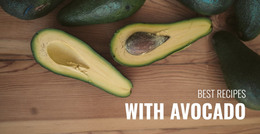








More HTML5 Templates from Food & Restaurant Category

Other Food & Restaurant HTML5 Templates
Clean Recipe HTML5 Templates
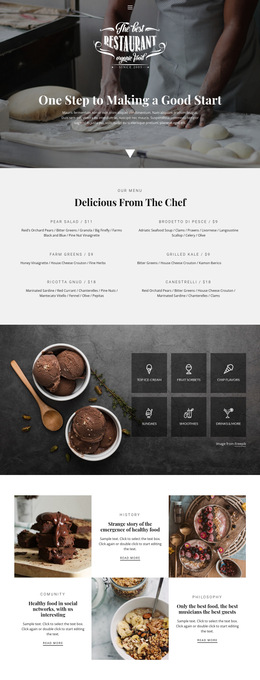
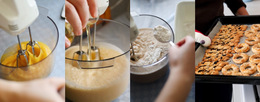
Showing the right batter texture or the movement involved in folding dumplings can make a cooking lesson much clearer. Recipe HTML5 templates offer modern web layouts for illustrated culinary guides and video-led demonstrations. Base your selection on the visual material you have, whether it consists of a few carefully chosen photographs or a complete filmed cooking lesson.
Modern Layouts for Illustrated Cooking Guides
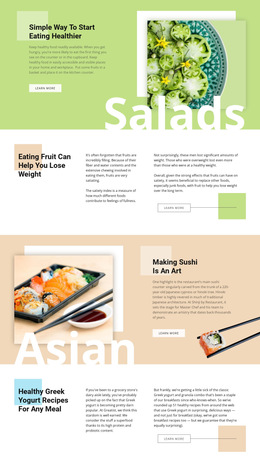
A bread-making guide might show dough immediately after mixing, during proofing, and just before baking. The arrangement of these photographs matters: readers should be able to distinguish consecutive stages without losing their place in the recipe.
Useful photographic compositions include:
- A vertical sequence of equally sized images for chronological preparation stages.
- Side-by-side photographs for contrasting the appearance of dough before and after proofing.
- Alternating image and caption panels for longer illustrated instructions.
- Close-up photographs interspersed with wider views of the work surface.
In the template preview, check whether the image proportions suit your original photographs. A narrow portrait crop may hide the edges of a baking tray, while a wider frame can preserve the entire preparation scene.
Multimedia for Cooking Demonstrations
Video placement changes the way a reader approaches a cooking lesson. A filmed lesson on fish filleting may deserve the central position on a page, whereas a brief demonstration of a single knife movement may work better inside the relevant instruction.
HTML5 cooking templates are worth evaluating for these video arrangements:
- A prominent player near the top of the page for a complete filmed lesson.
- An inline player positioned directly within a preparation stage.
- Several separate player areas for a series of short technique demonstrations.
- A video column beside a concise explanation of the procedure.
- A dedicated demonstration section beneath the main recipe for optional viewing.
These arrangements are selection criteria, not features guaranteed in every template. The Nicepage Video Element lets you include a cooking demonstration in your selected layout.
Choose Between Video-Led and Photo-Led Designs
Let the teaching purpose determine the format. If understanding depends on movement, rhythm, or the order of uninterrupted actions, a filmed demonstration may be the stronger resource. If readers mainly need to identify the correct appearance at a particular stage, still images offer a handy reference that does not require pausing playback.
Production resources matter too. Regular video lessons require filming and editing, while a photo-led publication may be easier to update when individual instructions change. Consider whether your audience is likely to watch an entire lesson or consult a quick reference while cooking.
The most convincing HTML5 recipe template fits both your instructional material and your publishing routine. There is little value in choosing a media-heavy layout if you cannot maintain content quality over time.