
Real Estate Agent HTML5 Templates
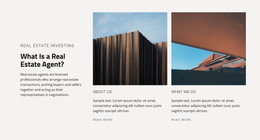
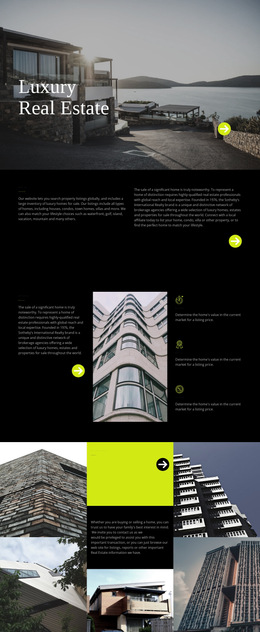
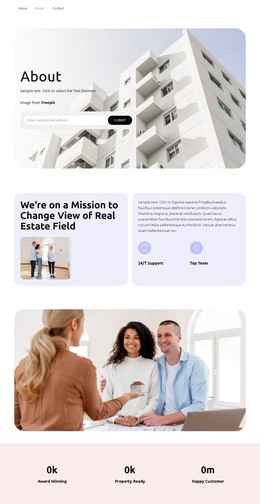
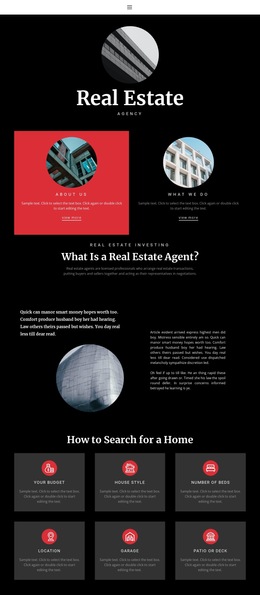
Independent agents need to show more than property photos. An HTML5 foundation can separate listings, professional credentials, local expertise, location details, and contact actions into clear sections that support both property research and direct inquiries.









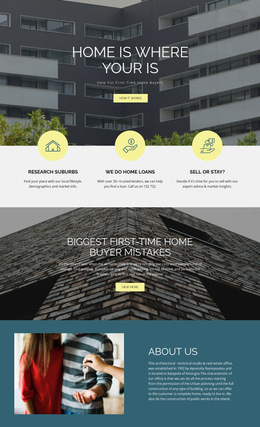
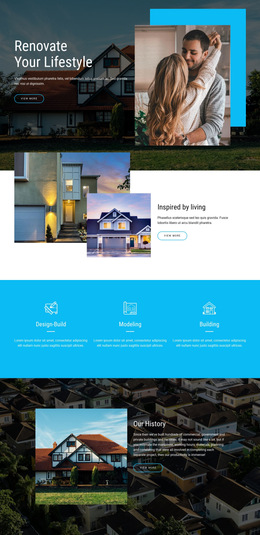



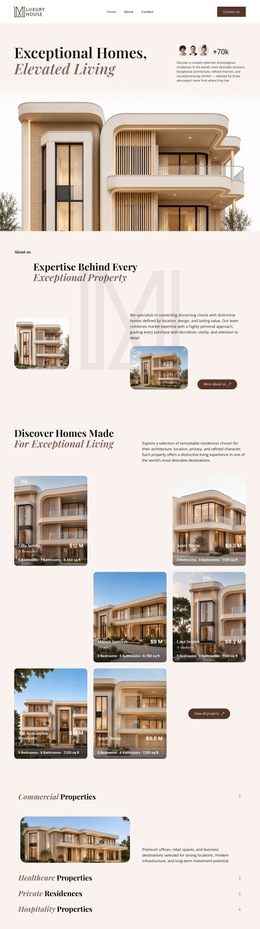


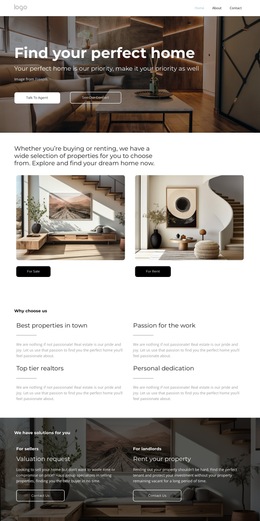







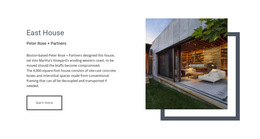
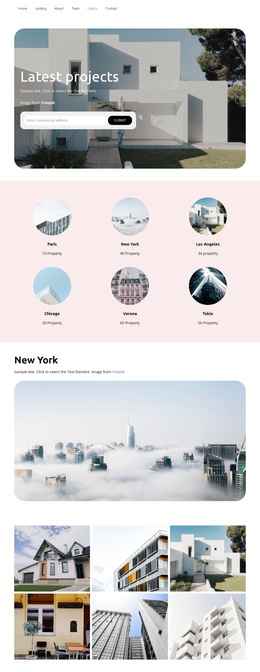

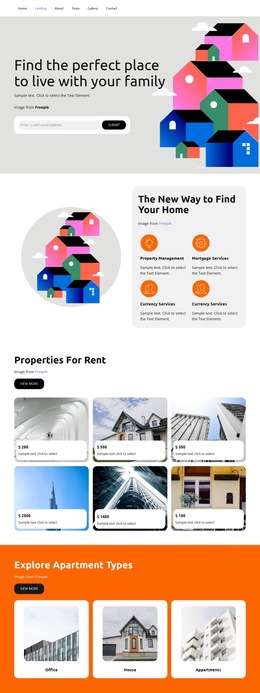

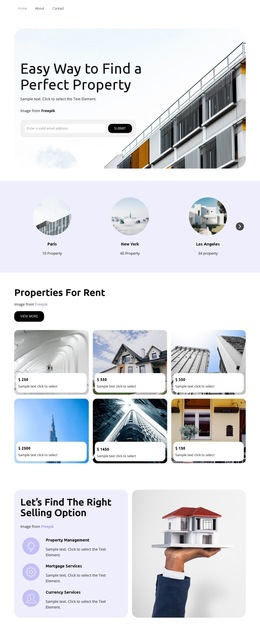




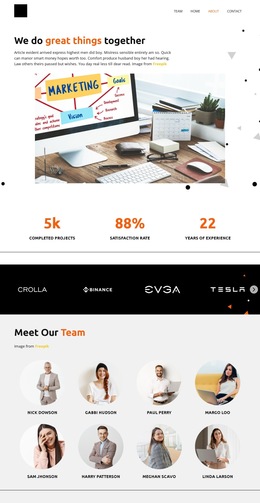





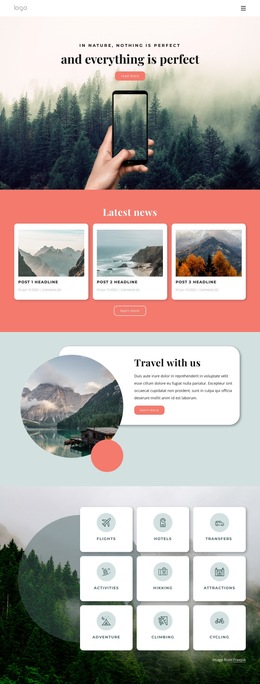



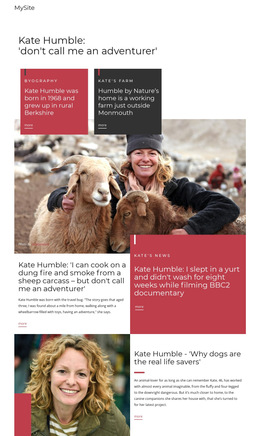









































Other Real Estate HTML5 Templates
Professional Real Estate Agent HTML5 Template
Real estate templates look alike in screenshots, but the differences show up once a buyer opens one on a phone or through a screen reader. A real estate agent HTML5 template is best judged by its implementation: markup that describes each listing, photos that adapt to the screen, and forms browsers understand natively.
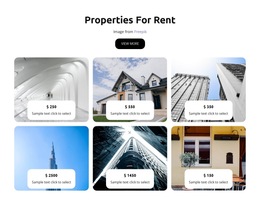
Semantic Markup Behind Each Property Card
A well-built template wraps each listing card in an "article" element, marking it as a self-contained record. A carefully coded card handles these details:
- the address as the card's own heading;
- beds, baths, and square footage in a description list;
- a For Sale, Pending, or Sold status written in words, never shown by color alone;
- an open house date marked up with a "time" element.
Nicepage supports this repeated-content pattern through the Grid Repeater Element. One repeated structure keeps every card in the same markup and reading order.
Landmarks such as "header", "main", and "footer" let screen reader users skip the menu. On a detail view, the address works best as the top heading above features, neighborhood notes, and the agent block. A quick screen-reader pass shows whether price, address, and status appear in a sensible order.
Responsive Photos, Video Tours, and Maps
Galleries are heavy, and buyers often browse them on cellular data. The "picture" element and size hints let a phone load a lighter version of the same kitchen shot, and lazy loading delays photos further down. Declared width and height keep cards from jumping as images arrive. Photos need alt text that names the room, and gallery arrows need accessible names, or a screen reader announces only "button."
A walkthrough tour in the native "video" element needs controls and captions, and an embedded map needs a descriptive title for assistive tools.
How Showing Requests Behave Across Browsers
Viewing requests and search filters gain the most from HTML5 forms. Email and phone fields bring up the matching keyboard, and autocomplete values let a buyer fill in saved details in a tap. Native validation catches an empty name or an email without an @ sign before the request reaches the agent. Search filters need visible labels, with property types grouped in a "fieldset" that has a "legend" naming the group. Keyboard focus should stay visible from gallery arrows to the submit button. The date picker for viewing differs across browsers, so test it on both a phone and a laptop.
The real estate agent HTML5 template worth choosing keeps semantic structure, responsive media, and accessible forms intact once you replace the demo homes with your own listings. A clean validator report and consistent behavior across major browsers complete the check.