
Birthday Website Builder
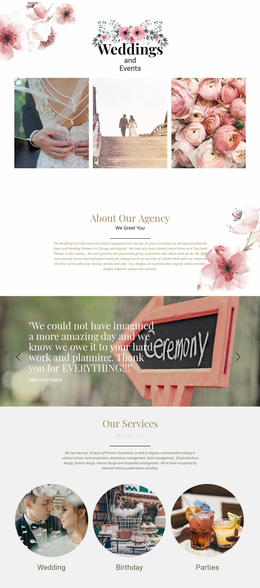
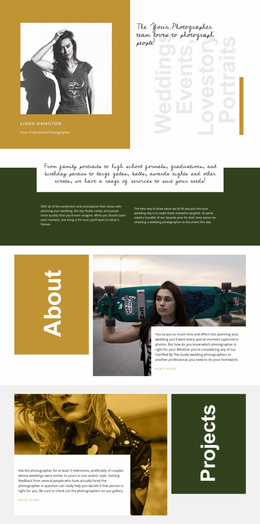
A birthday website should reflect the guest of honor without requiring technical setup. Use a visual builder to combine personal greetings, celebration photographs, party schedules, and directions into a site you can preview and share with guests.

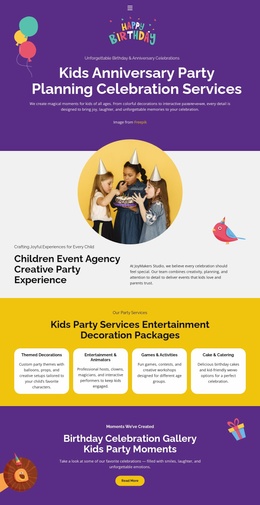
More Website & HTML Templates for Birthday
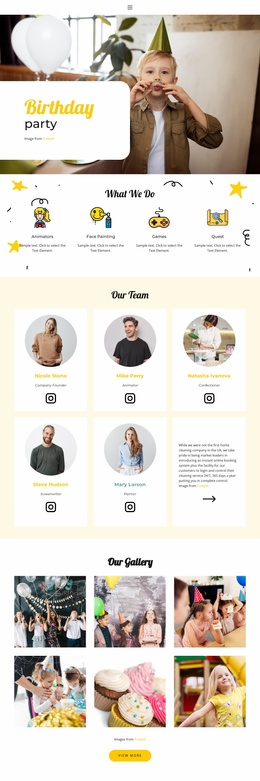


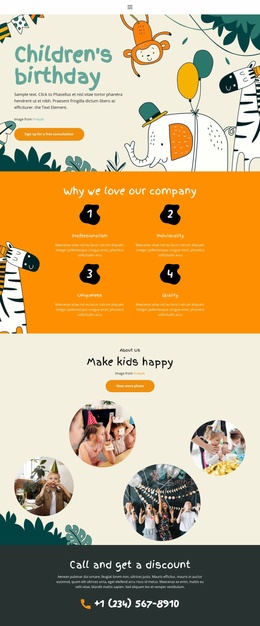










More Website Builder from Music & Entertainment Category




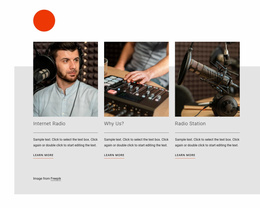
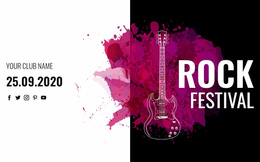
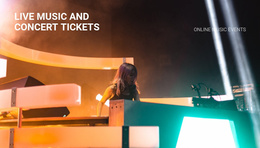
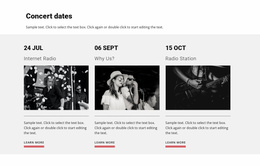









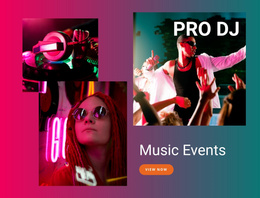
Other Music & Entertainment Website Builder
No-Code Birthday Website Builder for Personal Celebrations
Suppose you want to surprise a friend with a small website full of photographs and a message they can revisit. A birthday website builder lets you put that gift together visually, even if you have never written code. You can start with a design, add your own text and images, check the phone layout, and publish a page to share on the birthday itself.
Simple Steps to Build a Birthday Website
A visual builder makes website creation manageable by dividing the work into practical tasks. Instead of building every section manually, organizers can start with a predesigned layout and add the content their celebration needs.
Nicepage provides a visual website builder with ready-made blocks and publishing options. You can add pages, blocks, and elements to assemble a birthday gallery, greeting, or invitation without writing code.
A simple project can be completed in three stages:
Choose the look: Open a suitable design and add ready-made blocks only where they serve your idea. A digital gift may need a message and a photo timeline rather than event logistics.
Make it personal: Replace sample content, drag blocks into a new order, adjust images and typography, and refine spacing or section layouts for smaller screens in the visual editor.
Check and publish: Review desktop and mobile views, then use the available publishing workflow to share the result.
The builder is useful precisely because you can make these choices as you go, without turning the project into a development task.
Customize and Publish Without Coding
A birthday party website maker should make content changes straightforward. If the venue changes or a new activity is added, the organizer can return to the visual editor and update the relevant section.
Adapt the Site to Your Celebration
A personal birthday gift could take the form of a small photo timeline with notes from friends. For an actual party, you could instead assemble a greeting, a venue block, a short schedule, and guest instructions. The editor allows either direction without requiring the same page arrangement for every birthday.
Ready-made blocks let you extend the page when you need to add more information. The editor's property controls also allow users to modify the appearance of individual elements without manually editing stylesheets.
Before publication, check how the birthday site appears on desktop, tablet, and phone screens. Verify that the greeting is readable, images fit their sections, and essential event details remain accessible.
Nicepage lets you preview and publish websites through its builder workflow. Once the site is ready, the organizer can share its address with guests.
Start with the smallest version that expresses your idea. You can add another ready-made block if a new photograph or message deserves its own space; you do not need to fill every available section.