Modal Popup Website Builder
-
-

-
-
-
-
-
-
-
-
-
Build Website with no CodingDownload
-
-
-
-
-
-
-
-
-
-
-
-
-
-
-
-
-
-
-
-
-
-
-
-
-
-
-
-
-


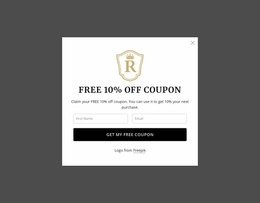
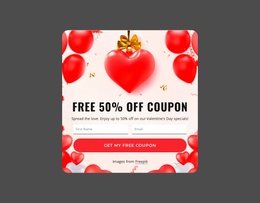
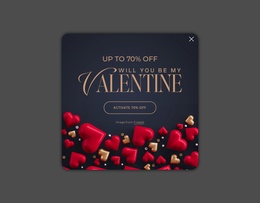
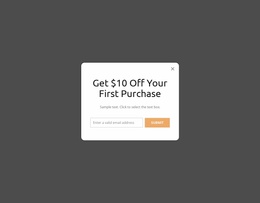
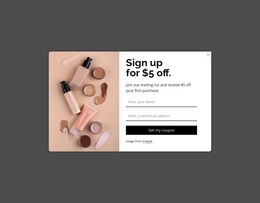

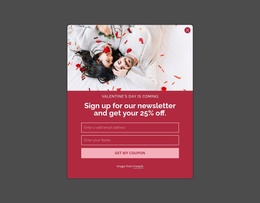

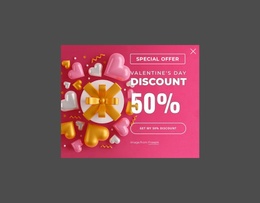
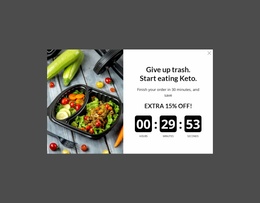

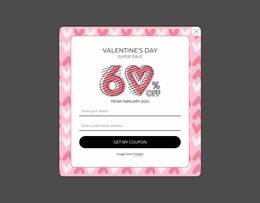
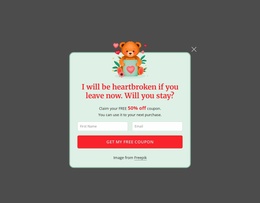
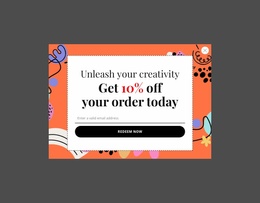
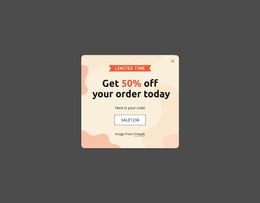
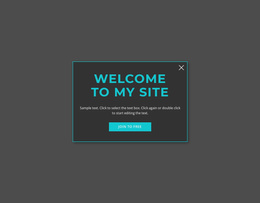
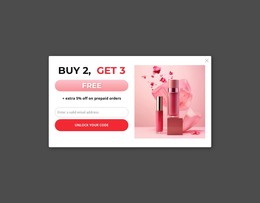
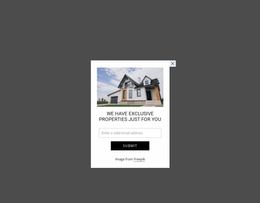
Start building your website for free
Design and build your own high-quality website or choose from 15,000+ customizable website templates that are built to meet your business needs.
Flexible Modal Popup Website Builder Blocks for Section Editing Workflow
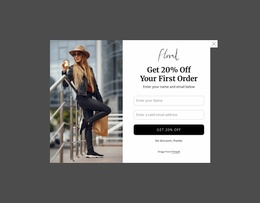
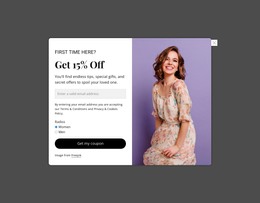
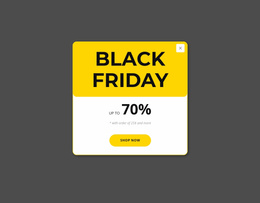
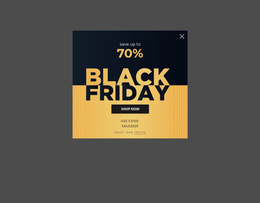
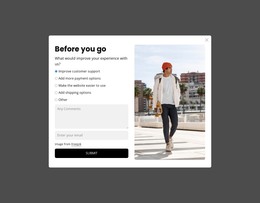
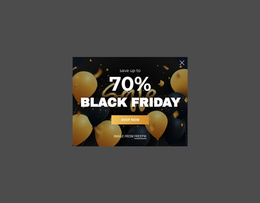
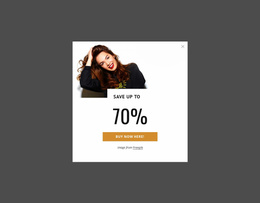
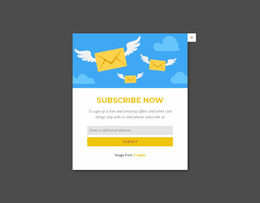
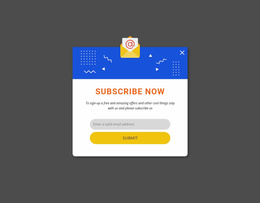
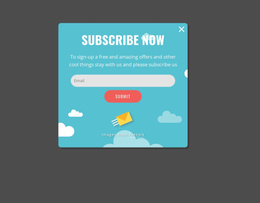
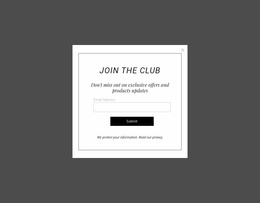
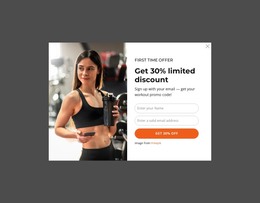
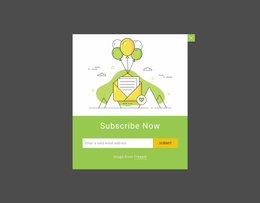
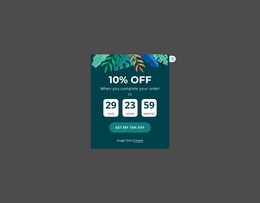
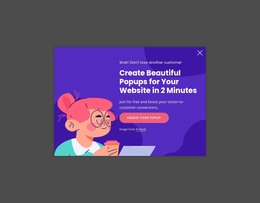
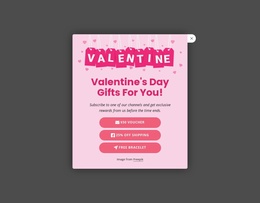
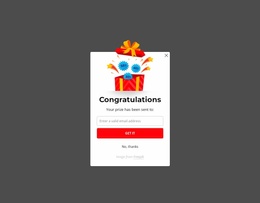
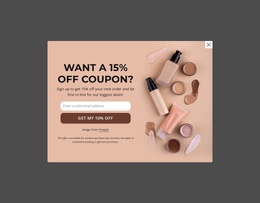
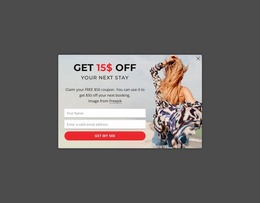
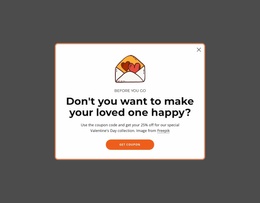
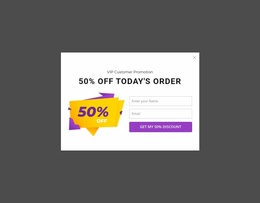
A Modal Popup Website Builder block adds a temporary layer above the current page when focused content needs its own interaction space. Instead of extending the permanent page flow, the popup can hold a short message, form, promotion, media item, detail, or CTA while remaining one functional component inside a broader website project.
What Should a Modal Popup Block Include in a Website Builder?
In a builder workflow, the practical tasks are easy to separate: - create and duplicate a popup when similar interactions are needed; - connect a button or hyperlink trigger to the modal; - drag and arrange content visually inside the popup; - adjust the popup in Responsive Modes before publishing.
The content should support one focused purpose. A compact heading and supporting text may be enough for a notice, while a signup or inquiry popup can require form content. Media or additional detail can also fit when they help explain the temporary action.
The defining element is not the card shape or visual styling. A Modal Popup depends on overlay behavior, temporary focus, and a way to return to the underlying page. A normal content card with similar text is still a persistent section unless it participates in that popup interaction.
Modern Modal Popup Editing Inside the Project Workflow
The builder context is most useful when it stays connected to the section task. Select a popup design, open it in the Nicepage editor, replace the sample content, and adjust the composition around the message or action the overlay needs to present.
Nicepage uses Modal Popup as the direct feature for this block type. Keep the content hierarchy compact while editing: headline, explanation, form or media where needed, and a clear primary action when the scenario calls for one.
Modal Popup vs Contact Form in the Editor
These two block types can overlap, but they are not interchangeable. A Contact Form is built around fields, labels, visitor input, and submission. It can appear directly in the permanent content flow.
A Modal Popup is built around temporary overlay behavior. It may contain a form, but the form does not create the popup identity by itself. The same distinction applies to a Text & Button section: a persistent message with a button is not automatically a modal just because it asks visitors to take action.
This separation helps during editing because it ties the section choice to interaction rather than appearance alone.
Keep the Popup Focused While Building the Page
A common mistake is filling the overlay with content simply because there is room to add more elements. Start with the reason the visitor needs temporary focus, then keep only the content that supports that moment.
The surrounding project can carry longer explanations, navigation, and supporting sections. The popup should remain a concentrated interaction layer that complements that structure rather than reproducing it.
Modal Popup Website Builder FAQ
Can Nicepage AI Services generate blocks?
Yes. Nicepage AI Services can generate sites, pages, and blocks. You can then refine the result for the specific project and section purpose.
How can I manage pages in a broader Nicepage project?
The Nicepage Dashboard is used to create, open, and manage Project Websites and individual pages. A Modal Popup remains one functional component within that larger project structure.
Should every form in the builder be placed inside a Modal Popup?
No. Use the Modal Popup when temporary overlay behavior is part of the intended interaction. A standard Contact Form is more appropriate when the fields and submission path should remain permanently visible in the normal page flow.
Can I connect a button to a Modal Popup?
Yes. Nicepage can link a Button or Hyperlink to a Modal Popup, so the popup opens from a deliberate page interaction.
Integrate the Popup as One Project Component
Choose a Modal Popup design that fits the temporary task, open it in the Nicepage editor, replace the content, and adjust the layout around that single interaction. Once the block is focused and clear, integrate it into the wider project rather than treating it as a standalone website.