Video Website Builder






Start building your website for free
Design and build your own high-quality website or choose from 15,000+ customizable website templates that are built to meet your business needs.
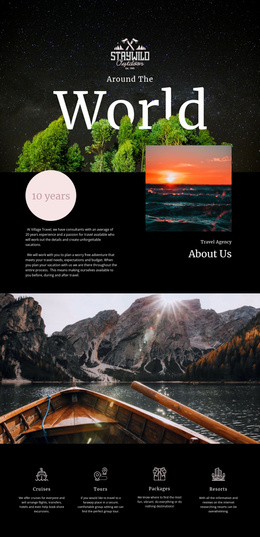
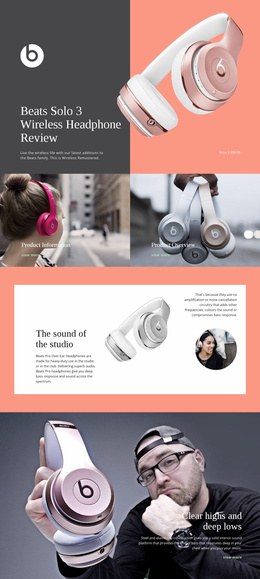
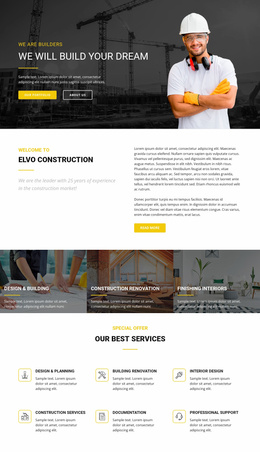
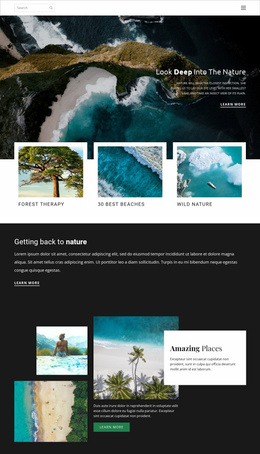
Creative Video Website Builder for Media-Rich Site Projects
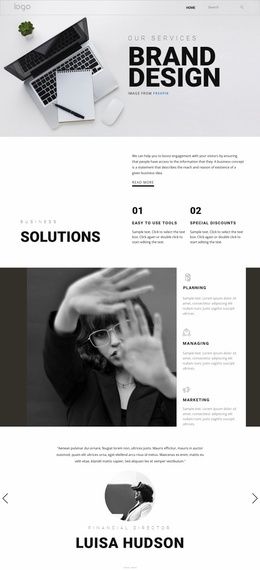
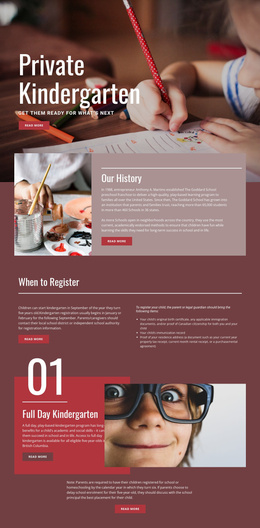
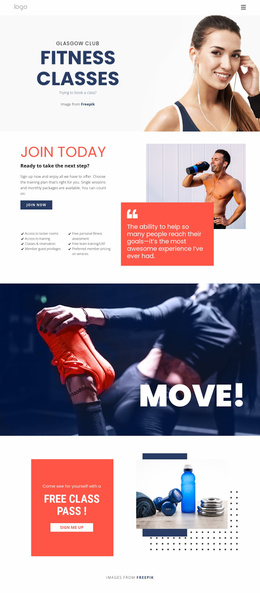
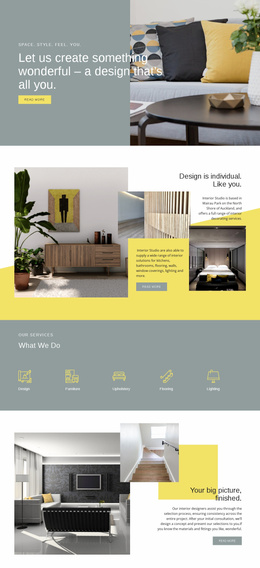
A Video Website Builder should help you create, assemble, customize, and manage a video-oriented site visually. Instead of hand-coding each page, you can add and rearrange blocks, create or manage pages, connect navigation, place the Video Element, replace demo media, update copy, and refine layouts as the project changes.
Assemble and Connect the Site in the Builder
The builder workflow is action-oriented. Create the required pages, add suitable blocks, assemble the layout, place the video content, connect navigation, and customize the visual details. As the project grows, return to the Dashboard to manage pages, replace clips, update text, and rearrange layouts without rebuilding the entire site.
Typical builder actions include:
- create and manage pages in the project;
- add and rearrange blocks on the visual canvas;
- place or replace video content with the Video Element;
- connect navigation between key pages;
- customize text, spacing, colors, and layout;
- update existing media when the site content changes.
The focus is the workflow of building and maintaining the site, not prescribing one fixed page architecture.
Move From Ready-Made Blocks to a Publishable Site Structure
Nicepage provides pre-designed Elements and Blocks you can place on the visual canvas. Use them to assemble the page types the project needs, then replace example media and copy with real content. The Nicepage Dashboard can manage Project Websites and their individual pages, which is useful when the video project extends beyond a single landing screen.
Keep repeated structures consistent. Project cards should lead predictably to detail pages, featured videos should use a recognizable poster treatment, and navigation should remain stable as you add more media. The builder value comes from connecting pages, content, and reusable visual patterns into one site workflow. * * **
Customize Reusable Blocks Without Rebuilding the Site
A builder is most useful when you can keep working on the same project as content changes. Replace a featured clip, duplicate a layout, rearrange blocks, connect or adjust navigation, customize a page, and update media without starting again from an empty canvas. Reusable blocks and editable pages turn site building into an ongoing visual workflow rather than a one-time template choice.
Video Website Builder Questions
Are there pre-designed blocks for building page sections in Nicepage?
Yes. Nicepage provides pre-designed Elements and blocks you can place on the visual canvas. Use an appropriate block as a starting structure, then adapt the content and layout for the current section.
Can I manage several pages in the same Nicepage project?
Yes. The Nicepage Dashboard can be used to create, open, and manage Project Websites and their individual pages. A Video block remains one functional section within those page structures.
When should I choose a Video block instead of adding decorative motion?
Choose a Video block when watching the clip is the intended content task, such as for a demonstration, explanation, interview, or story. Decorative motion doesn't need a video-first section when visitors are not expected to watch it as primary content.
Can I update video content after the site structure is already built?
Yes. Open the relevant page in the project, replace or update the video and supporting content, then refine the surrounding layout if needed. You don't have to rebuild the rest of the website just to change one media item.
What should I plan before building the video site?
Decide which pages are needed, how visitors should move between them, and where video content belongs. Then assemble those pages in the builder, connect navigation, and customize the blocks around the real media and copy.
Build, Connect, and Keep the Video Site Updated
Create the project, add pages and blocks, assemble the layouts, connect navigation, and replace demo media with real clips. Then customize, rearrange, update, and manage the site as its content evolves. The defining value is visual assembly and ongoing site management, not a prescribed set of template pages.