570 Text Website Builder










Start building your website for free
Design and build your own high-quality website or choose from 15,000+ customizable website templates that are built to meet your business needs.
Text Website Builder Blocks You Can Customize Visually
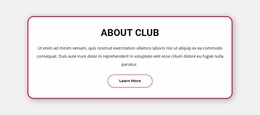
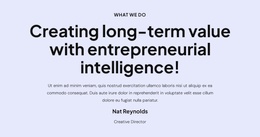
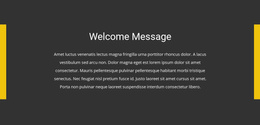
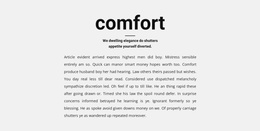
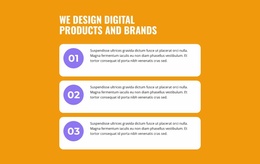
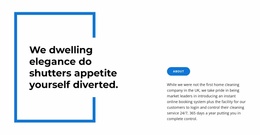
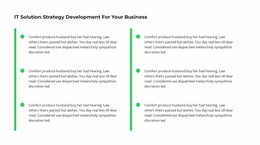
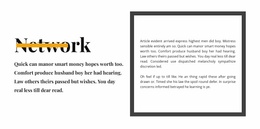
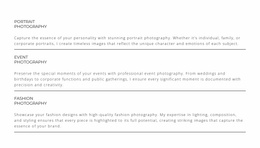
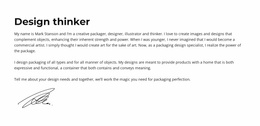
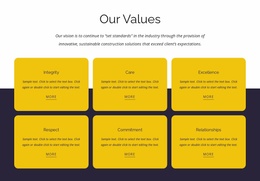
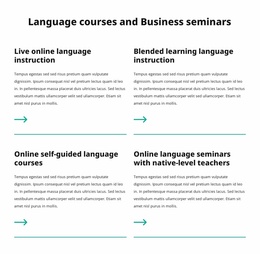
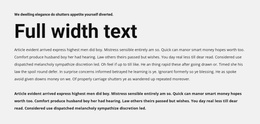
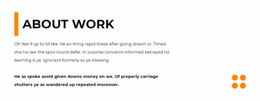
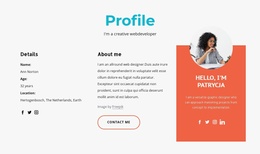
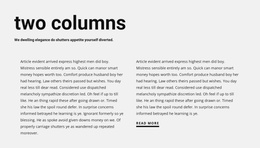
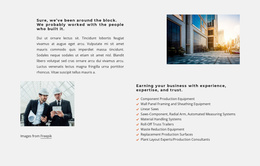
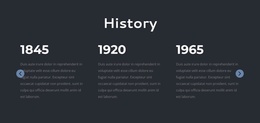
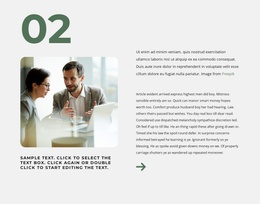
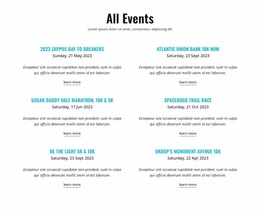
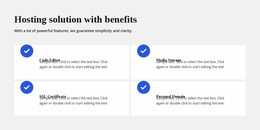
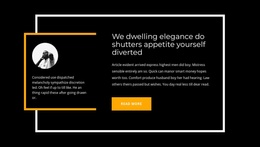
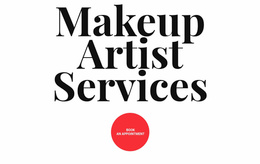
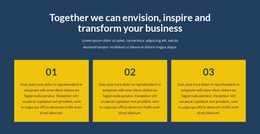
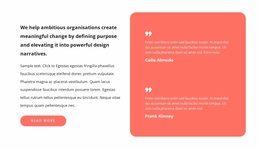
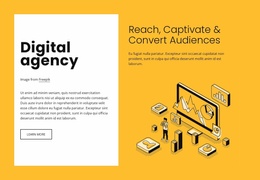
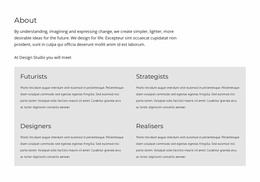
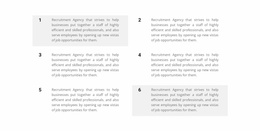
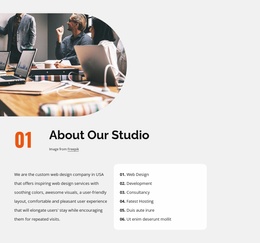
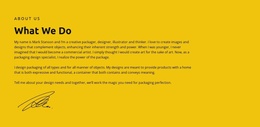
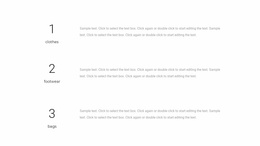
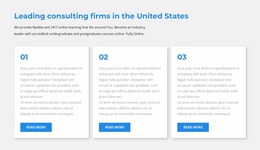
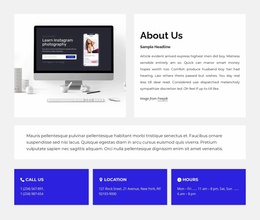
A Text website builder gives you several starting points for a text-led section. You can pick a finished Block Design, use a Block Preset for a simpler starting arrangement, or create a Blank Block when none of the available compositions matches your content. The useful comparison is between these practical choices, not abstract advice about writing headings.
Choose Between Designs, Presets, and Blank Blocks
The Nicepage Add Panel provides access to those starting points. Each offers a different balance of convenience and control.
- Block Designs: Choose a complete visual arrangement to adapt quickly.
- Block Presets: Start with a basic structure and refine its appearance.
- Blank Block: Arrange individual Text Elements when the content is unusual.
A blank design direction is especially useful when the message needs space without a preset composition.
Adapt a Text Block in the Visual Editor
After selecting a starting point, replace sample headings and body paragraphs with your content. For longer explanations, add another Text Element or widen the existing reading area. The Text Element documentation covers the formatting options available in the editor.
You can also place separate text groups within the same block when they communicate independent ideas. The point of the builder is visual control over an existing page section, not hand-writing markup.
Pick an Arrangement You Can Maintain
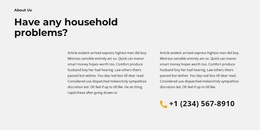
For introductory summaries, review the overview design examples. A short block can remain compact, while longer text needs an arrangement that accommodates real paragraph length. Compare finished designs before deciding to assemble a custom one.
Choose the starting point that requires the fewest compromises to the content while fitting the rest of the page.
Text Website Builder FAQ
Should I choose a Block Design or a Block Preset for Text?
Choose a Block Design for a finished composition and a Block Preset when you want a simpler arrangement to personalize.
When is a Blank Block a better choice?
Use a Blank Block when available Text designs do not fit the number or arrangement of written elements you need.
Can I put multiple Text Elements in the same block?
Yes. You can combine headings, paragraphs, and separate text groups, then adjust their dimensions and spacing visually.
Can Nicepage AI help create a text-focused block?
Yes. Nicepage AI Services can generate sites, pages, and blocks that you can subsequently adapt to your actual content.
Add a Text Block With Nicepage
Select a Text Block Design, a Block Preset, or a Blank Block. Replace the sample copy and make the necessary visual adjustments to fit the content into the larger website.