370 Team Website Builder















Start building your website for free
Design and build your own high-quality website or choose from 15,000+ customizable website templates that are built to meet your business needs.
Creative Team Website Builder for Ready-Made Staff Sections
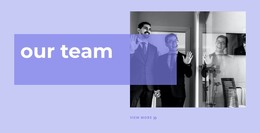
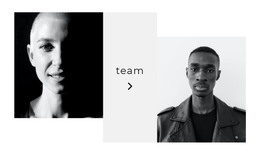
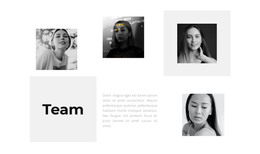
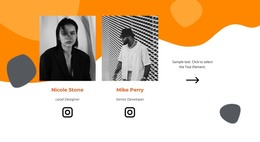
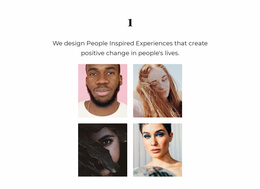
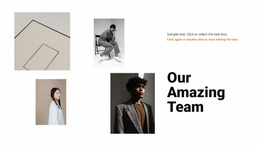
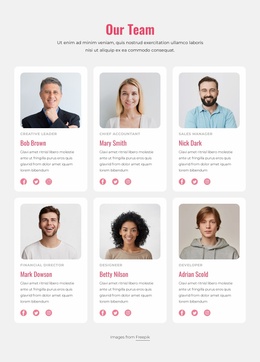
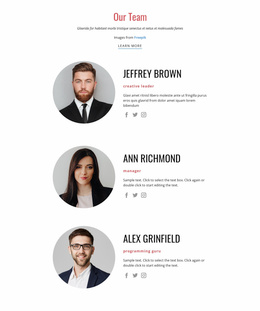
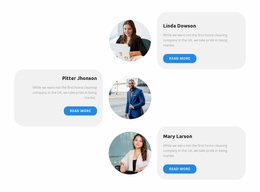
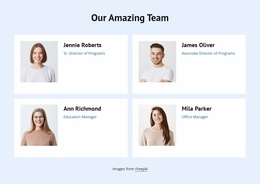
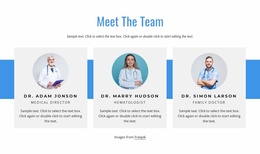
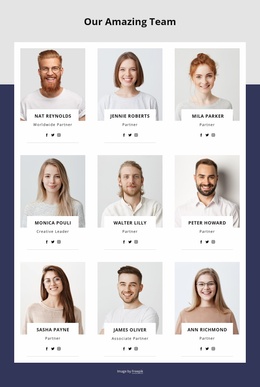
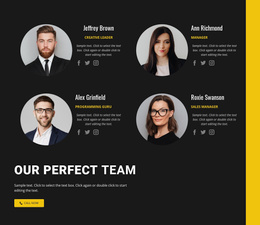
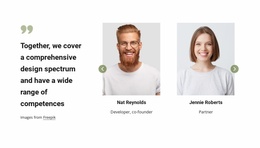
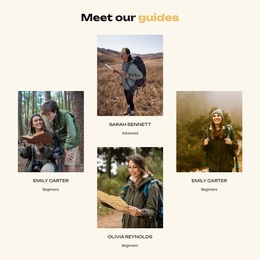
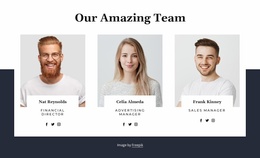
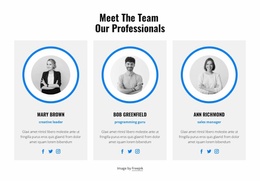
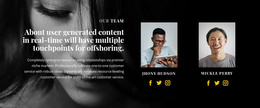
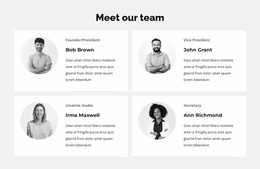
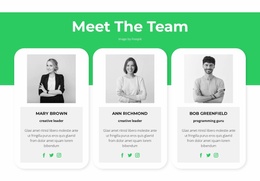
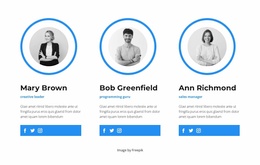
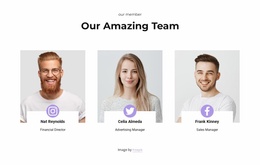
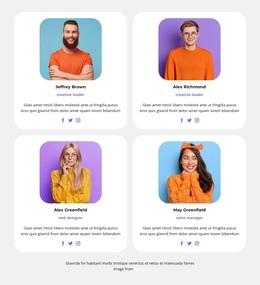
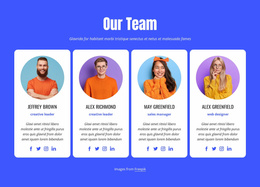
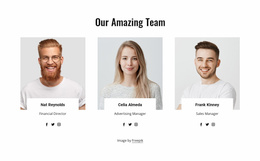
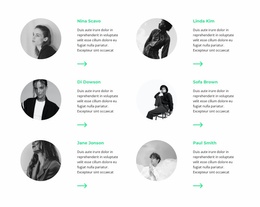
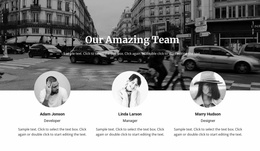
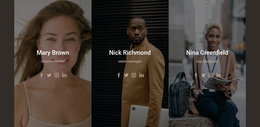
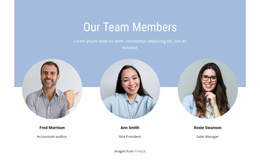
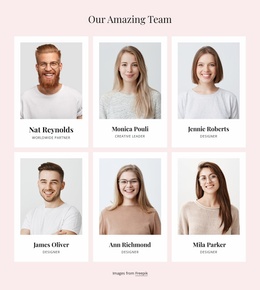
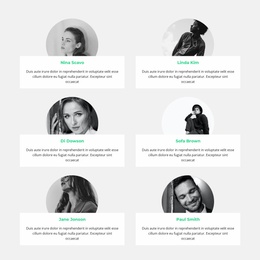
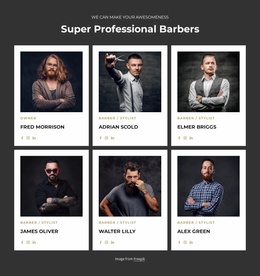
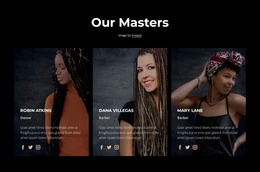
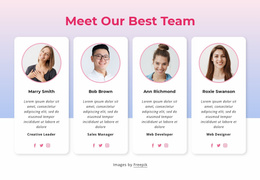
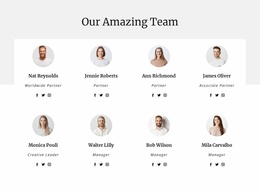
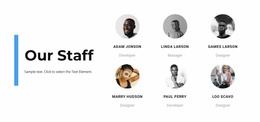
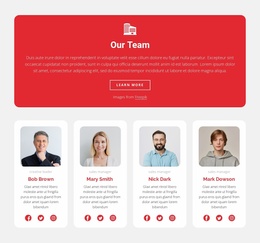
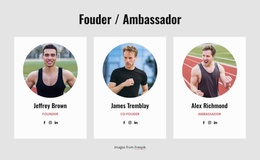
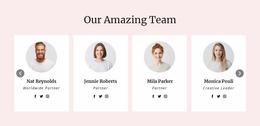
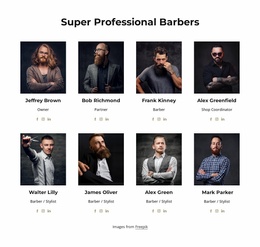
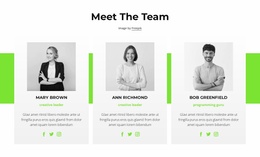
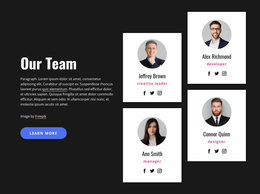
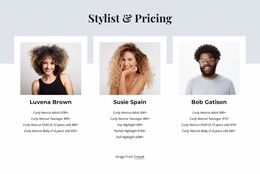
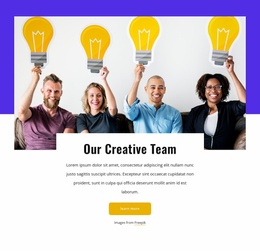
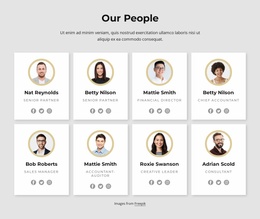
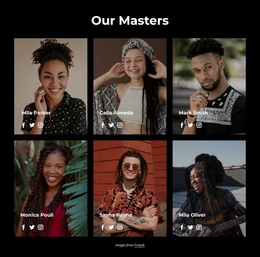
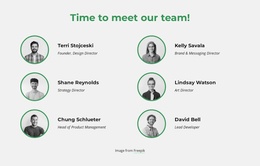
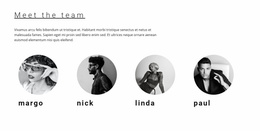
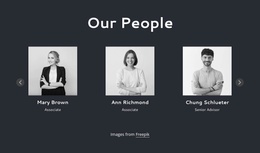
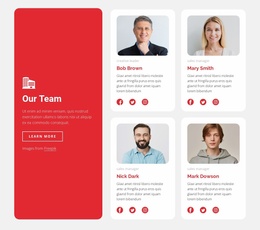
A Team Website Builder workflow in Nicepage can begin with a ready-made block rather than an empty page. Browse prepared people-focused sections by staff count, portrait placement, and room for names, titles, and biographies. Choose a composition that already works for your group, then customize it visually.
Compare Team Blocks Before You Start Editing
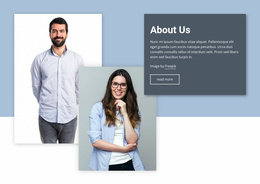
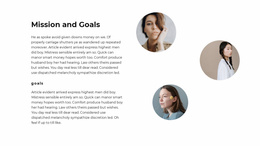
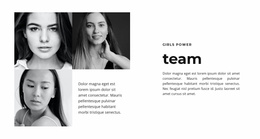
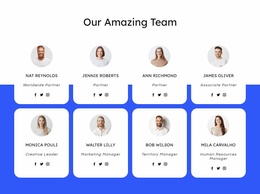
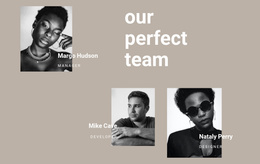
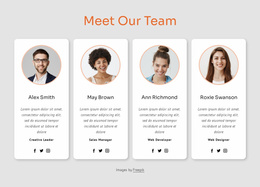
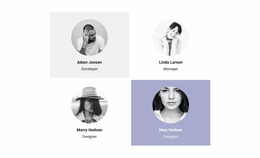
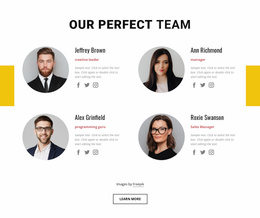
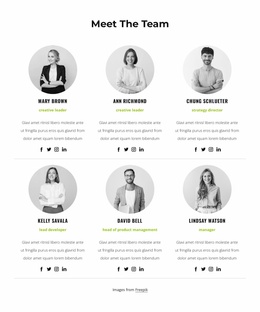
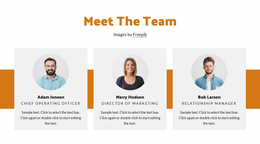
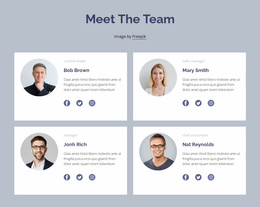
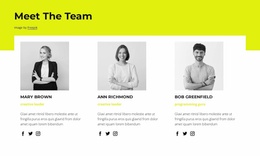
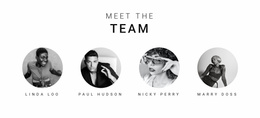
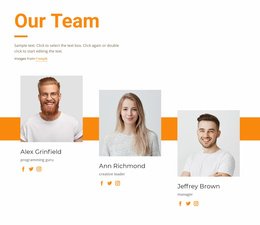
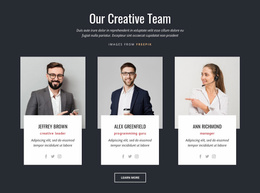
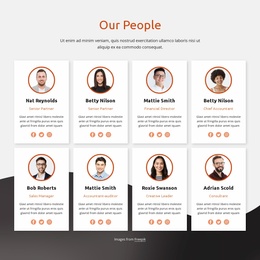
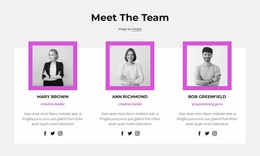
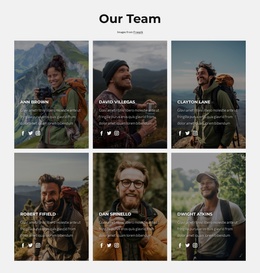
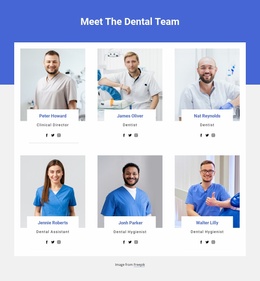
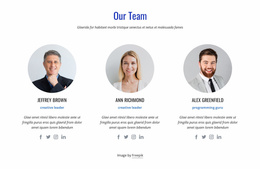
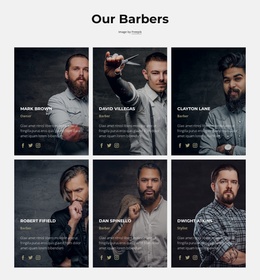
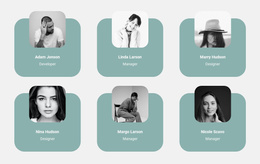
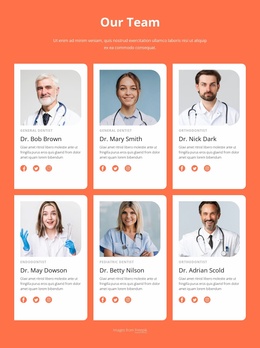
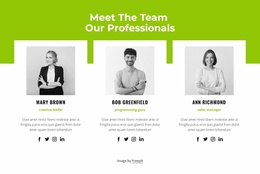
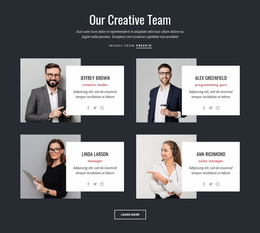
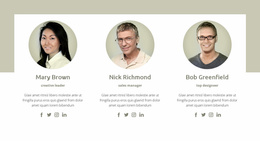
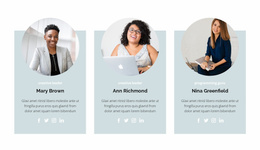
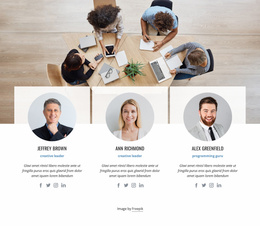
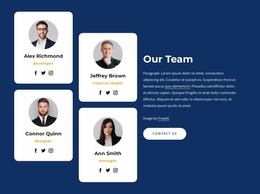
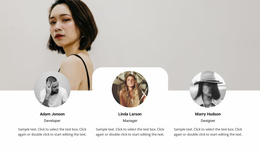
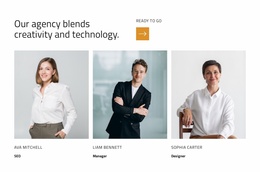
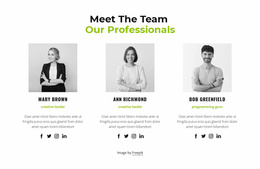
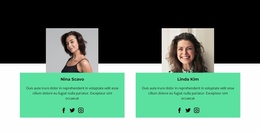
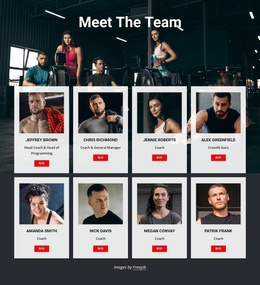
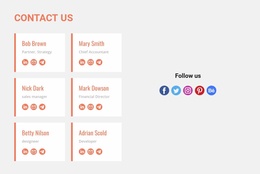
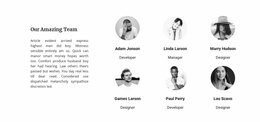
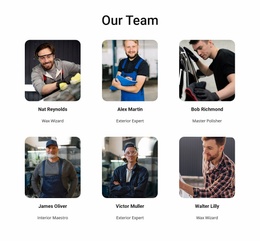
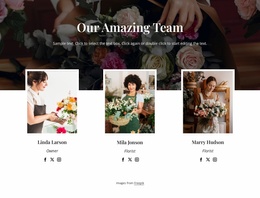
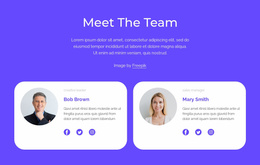
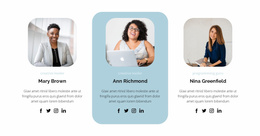
Different prepared sections solve different presentation needs. A compact card arrangement can display many members in a limited area. A more spacious block can give a few specialists larger photographs and fuller descriptions. Compare these visible differences with your actual content, especially long names and role labels.
Unlike a general-purpose grid, a Team section is specifically meant to connect each identifiable person with a role and a short introduction. The right ready-made arrangement makes those relationships clear without requiring you to build every profile card from scratch.
Pick a Profile Arrangement That Fits Your People
When reviewing Team blocks, look at:
- Member count: Whether the design already accommodates your group.
- Portrait proportions: How recognizable faces remain in the prepared cards.
- Name and title hierarchy: How clearly roles are associated with individuals.
- Biography space: Whether shorter and longer descriptions fit naturally.
- Responsive layout: How the same section reads at narrower widths.
A leadership group with longer descriptions may favor larger cards. A staff overview can use more compact profiles. These are selection considerations, not mandatory formats or guaranteed catalog filters.
Personalize Your Selected Team Block in Nicepage
Once a prepared section is chosen, edit the sample photographs, names, positions, and biographies. Nicepage's visual tools let you adjust spacing and arrangement, while the Grid Repeater Element supports repeated card styling with distinct content. The Block Builder offers another way to create a section, but it is optional when an existing Team block already fits.
For details on those tools, see the Nicepage Block Builder documentation and Grid Repeater Element guide. The builder workflow supports personalizing the chosen design; start by comparing suitable ready-made Team blocks.
Team Profiles Versus General Company Information
A Team block is built around identifiable contributors, not a general organizational statement. About Us describes the organization, while a related biography section can explore one person's background in depth. Select a Team arrangement that presents the group clearly before adding supplementary details.
Frequently Asked Questions About Team Website Builder
Can I start from an existing Team section rather than a blank block?
Yes. Choose a ready-made Nicepage Team section and replace its sample content. You can adjust the layout visually if needed.
Which prepared Team block should I choose for many people?
Compare compact, repeated cards that fit your member count while keeping portraits, names, and roles readable.
Can individual member cards contain different text and photographs?
Yes. A repeated profile layout keeps styling consistent while each card includes its own name, portrait, job title, and description.
Is the Block Builder required to use a Team section?
No. It is an optional editing tool. You can start with a prepared Team block that already matches your preferred arrangement.
Start with the Right Team Block
Compare ready-made Team sections by profile density, portrait emphasis, and text space. Choose the one that fits your group, then personalize it in the Nicepage website builder.