280 Pets & Animals Website Builder

































Start building your website for free
Design and build your own high-quality website or choose from 15,000+ customizable website templates that are built to meet your business needs.
Free Pets & Animals Website Builder for Hands-On Site Creation
A pets & animals website builder is for teams that need to build and keep a real site changing, not just choose a finished look. A shelter may add a new animal profile in the morning, replace its photo later, update the adoption form, and publish the change without rebuilding the surrounding pages. A clinic can revise service details, opening information, or contact paths while keeping the same site structure.
Nicepage keeps that work in one visual editor. Start with a pet-focused design direction if it fits the project. Still, the important part begins after selection: add or remove blocks, replace content, create new pages, edit navigation, change forms, check responsive views, and prepare the current version for publication. That is the practical difference between a builder workflow and a Templates page, where the main task is choosing a starting format or design family.
Build and Update an Animal Website Step by Step
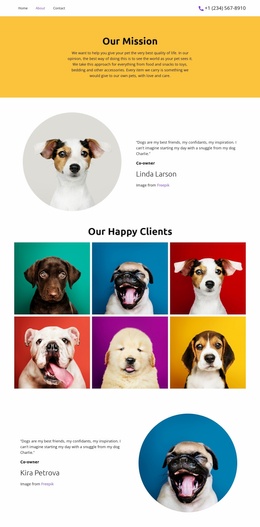
A useful builder workflow should make routine changes direct. For example, a shelter can duplicate an existing profile card, replace the animal name and photo, add care notes, point the call-to-action to the correct inquiry form, and then check the phone layout before publishing. The same project can later add an adoption FAQ or a new contact page without starting over.
Builder-specific work includes:
- adding and reordering pages or sections;
- editing text, images, buttons, forms, and navigation in place;
- checking desktop, tablet, and phone layouts before release;
- publishing online or preparing supported export output after edits;
- returning to the project later for another content update.
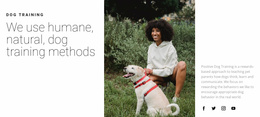
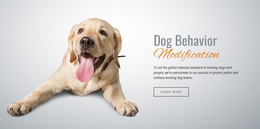
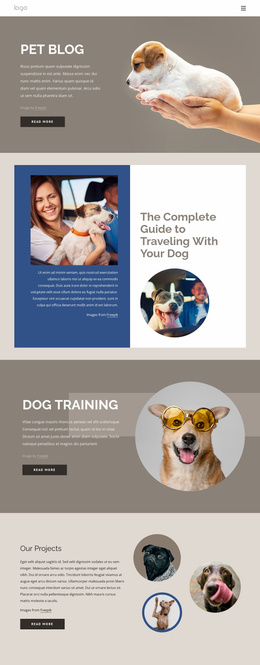
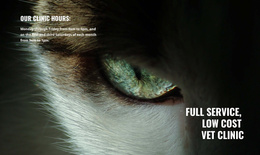
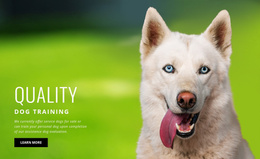
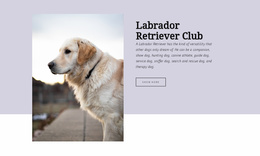
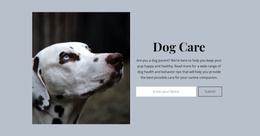
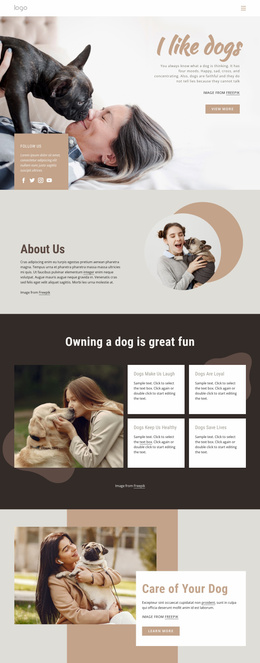
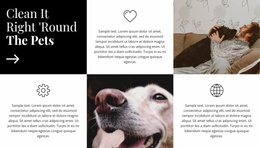
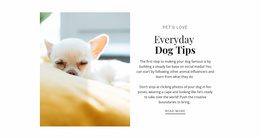
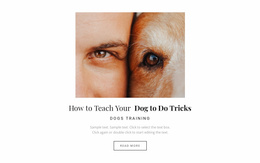
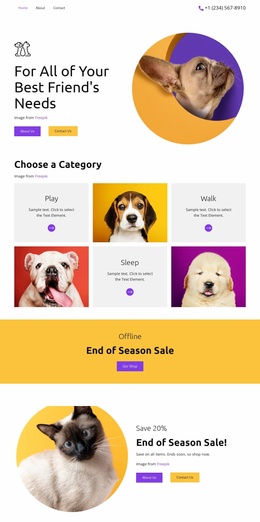
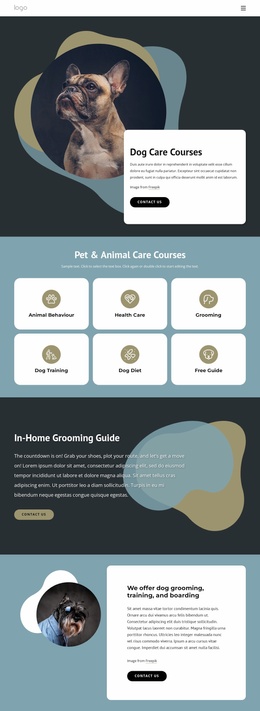
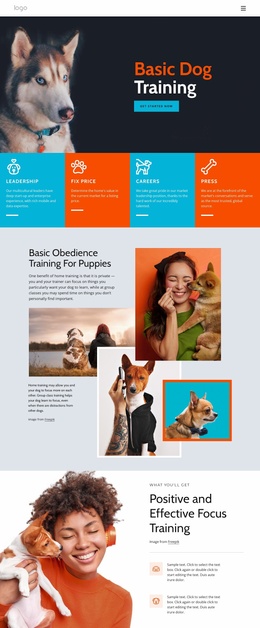
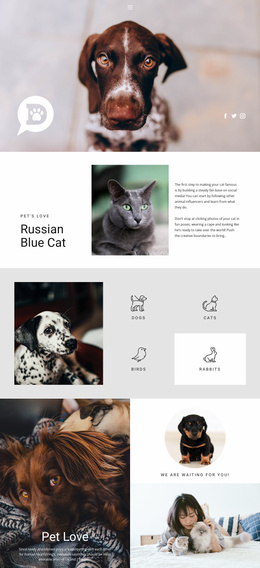
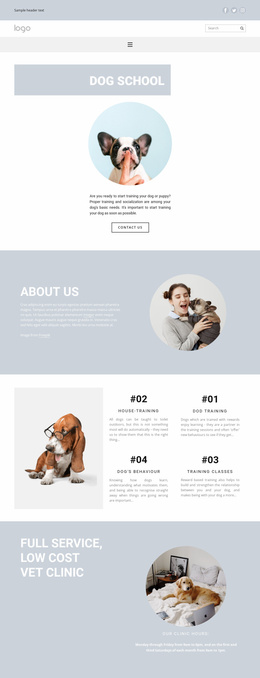
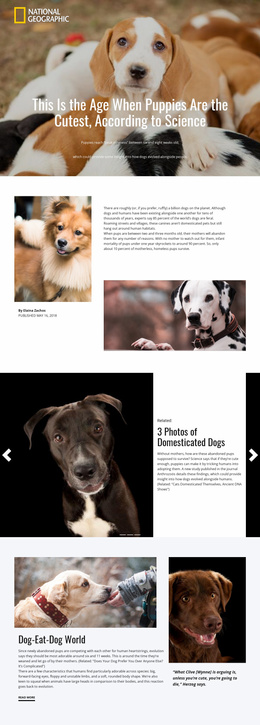
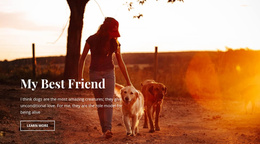
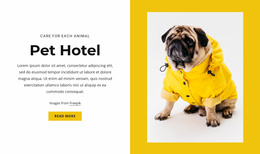
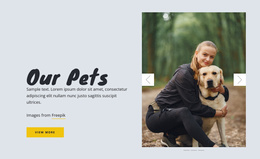
A dog-oriented visual direction can suggest imagery ideas for a canine service, but it doesn't determine the workflow. The site remains editable as services, animals, staff, or business information change.
Supporting Tools for Pet-Care Content
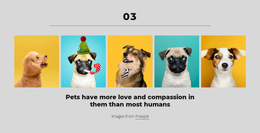
Some universal elements remain useful even as you build the core site. The Grid Element can keep animal or service cards aligned, while the Image Gallery Carousel can place several photos in one compact area. Theme Colors help keep repeated screens visually consistent.
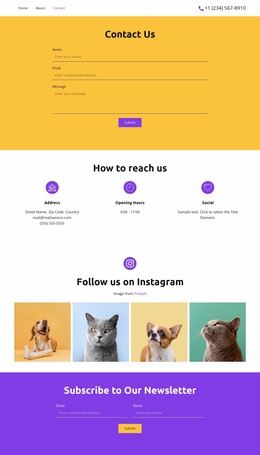
The Contact Form Builder can collect adoption questions, grooming requests, registrations, or general inquiries. Responsive controls let you review Responsive Modes before release, and buttons can connect a profile or service block with the next relevant step.
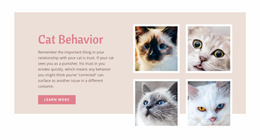
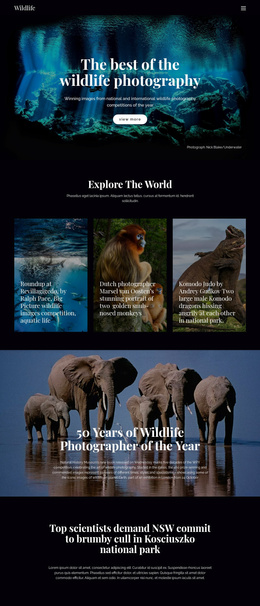
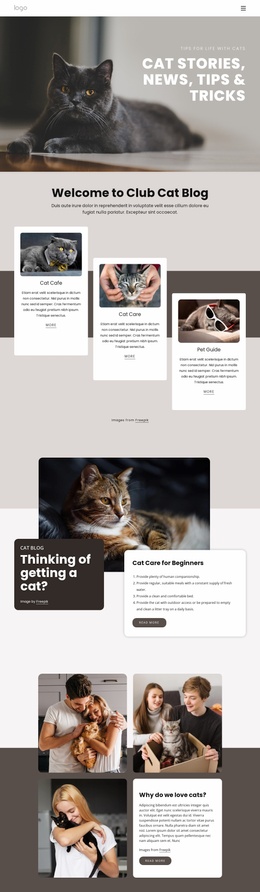
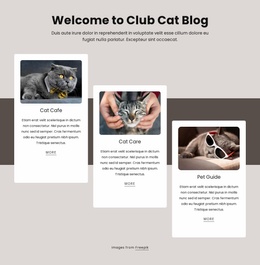
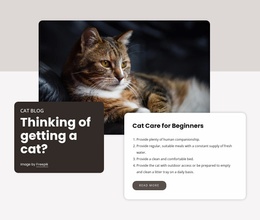
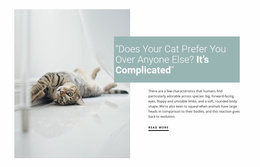
For a feline-focused project, a cat-focused layout direction may help with the initial visual tone. After that, the builder remains the working environment for updating the site, rather than a catalog of fixed pages.
Website Builder Questions for Animal Projects
How is a pets and animals website builder different from choosing a website template?
A template gives you a starting layout. A website builder is the editing workflow used to change that layout, add or remove sections and pages, update content, review responsive views, and prepare the current site version for publication or export.
Can a shelter add a new animal profile without rebuilding the site?
Yes. You can reuse an existing card or section, replace its text and imagery, update the related form or button, and then review the changed layout in the relevant responsive modes before publishing.
Can I connect my own domain to a Nicepage pets and animals site?
Yes. You can assign a custom domain to a site published and hosted on the Nicepage Network.
A Builder Workflow That Continues After Launch
Treat the first release as one version of the project, not the end of editing. Keep animal profiles, services, forms, navigation, and responsive layouts editable so routine updates stay inside the same project. Publish the next version when the content is ready, or use the supported export path when the site needs to move into another delivery workflow.