Accordion Website Builder






























Start building your website for free
Design and build your own high-quality website or choose from 15,000+ customizable website templates that are built to meet your business needs.
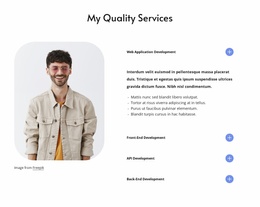
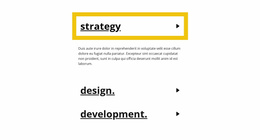
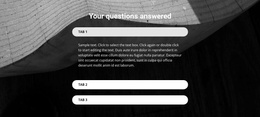
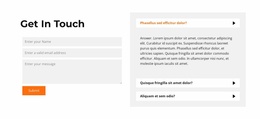
Drag-And-Drop Accordion Website Builder Blocks for Visual Section Editing
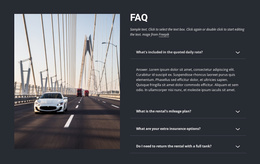
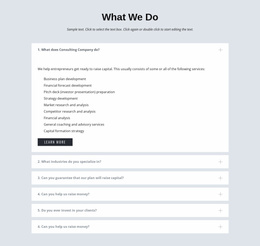
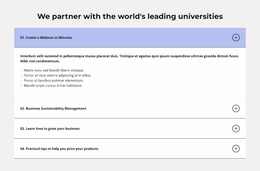
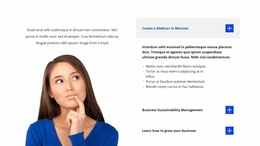
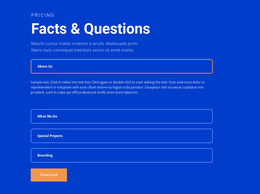
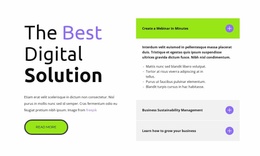
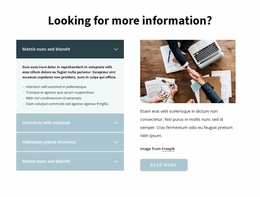
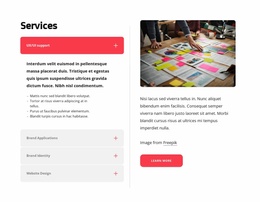
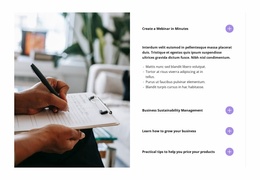
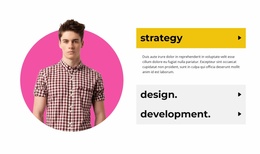
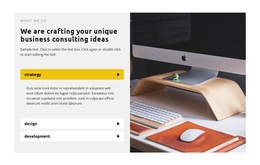
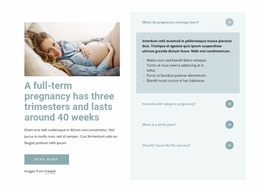
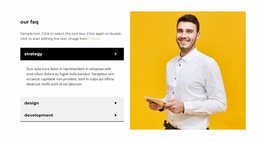
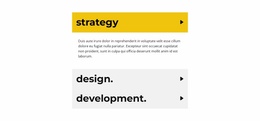
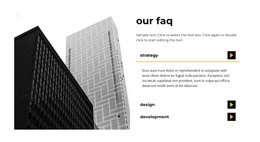
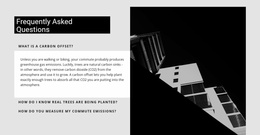
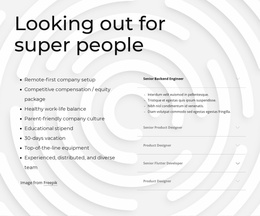
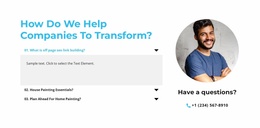
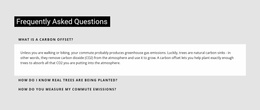
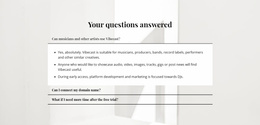
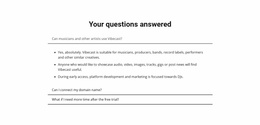
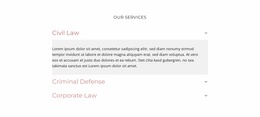
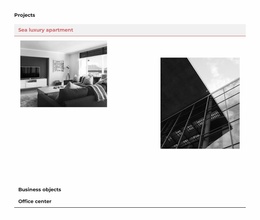
Visitors do not always need every detail visible at once. An Accordion Website Builder section lets them scan stacked headings, open the panels that matter, and keep supporting content collapsed until it is needed. In a visual editing workflow, the main task is to customize that interaction without losing its progressive-disclosure structure.
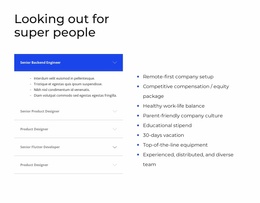
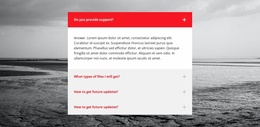
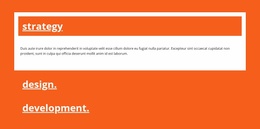
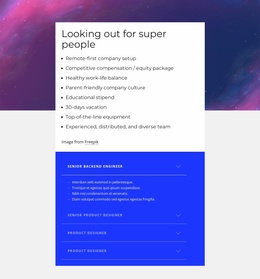
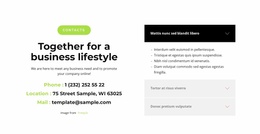
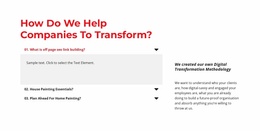
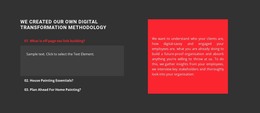
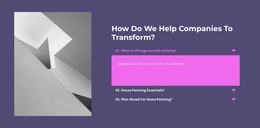
Edit Accordion Panels Visually
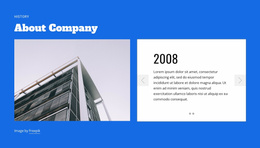
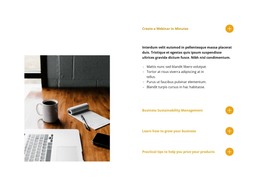
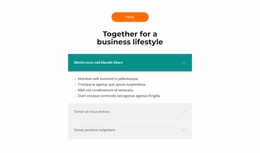
An Accordion is built from repeated heading-and-body pairs arranged in a vertical stack. Headings should remain understandable before visitors open anything, while each expandable body should include enough detail to justify the extra interaction.
Nicepage provides the Accordion Element for this pattern. In the editor, the workflow stays focused on the section itself:
- Add or select the Accordion block.
- Edit headings and panel bodies.
- Add, remove, or reorder items as needed.
- Adjust spacing, styling, and states.
- Preview how the section behaves when panels open and close.
This is the key difference from a website-template workflow: the emphasis is on building and adapting the Accordion visually, not choosing a complete site design.
Keep the Interaction Clear While Editing
An Accordion works best when collapsing content improves scanning. If every panel contains only a short sentence, hiding it may add unnecessary interaction. If each item contains substantial supporting detail, expandable panels can make the page easier to review.
Pay particular attention to:
- Heading clarity and item order.
- Content length inside each panel.
- Spacing between stacked items.
- Clear open and closed states.
The visual treatment should support the interaction rather than obscure which areas can be opened.
Accordion or FAQ: Choose by Function
Accordion is an interaction pattern built around vertically stacked, collapsible panels.
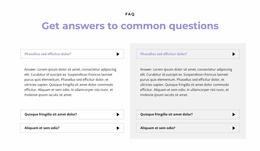
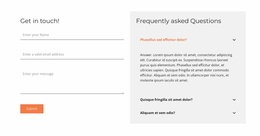
FAQ is a content model based on recurring questions and answers.
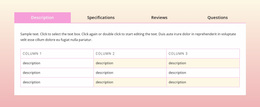
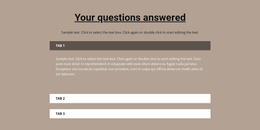
Tabs are different again: they use persistent controls to switch between parallel content views, while Accordion follows a vertical scan-and-reveal sequence.
Accordion Website Builder FAQ
Can I start with a pre-designed Accordion block in Nicepage?
Yes. Nicepage provides pre-designed Blocks and Elements you can use as starting points and adapt on the visual canvas.
Can I change the number and order of Accordion panels?
Yes. The visual editing workflow lets you add, remove, and reorder items so the section matches the actual content structure.
When is an Accordion unnecessary?
If the hidden content is extremely short or should be visible immediately, keeping it open may create a simpler page experience.
When should I use Tabs instead?
Use Tabs for parallel content views in one shared area. Use Accordion when visitors should scan a vertical list of headings and selectively reveal details.
Build and Customize the Accordion Visually
Open the Accordion in the Nicepage editor, adapt its headings and bodies, change the panel count or order where needed, refine spacing and states, and preview the interaction inside the page. Keep the workflow centered on visually building and customizing the Accordion itself.