110 Slider Website Builder








































































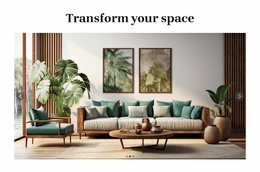


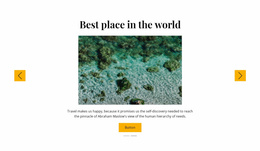

Start building your website for free
Design and build your own high-quality website or choose from 15,000+ customizable website templates that are built to meet your business needs.
Slider Website Builder Designs You Can Personalize in Nicepage
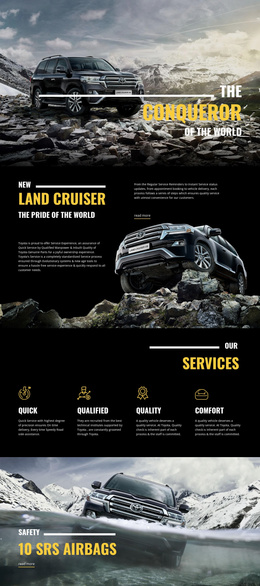
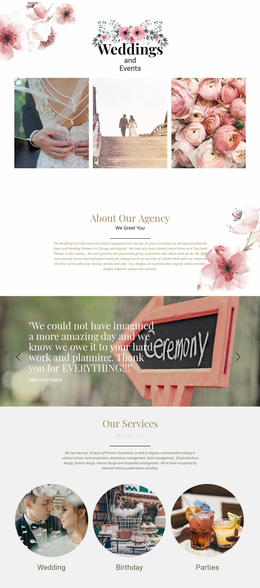
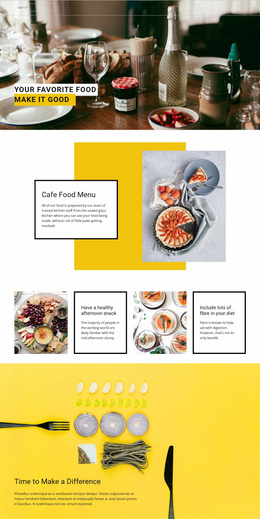
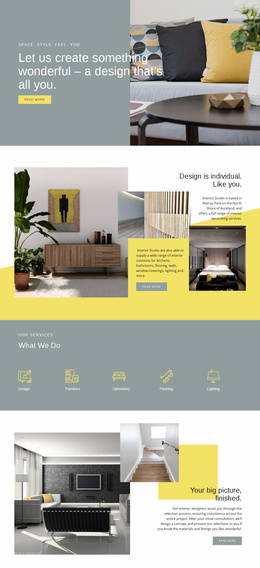
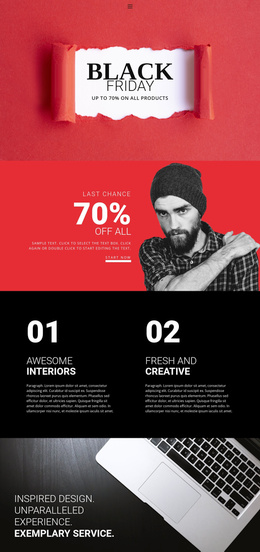
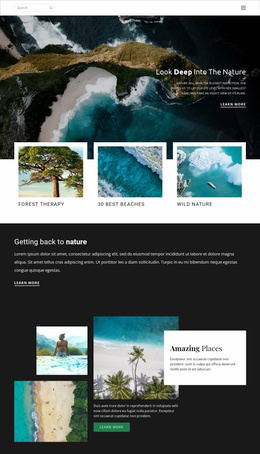
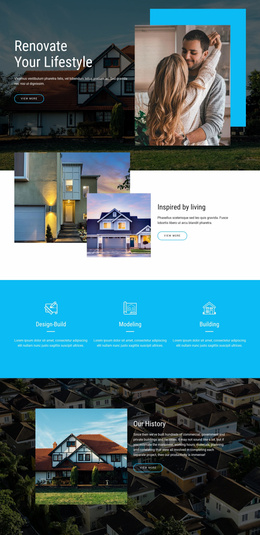
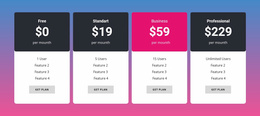
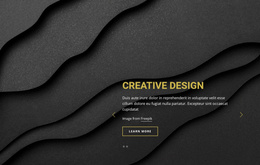
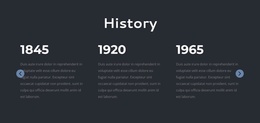
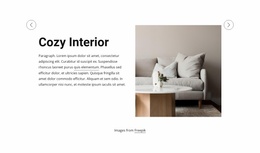
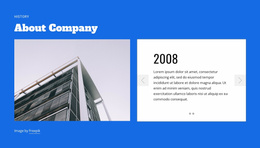
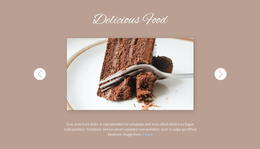
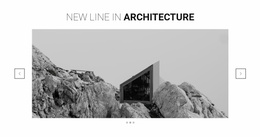
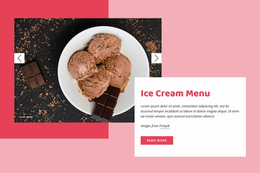
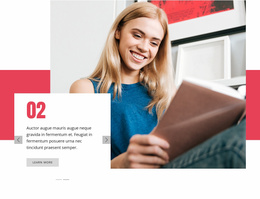
Slider Website Builder presents editable, ready-made Slider layouts for Nicepage projects. Choose a composition that already suits the intended section, whether it centers a product, quotation, portfolio image, or promotion. The website-builder benefit is the ability to personalize that existing design visually while retaining its useful starting structure.
Choose a Ready-Made Slider for Visual Editing
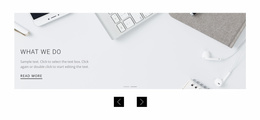
The available examples can serve product, testimonial, portfolio, or promotional content. Compare them by one practical point each:
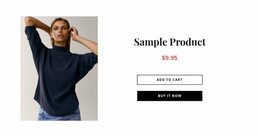
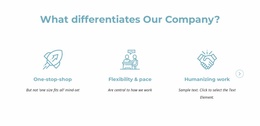
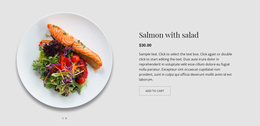
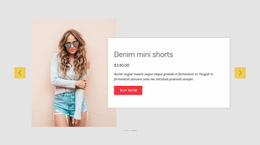
- Product: Is there suitable room for the actual product visual and accompanying statement?
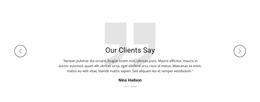
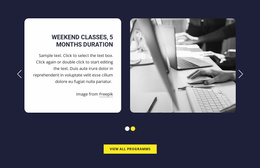
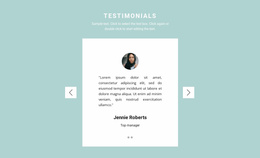
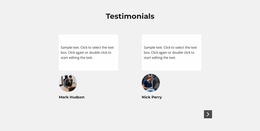
- Testimonial: Will the longest quotation fit the text treatment?
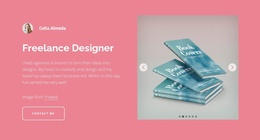
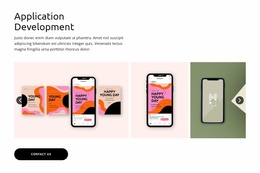
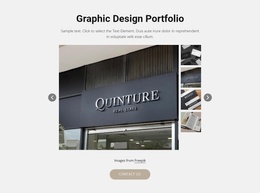
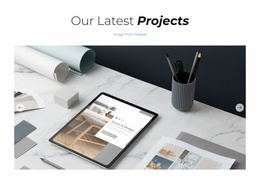
- Portfolio: Does the image ratio suit your work?
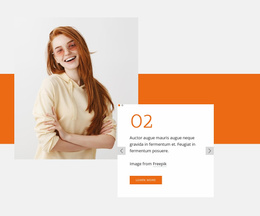
- Promotion: Is the action sufficiently prominent in the sample composition?
Select the composition by its sample content proportions first. Nicepage then lets you adapt the prepared sequence through supported slide editing, including adding, duplicating, or rearranging slides when needed.
Compare Editable Slider Starting Points
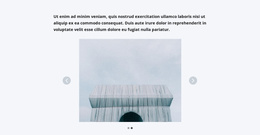
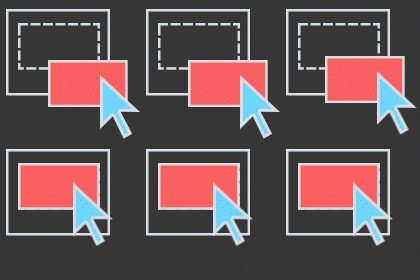
The Slider Element supports visual editing of the chosen section. One starting point may already fit longer messages; another may rely on large photographs and short captions. Compare how much of the prepared arrangement can remain intact after you add your real content. Navigation settings and slide order can be refined later if the selected composition needs them.
The Use Elements guide describes visual element editing in Nicepage. This matters after selection because you can refine a prepared composition instead of rebuilding it, while the original arrangement still determines how much customization is needed.
Check the Selected Design in Context
Preview the selected Slider with its real content in the surrounding page, including narrower views. This is a final suitability check for the chosen template, not a separate tutorial on constructing a Slider from scratch.
Slider Website Builder FAQ
Do I have to start from a blank Slider?
No. You can choose a ready-made Slider composition as the starting point for a Nicepage project.
What if a template needs extensive rearrangement?
Compare another existing design with closer content proportions before investing time in major changes.
Can I personalize a selected layout visually?
Yes. Nicepage supports changes to content, slide order, and the appearance of Slider navigation in its visual editor.
Personalize an Existing Slider Composition
Choose the prepared Slider that needs the fewest layout changes for your content, and personalize its appearance in Nicepage.