410 Testimonials Website Builder






























Start building your website for free
Design and build your own high-quality website or choose from 15,000+ customizable website templates that are built to meet your business needs.
Professional Testimonials Website Builder for Credible Customer Review Sections
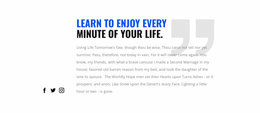
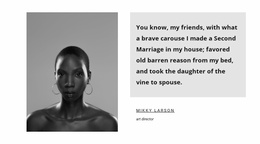
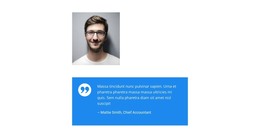
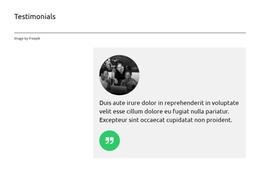
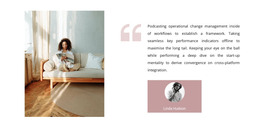
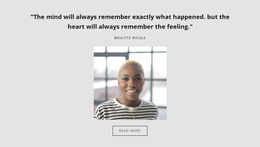
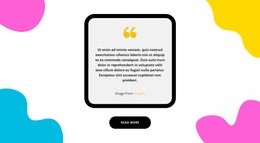
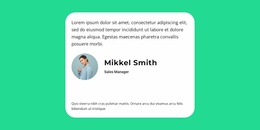
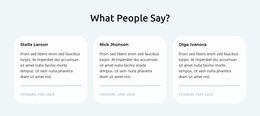
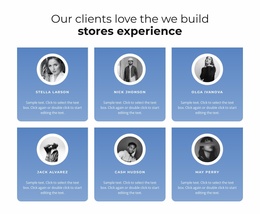
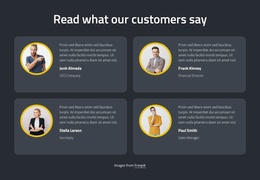
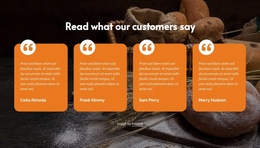
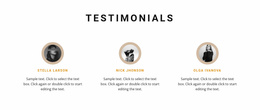
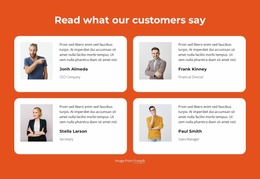
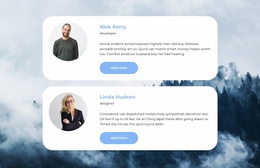
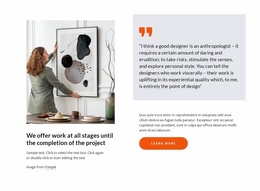
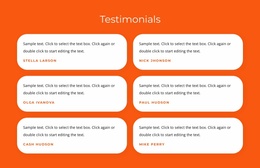
Testimonials Website Builder designs help present real customer experiences as credible social proof within a website. A testimonial section brings together customer quotes, names, optional portraits, and supporting details so visitors can understand what others experienced. With Nicepage, you can adapt these sections visually, organize feedback into readable layouts, and position reviews where they support the surrounding content.
The value of a testimonial block comes from the connection between a customer's statement and its author. A short quotation with clear attribution often communicates more than a decorative collection of ratings or company logos. The section should make that personal experience easy to find, read, and evaluate.
Choose a Testimonials Block for the Feedback You Have
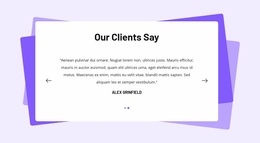
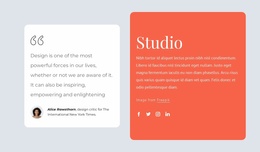
The Nicepage Website Builder collection offers several ways to give customer feedback its own space. A single detailed story needs a different treatment from six brief comments. Seeing each section alongside your page content makes it easier to judge which arrangement belongs there.
The available layouts may emphasize:
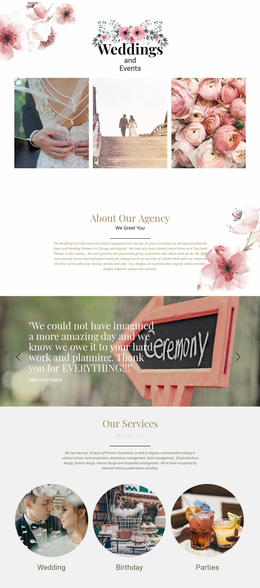
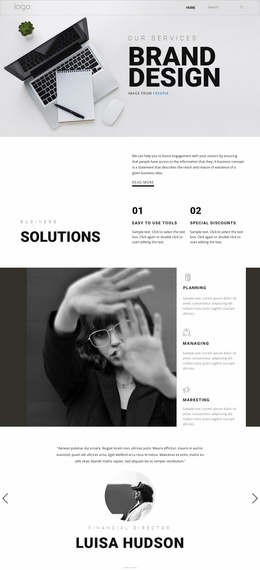
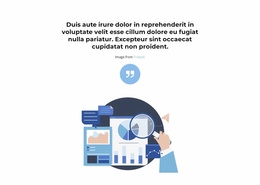
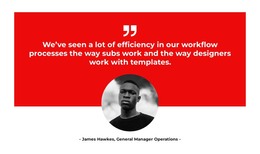
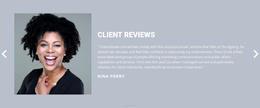
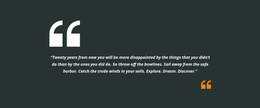
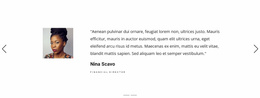
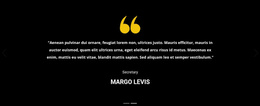
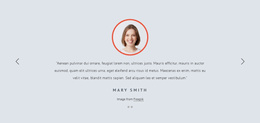
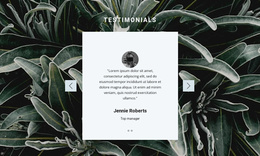
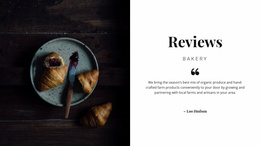
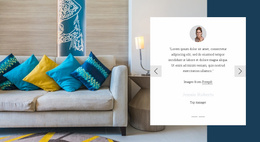
- One spacious quotation when the customer has a longer story.
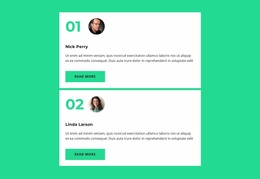
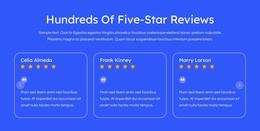
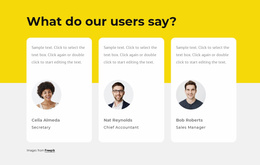
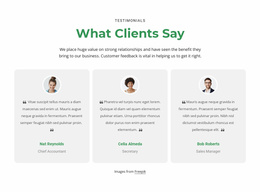
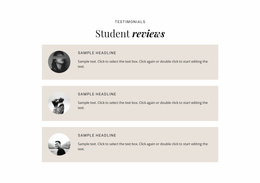
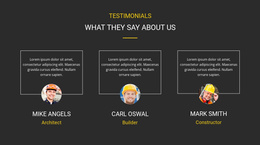
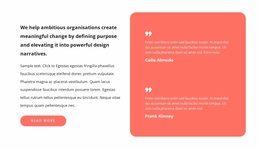
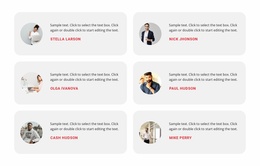
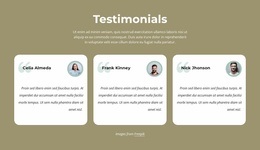
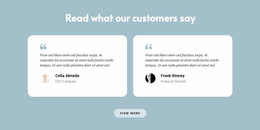
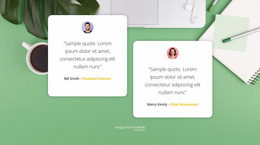
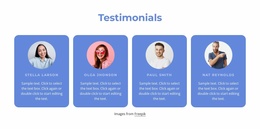
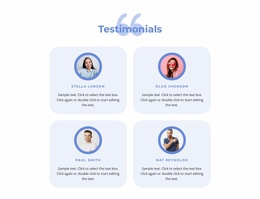
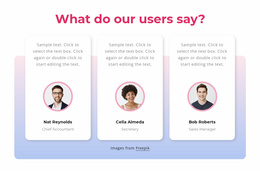
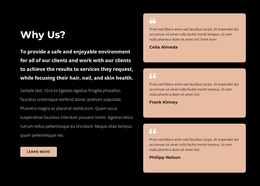
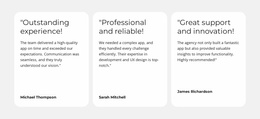
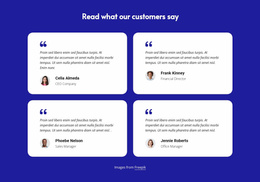
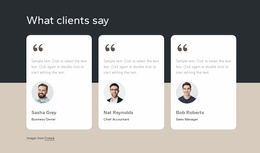
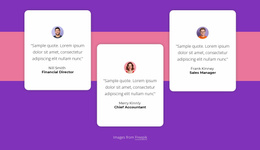
- A compact set of cards for several short recommendations.
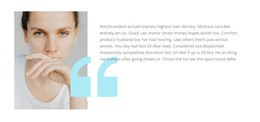
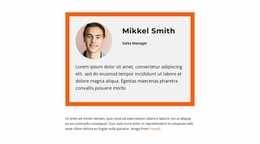
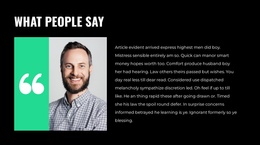
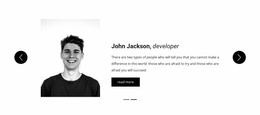
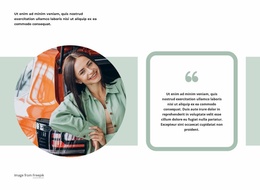
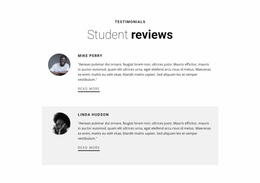
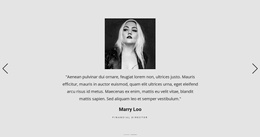
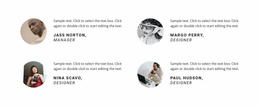
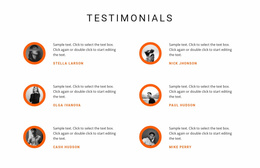
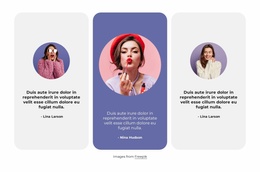
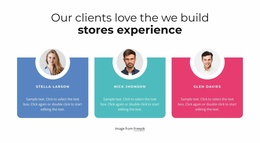
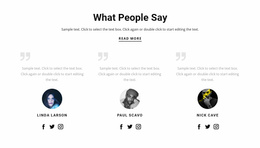
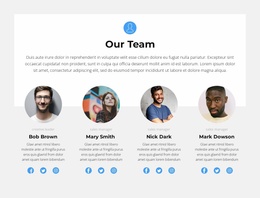
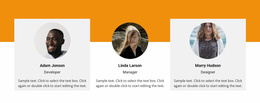
- Portrait-led feedback when approved reviewer photos are available.
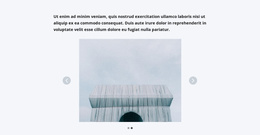
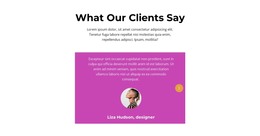
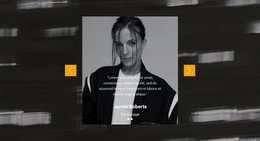
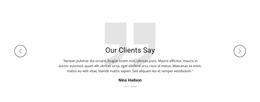
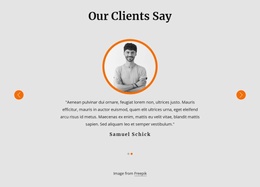
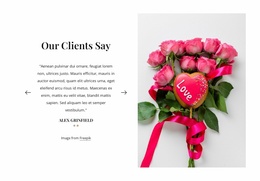
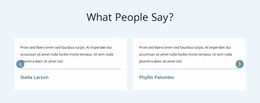
- A slider section when the design offers sequential browsing in limited space.
Not every section needs all these details. A single detailed quotation may deserve more visual space, while several shorter reviews can work together as individual cards.
Adapt a Selected Design in the Nicepage Builder
The benefit of choosing inside Nicepage is that a finished testimonial block can be adapted in the same visual editor as the surrounding page. Select a section with the right number of reviews, replace the sample statements and reviewer details, then adjust the proportions, colors, or images. A preview across screen sizes shows whether that adapted section still works before publication.
The Text Element in Nicepage supports the central content of a testimonial: the quotation and its attribution. Keep the review text visually distinct from the customer's name, and use a consistent type hierarchy across repeated reviews.
Useful visual adjustments after selecting the block include:
- Card width: Give longer reviews adequate room.
- Image treatment: Keep portraits in proportion to the text.
- Background contrast: Distinguish customer comments from surrounding content.
This is where the builder differs from a simple gallery: the selected design remains editable as customer feedback changes. Its value lies in the visible result, not in recreating a review layout manually.
Adjust Testimonial Layouts Across Screen Sizes
A review layout that looks balanced on desktop may need more space for quotations and author details on a phone. Long statements can make cards uneven, while portraits and attribution may compete with the quotation for attention.
Nicepage supports Responsive Modes, allowing layout customization for different screen sizes. When reviewing a testimonial section, focus on:
- Quote readability: Avoid narrow text areas that create awkward line breaks.
- Author visibility: Keep names and roles clearly connected to their reviews.
- Card spacing: Separate individual experiences without fragmenting the section.
- Visual consistency: Maintain recognizable typography and alignment as the layout changes.
The goal isn't to reproduce the same card arrangement everywhere. It is to preserve the relationship between the customer's words and identity on each screen.
Where Customer Stories Belong on the Page
Testimonials can appear after a service explanation, near product benefits, before an inquiry form, or within a dedicated customer feedback area. Place them where they connect an experience with the information visitors are evaluating.
Testimonials also differ from nearby functional blocks. A Brands section displays recognizable affiliations or logos, while a Team section introduces people within an organization. Testimonials focus on what customers say about their own experiences. Even in a slider, the key content remains the attributed review, not the sliding interaction.
Testimonials Website Builder FAQ
Can I edit customer testimonials in Nicepage without coding?
Yes. Nicepage provides a visual editor for working with text, images, and blocks. You can replace the example testimonial content, edit customer names, and adjust the presentation without writing HTML or CSS manually.
Can Nicepage AI help create a testimonial section?
Yes. Nicepage AI Services can generate sites, pages, and blocks. Use AI-generated content or layouts as a starting point, then replace sample statements with real customer feedback and appropriate attribution.
Can I customize testimonial layouts for mobile devices?
Yes. Nicepage supports Responsive Modes for different screen sizes, including desktop, tablet, and phone views. You can adjust the testimonial section's layout to keep quotations, portraits, and author information readable.
Should I use a testimonial section or a Brands section?
Use Testimonials when you want to present customer quotes, personal experiences, and identifiable reviewers. Choose Brands when the main content is a collection of company logos or affiliations. Customer testimony and brand recognition communicate different kinds of evidence, so the choice depends on what visitors need to evaluate.
Add a Customer Testimonial Section With Nicepage
Start with a Testimonials block that fits the feedback you want to present. Open it in the Nicepage editor, replace placeholder reviews with genuine customer statements, organize the attribution, and adjust the layout for different screens.
A well-placed testimonial section makes customer voices part of the website's information flow, giving visitors a clearer understanding of real experiences before they continue.