Blog Posts Website Builder
-
-

-
-
-
-
-
-
-
-
-
Build Website with no CodingDownload
-
-
-
-
-
-
-
-
-
-
-
-
-
-
-
-
-
-
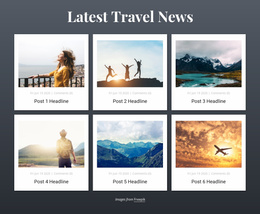
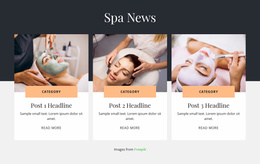
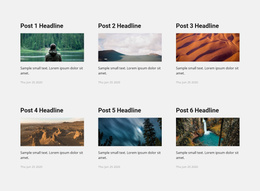
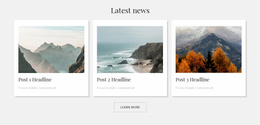



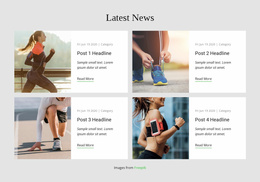
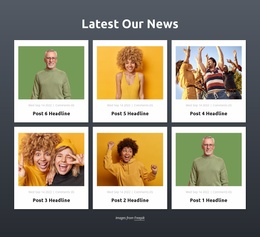
Start building your website for free
Design and build your own high-quality website or choose from 15,000+ customizable website templates that are built to meet your business needs.
Flexible Blog Posts Website Builder for Visual Editing of Article Sections
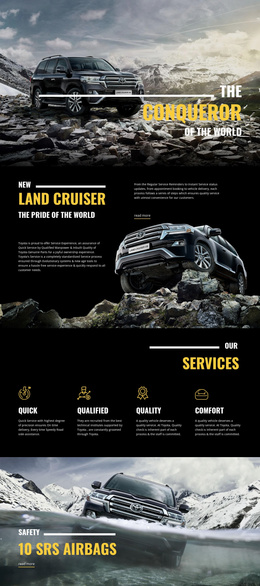
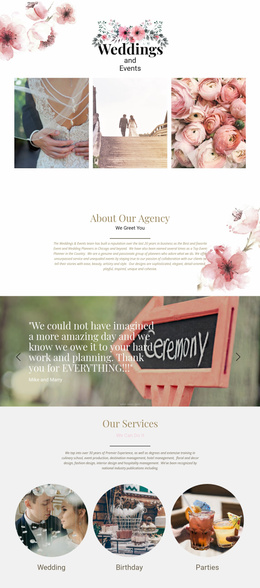
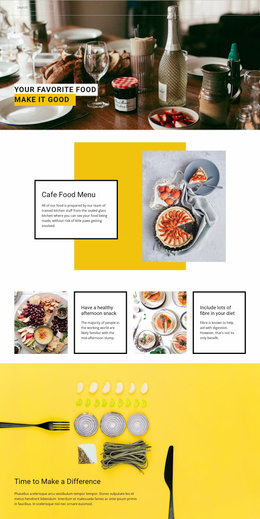
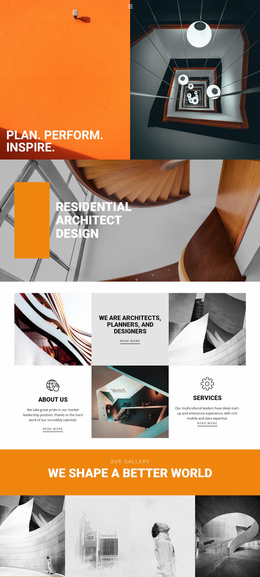
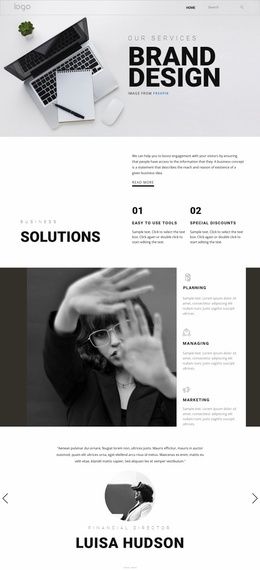
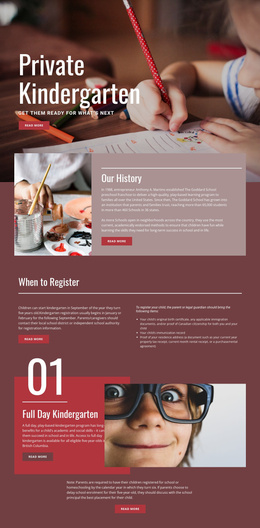
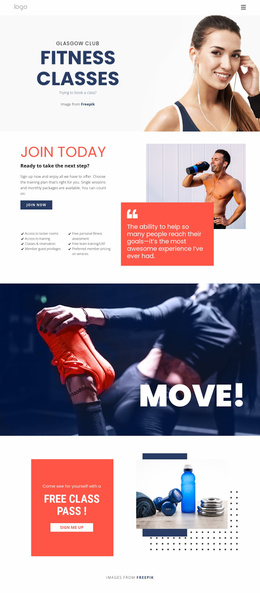
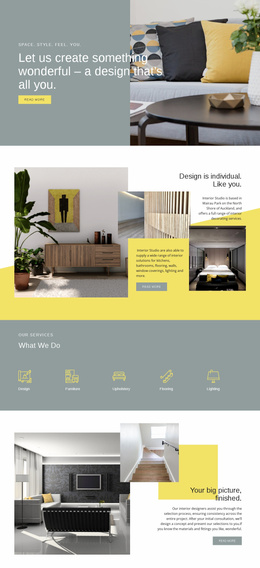
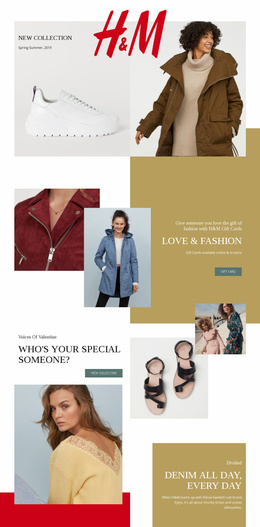
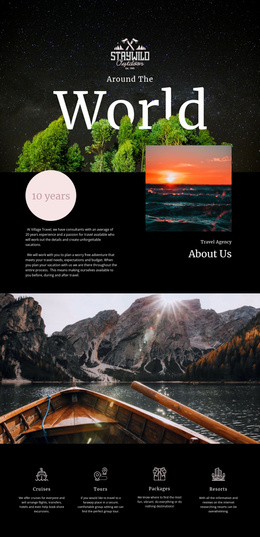
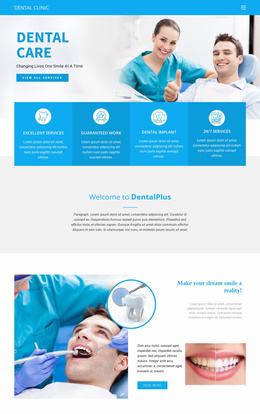
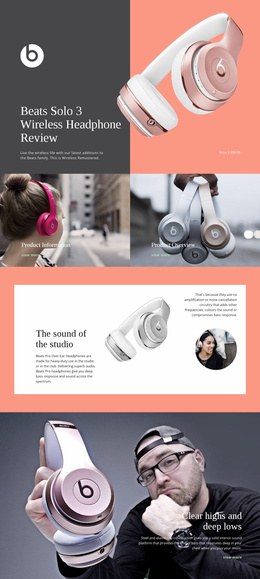
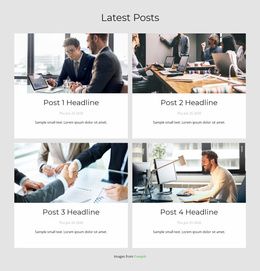
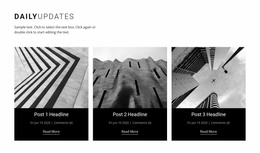
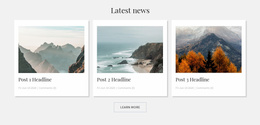
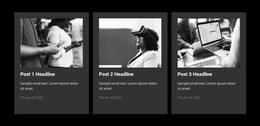
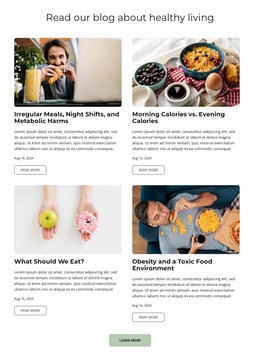
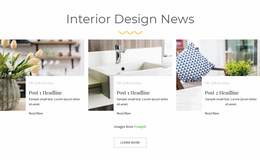
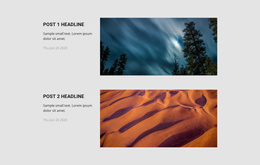
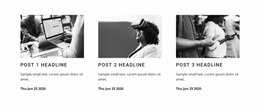
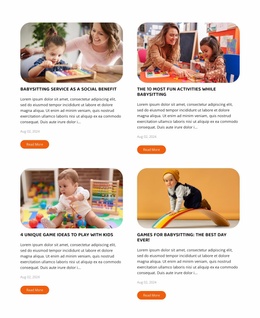
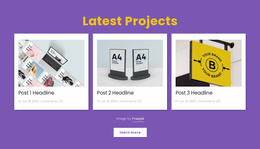
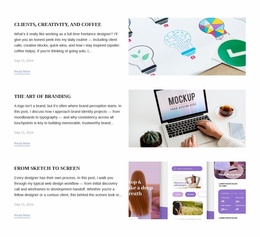
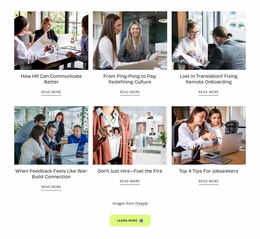
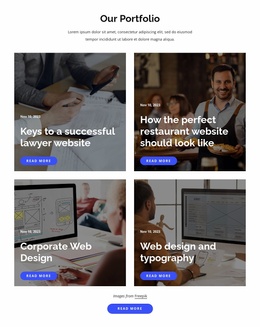
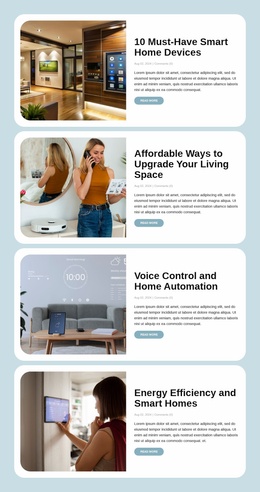
Visitors browsing a collection of articles need to recognize interesting stories before opening them. A Blog Posts Website Builder helps shape that experience through an editorial section with repeated post previews, images, excerpts, and reading links. In Nicepage, the visual editing workflow lets you arrange these entries within a page and refine how readers move from an article preview to its full content.
What Makes a Blog Posts Section Easy to Browse?
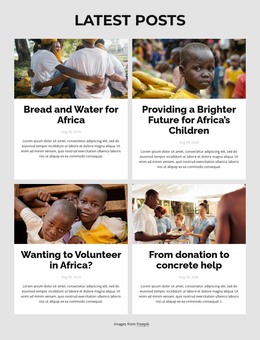
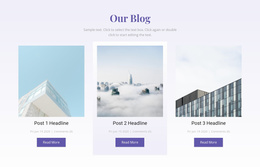
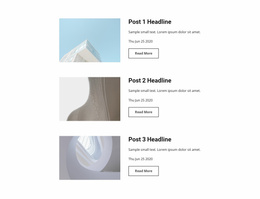
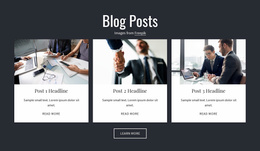
A Blog Posts section displays recurring editorial content in a consistent format. Instead of making readers open each article individually, it provides enough information to help them spot relevant topics.
Each entry can combine a headline, featured image, excerpt, publication details, and a link to the complete story. These elements create a clear reading path: identify the topic, review the summary, and continue to the article.
This structure supports recent-post feeds, news collections, featured stories, and related reading. For example, editorial sections inspired by blogger layouts can emphasize personal articles while retaining the same essential post-preview structure.
Building a Clean Editorial Feed With Nicepage
The Nicepage Blog Posts Element lets you position a listing within a page and configure its rows, columns, and spacing. Start by checking two things: can readers distinguish the posts, and does each preview lead to the right article? A simple feed does not need five separate styling decisions before real content is in place.
Build a Blog Section From First Draft to Published Pages
Start with the publishing journey, not card styling. Create an article in Nicepage, give it a specific title, add the body content and a featured image, and review how the completed post appears. Next, place the Blog Posts Element in a suitable page block and select how the articles should be listed.
A practical sequence is:
- Create posts with useful titles, article content, and featured images.
- Choose a listing for recent entries or a relevant category, then set its rows and columns.
- Check the destinations so each preview leads to the intended full article.
- Review responsive views before following the supported publishing or export workflow for your project.
The Online Builder supports editing blog content, including titles and featured images. The listing itself remains a separate presentation layer: changing a post updates the editorial content, while changing the Blog Posts Element adjusts how multiple entries are displayed.
When you adjust a repeated Post Item, shared styling and supported sub-elements can carry across the other items. That is a visual layout operation; exporting or publishing the finished website remains a separate workflow with destination-specific options.
Do not assume that every publishing destination uses the same workflow. For example, Nicepage documents publishing blog posts to Nicepage Hosting from its Desktop Applications. Confirm the appropriate route for the version and destination you use.
Once the first real articles are in place, revise the section using their actual headline lengths. That test is more useful than perfecting a row of identical sample cards.
Choosing an Article Listing for Your Page
When choosing a listing, use the number of posts and headline lengths from your actual content. A compact list suits regular updates; a featured article can lead a collection with a few supporting stories. Explore post-focused designs for ideas about individual stories, then return to the publishing sequence for the complete feed.
Frequently Asked Questions About Blog Posts Website Builder
Can I create and edit blog posts in Nicepage Online Builder?
Yes. Nicepage supports creating and managing blog content in its Online Builder. You can edit article titles, content, and featured images, then use the Blog Posts Element within a page section.
Can I adjust how many blog posts appear in a section?
Yes. The Blog Posts Element provides layout properties for columns, rows, and spacing. It also supports filtering posts by recent entries, categories, or tags.
Can I use a Blog Posts section without building an entire blog page?
Yes. The Blog Posts Element can be placed inside an existing page block, including a homepage section, to present selected editorial content.
Can I publish blog posts directly from Nicepage Online to Nicepage Hosting?
Nicepage documents publishing Blog Posts to Nicepage Hosting from its Desktop Applications. Do not assume the same direct publishing workflow is available from the Online Builder.
Start Building Your Article Preview Section
Create the first articles, add the Blog Posts Element to the intended page, and verify their links. Then follow the publishing workflow supported by your Nicepage project.