Convenient personal training programs Web Page Design


Edit Template Offline
2. Create new page and search for id 179082
Edit Template Online
Create Awesome Websites


Free Nicepage Builder
Keywords
Split Panels, Image Rows, and Overlapping Cards Control the Page Rhythm
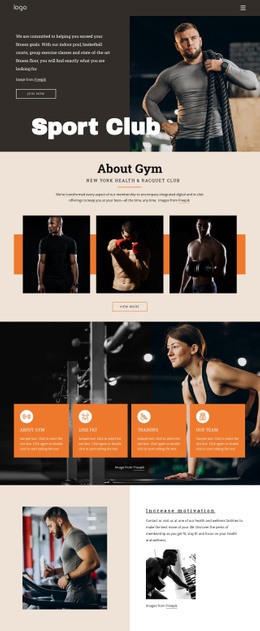
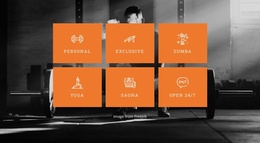
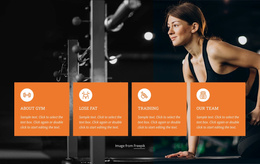
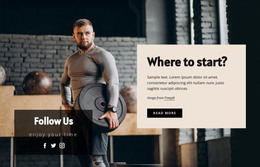
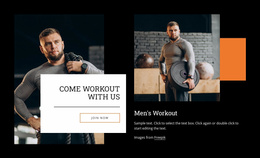
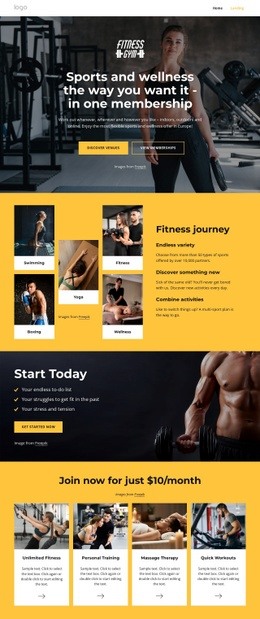
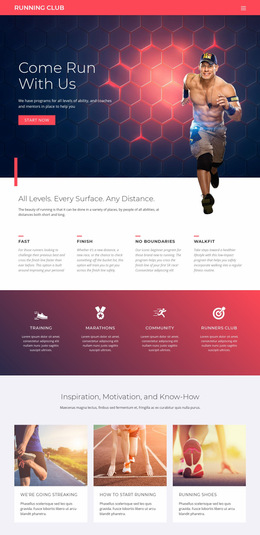
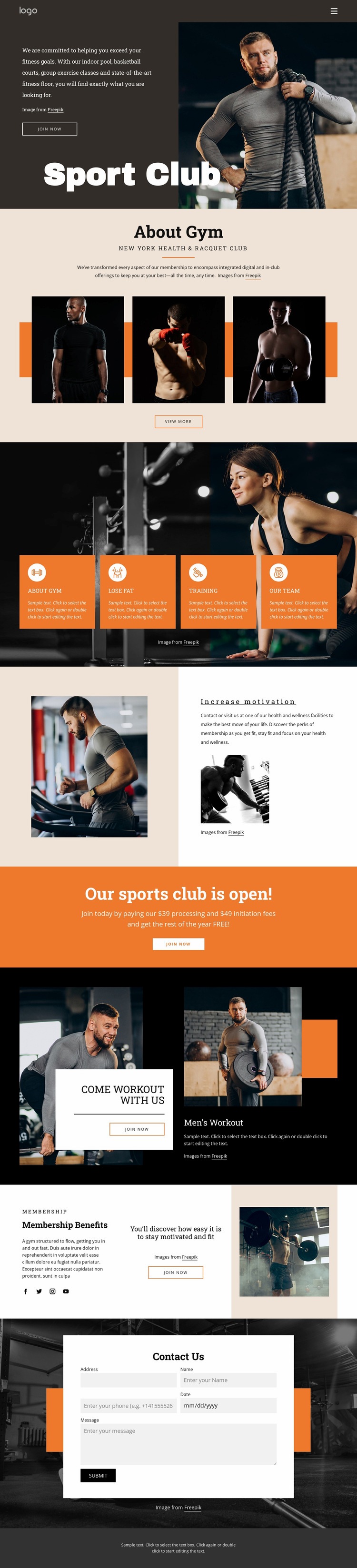
The opening split composition establishes a strong visual entry by placing a dark text panel beside a large athlete photograph. Rather than repeating that arrangement throughout the page, the design moves into a centered About Gym introduction and a three-image horizontal display. This change in density gives the club overview a calmer reading zone, while the four orange feature cards create a compact repeated pattern that groups the fitness categories together.
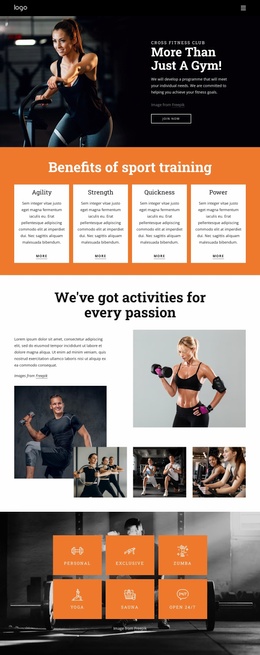
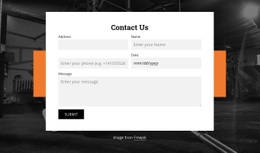
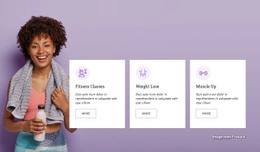
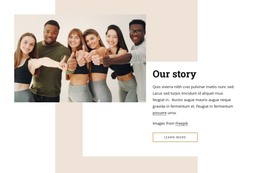
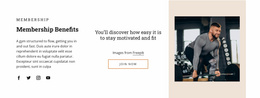
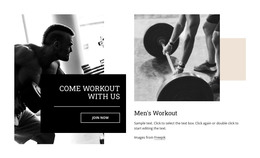
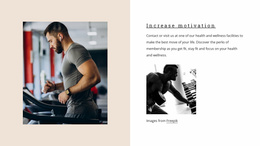
The next transitions continue to vary the composition. Increase motivation places imagery and explanatory membership copy in a pale two-column area, then the orange announcement band compresses the message into one centered promotional statement and action. Come workout with us expands the visual complexity through an asymmetric image-led layout, an overlaid invitation card, and a separate Men's Workout panel. Membership Benefits then divides the content into three horizontal parts, balancing copy, central motivation, an action, and a supporting image. Finally, the centered Contact Us panel sits over a dark background and gives the page a clear closing interaction. The result is a single-page composition whose hierarchy comes from changes in alignment, contrast, image scale, spacing, and section density, not merely from the number of components included.
Customize with Nicepage
Open this ready-made template in the Web Page Design Builder and customize it visually in the Nicepage editor. Replace demo content, edit page sections, and adapt the design to your project without rebuilding the template from scratch.
Design a Web Page Section by Section
Choose a Design for Each Section
Build the page from individual content sections instead of starting with a fixed full-page layout. Use Block Designs to browse ready-made sections for different purposes, including introductions, services, galleries, testimonials, contact forms, pricing, and other common parts of a web page. Search or filter the available designs to find a layout that fits the content you want to add.
Combine Blocks and Page Elements
Add selected Blocks to the page and arrange them in the order that supports the page's purpose. A hero section can introduce the main message, followed by services, benefits, portfolio content, testimonials, calls to action, or contact information.
Inside each section, use Web Page Elements such as Text, Image, Hyperlink, Grid, Gallery, and other elements to build and present the page content. Individual elements can be added and adjusted within the Blocks, giving you more control over the composition of each section without having to create the complete layout from scratch.
Refine the Page Layout and Flow
After assembling the main sections, adjust their content, spacing, backgrounds, images, typography, and element placement in the Nicepage editor. Reorder Blocks when necessary and refine the transition from one section to the next so the information hierarchy and visual flow remain clear throughout the page.
This workflow makes the template useful as a web page design that can be composed from ready-made sections, customized with individual page elements, rearranged, and adapted to the content and purpose of an individual page.