The best crossfit gym WordPress Theme


Edit Template Offline
2. Create new page and search for id 4373870
Edit Template Online
Create Awesome Websites


Free Nicepage Builder
Keywords
Coach Profiles and Fitness Content Create Reusable Page Areas
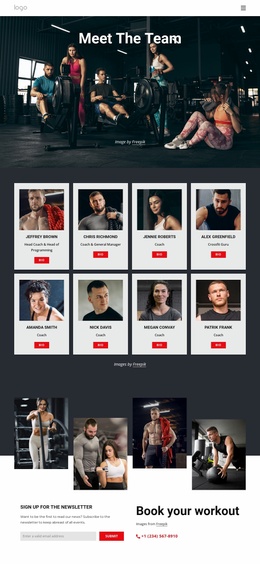
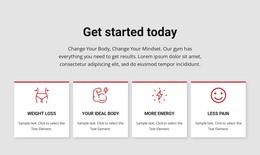
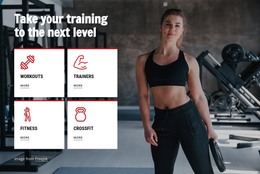
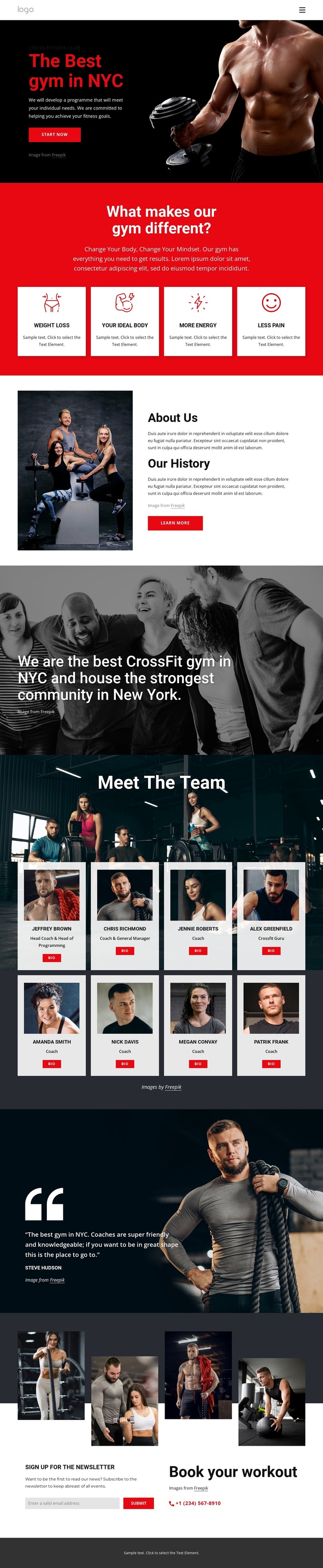
The four fitness benefit cards provide a concise page-oriented summary of the club’s offer, while About Us and Our History supply more permanent explanatory content. These areas can remain part of the main fitness presentation as the site develops additional content around training, coaching, or the club story. The distinction between short benefit items and longer background copy gives the design more than one content scale to work with.
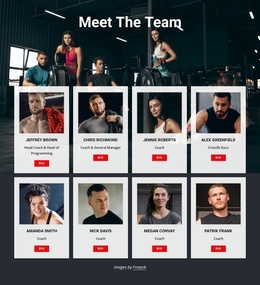
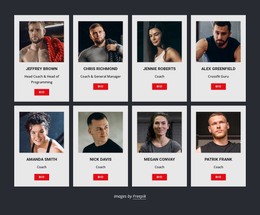
The team section is especially useful for a WordPress interpretation because it repeats eight coach profiles with Bio actions. That repeated pattern can support individual staff information or related coaching content while keeping the visual relationship between image, role, and profile entry consistent. The testimonial and four-column workout collage serve different roles: the testimonial provides a member-oriented voice, while the collage reinforces the visual subject of training and community.
The final section combines a newsletter subscription form with workout booking information, creating a practical page endpoint for ongoing communication and inquiries. Navigation and the footer frame these areas as part of a shared site presentation. A WordPress project could therefore preserve the permanent fitness page content while adding regularly updated material around it, but the source does not verify Posts, categories, or blog structures. The theme’s main strength is the way its benefits, history, coaches, proof, images, and contact content already form a coherent content environment.
Customize with Nicepage
Open this ready-made template in the WordPress Website Builder and customize it visually in the Nicepage editor. Replace demo content, edit page sections, and adapt the design to your project without rebuilding the template from scratch.
Manage and Edit This Theme in WordPress
Customize and Install the WordPress Theme
Start with this ready-made theme instead of building the WordPress design from scratch. Customize its layout, content, typography, images, sections, and other design elements visually in Nicepage editor, then export and install the WordPress Theme, Plugin, and Pages on your WordPress site. The Nicepage WordPress Plugin lets you continue working with the site after installation.
Edit the Theme Directly in WordPress
After installation, you can edit the WordPress Theme directly in WordPress with the Nicepage WordPress Plugin. Use Site Style to customize site Colors, Fonts, Header, Footer, Blog, and Post Page Templates while working within your WordPress website.
Edit WordPress Pages Visually
Use the Nicepage WordPress Plugin to edit page content directly from the WordPress admin area. Open a WordPress Page with Nicepage and visually change its text, images, sections, and other page elements while continuing to manage the Page through WordPress.
WordPress Content and Theme Integration
Use the customized theme with WordPress Pages, Posts, Blog and Post Templates, menus, widgets, and other CMS-managed content. Shared theme elements such as Colors, Fonts, Header, Footer, Blog, and Post Page Templates can be managed as part of the overall site design, while WordPress provides the CMS environment for managing site content.
This workflow combines a ready-made WordPress Theme with visual customization, direct theme editing in WordPress, and continued content management through the Nicepage WordPress Plugin.