Membership FAQ WordPress Theme


Edit Template Offline
2. Create new page and search for id 6353982
Edit Template Online
Create Awesome Websites


Free Nicepage Builder
Keywords
Five FAQ Items Connect Fitness Content With Member Response Areas
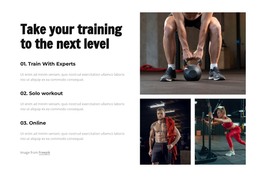
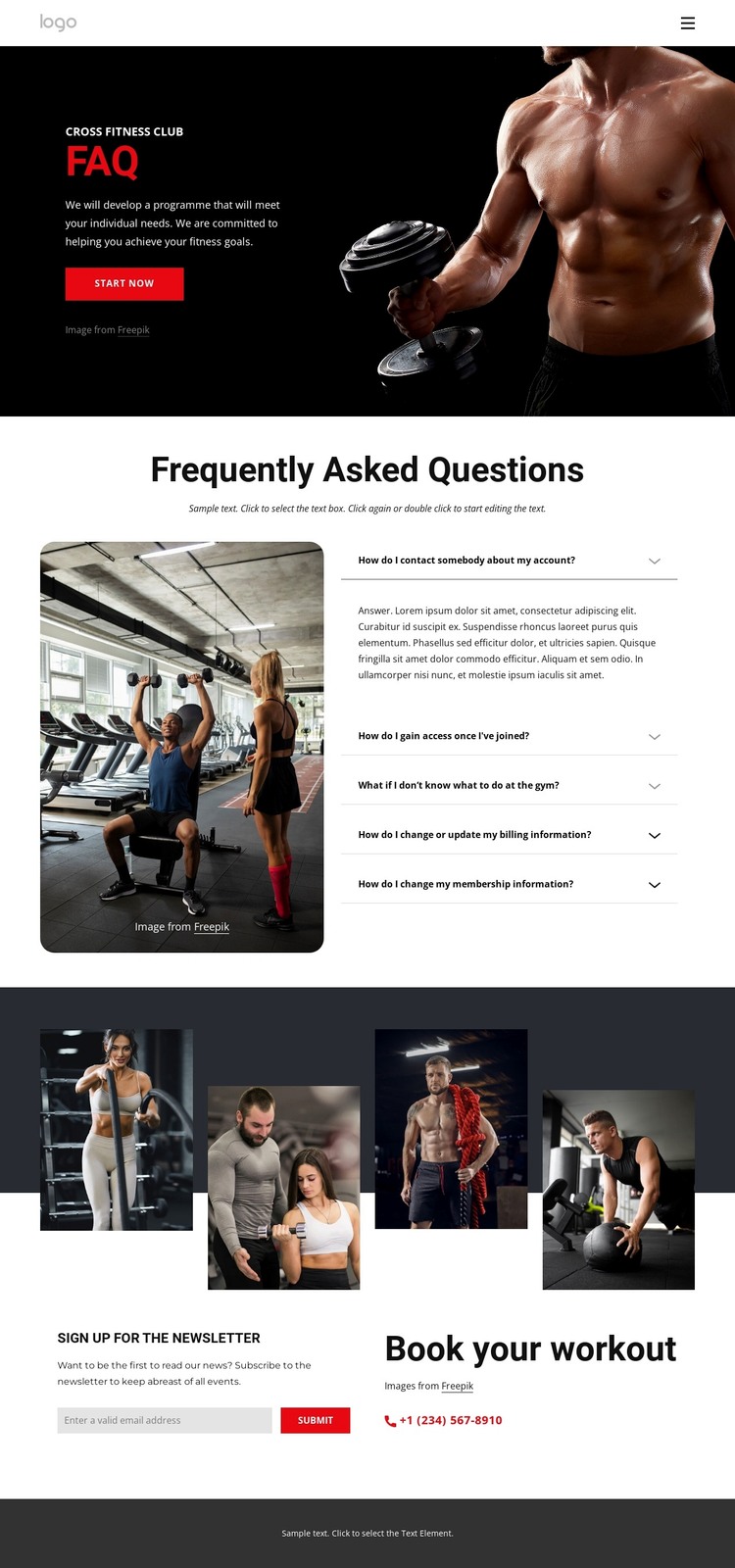
The five expandable questions give this design a clear page-oriented content center for a WordPress-managed fitness site. Instead of presenting the club only through promotional imagery, the layout reserves a substantial section for membership and gym-related information, with a fitness photograph beside the question list. That relationship keeps explanatory content connected to the visual subject and provides a natural area for maintaining answers as the project’s membership information changes.
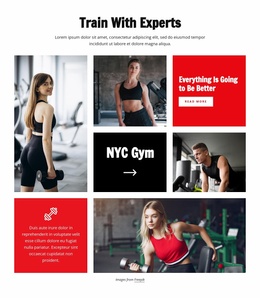
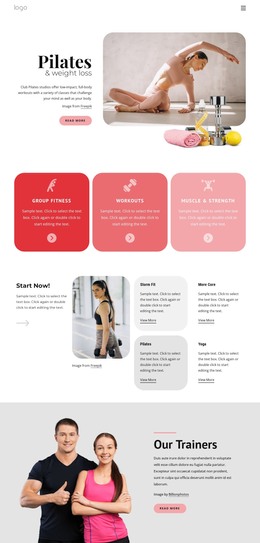
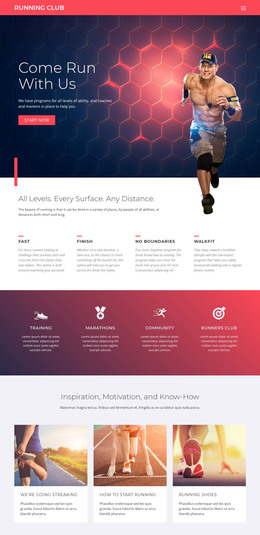
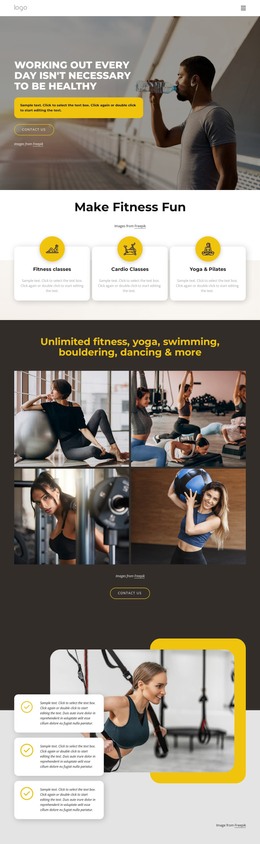
The hero supplies the surrounding context: an FAQ heading, fitness-club label, workout image, and Start Now button establish the page’s purpose before visitors reach the question section. Below it, the four-image collage adds a separate visual content area, while the newsletter subscription form creates an ongoing communication point with a Submit action. The Book Your Workout section then introduces a more direct contact route through a telephone link. These different areas can be treated as coordinated page content rather than as unrelated blocks.
In a WordPress theme project, the design can therefore support a permanent FAQ page while leaving room for the club’s broader content environment around it. The verified template does not itself prove the presence of WordPress Posts, categories, or additional pages, but its navigation, reusable visual regions, FAQ content, signup form, and contact area provide clear places for WordPress-managed information to fit without changing the page’s central fitness-oriented character.
Customize with Nicepage
Open this ready-made template in the WordPress Website Builder and customize it visually in the Nicepage editor. Replace demo content, edit page sections, and adapt the design to your project without rebuilding the template from scratch.
Manage and Edit This Theme in WordPress
Customize and Install the WordPress Theme
Start with this ready-made theme instead of building the WordPress design from scratch. Customize its layout, content, typography, images, sections, and other design elements visually in Nicepage editor, then export and install the WordPress Theme, Plugin, and Pages on your WordPress site. The Nicepage WordPress Plugin lets you continue working with the site after installation.
Edit the Theme Directly in WordPress
After installation, you can edit the WordPress Theme directly in WordPress with the Nicepage WordPress Plugin. Use Site Style to customize site Colors, Fonts, Header, Footer, Blog, and Post Page Templates while working within your WordPress website.
Edit WordPress Pages Visually
Use the Nicepage WordPress Plugin to edit page content directly from the WordPress admin area. Open a WordPress Page with Nicepage and visually change its text, images, sections, and other page elements while continuing to manage the Page through WordPress.
WordPress Content and Theme Integration
Use the customized theme with WordPress Pages, Posts, Blog and Post Templates, menus, widgets, and other CMS-managed content. Shared theme elements such as Colors, Fonts, Header, Footer, Blog, and Post Page Templates can be managed as part of the overall site design, while WordPress provides the CMS environment for managing site content.
This workflow combines a ready-made WordPress Theme with visual customization, direct theme editing in WordPress, and continued content management through the Nicepage WordPress Plugin.