Cross Training makes people better WordPress Theme


Edit Template Offline
2. Create new page and search for id 4299736
Edit Template Online
Create Awesome Websites


Free Nicepage Builder
Keywords
Outcome Cards and Contact Content Create Clear WordPress Page Areas
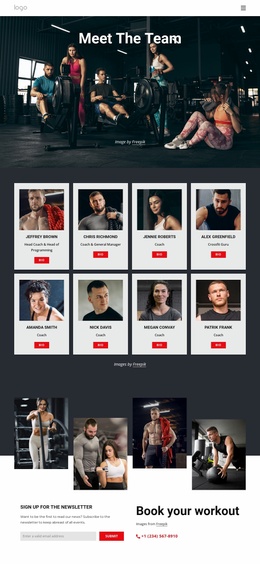
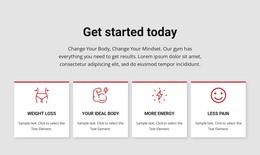
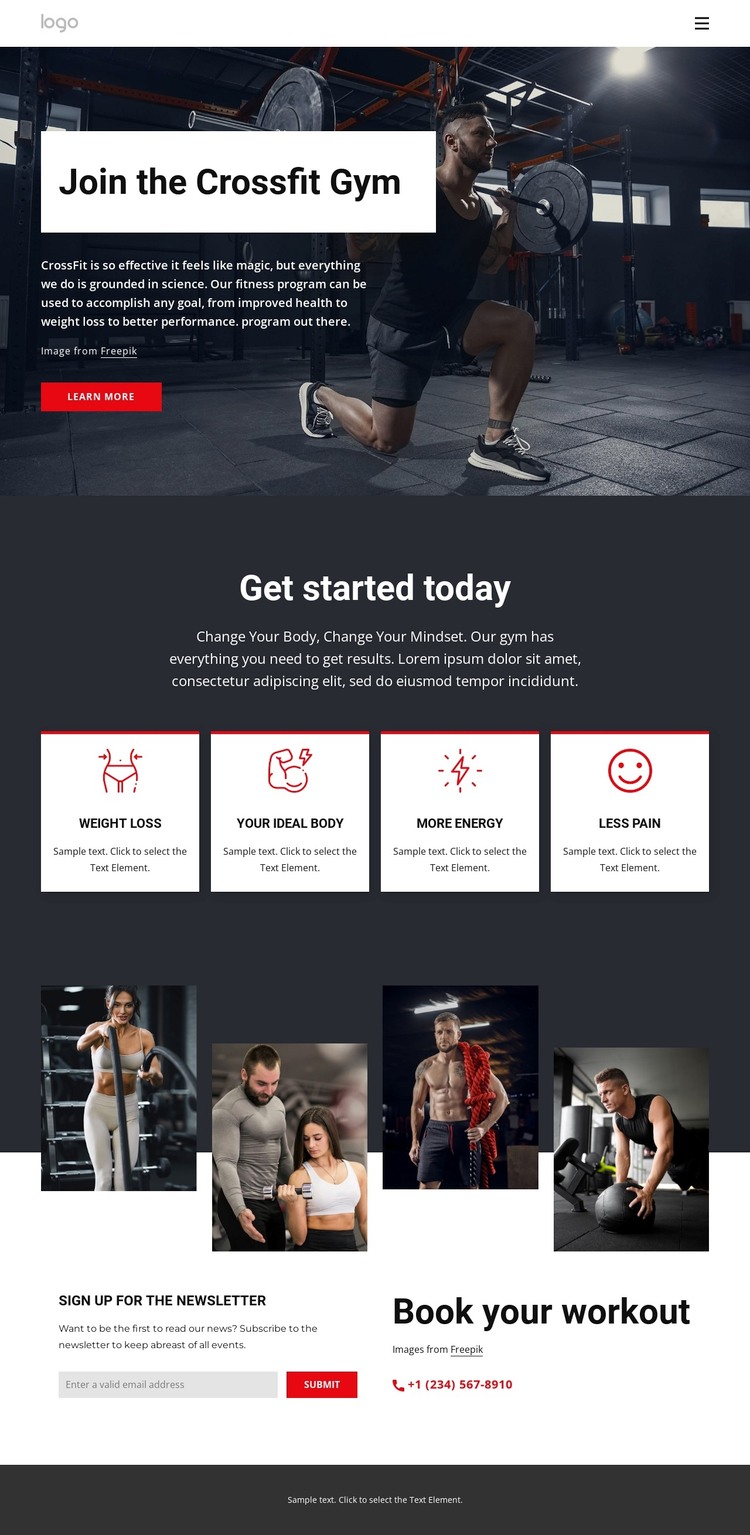
The four benefit cards provide the clearest page-oriented content structure in this design. Weight Loss, Your Ideal Body, More Energy, and Less Pain are presented as separate topics beneath “Get started today,” making them natural areas for permanent fitness information that can be expanded as the project develops. The hero gives those areas a common introduction through “Join the Crossfit Gym,” a large workout photograph, supporting copy, and a Learn more button.
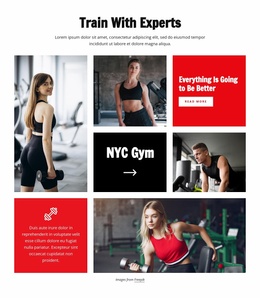
The image collage contributes a second type of content relationship. Four workout photographs arranged as tall, staggered columns can support visual program context, approved training imagery, or project highlights, while remaining distinct from the explanatory benefit content. Near the bottom, the newsletter signup form creates a recurring audience-communication point, and the “Book your workout” panel with a phone contact provides a direct inquiry route. Keeping these roles separate helps the page serve both informational and contact needs.
In a WordPress project, the design can therefore be interpreted through page content that is easy to organize and update: the gym introduction, outcome-focused sections, visual material, newsletter communication, and booking details. The existing template does not prove that posts, categories, or blog structures are present, so the strongest interpretation remains a WordPress-oriented arrangement of permanent fitness content and reusable site areas rather than an invented editorial system.
Customize with Nicepage
Open this ready-made template in the WordPress Website Builder and customize it visually in the Nicepage editor. Replace demo content, edit page sections, and adapt the design to your project without rebuilding the template from scratch.
Manage and Edit This Theme in WordPress
Customize and Install the WordPress Theme
Start with this ready-made theme instead of building the WordPress design from scratch. Customize its layout, content, typography, images, sections, and other design elements visually in Nicepage editor, then export and install the WordPress Theme, Plugin, and Pages on your WordPress site. The Nicepage WordPress Plugin lets you continue working with the site after installation.
Edit the Theme Directly in WordPress
After installation, you can edit the WordPress Theme directly in WordPress with the Nicepage WordPress Plugin. Use Site Style to customize site Colors, Fonts, Header, Footer, Blog, and Post Page Templates while working within your WordPress website.
Edit WordPress Pages Visually
Use the Nicepage WordPress Plugin to edit page content directly from the WordPress admin area. Open a WordPress Page with Nicepage and visually change its text, images, sections, and other page elements while continuing to manage the Page through WordPress.
WordPress Content and Theme Integration
Use the customized theme with WordPress Pages, Posts, Blog and Post Templates, menus, widgets, and other CMS-managed content. Shared theme elements such as Colors, Fonts, Header, Footer, Blog, and Post Page Templates can be managed as part of the overall site design, while WordPress provides the CMS environment for managing site content.
This workflow combines a ready-made WordPress Theme with visual customization, direct theme editing in WordPress, and continued content management through the Nicepage WordPress Plugin.