Joining a sports club WordPress Theme


Edit Template Offline
2. Create new page and search for id 6353905
Edit Template Online
Create Awesome Websites


Free Nicepage Builder
Keywords
Plan Cards and Repeatable Fitness Content Suit a Managed Theme Structure
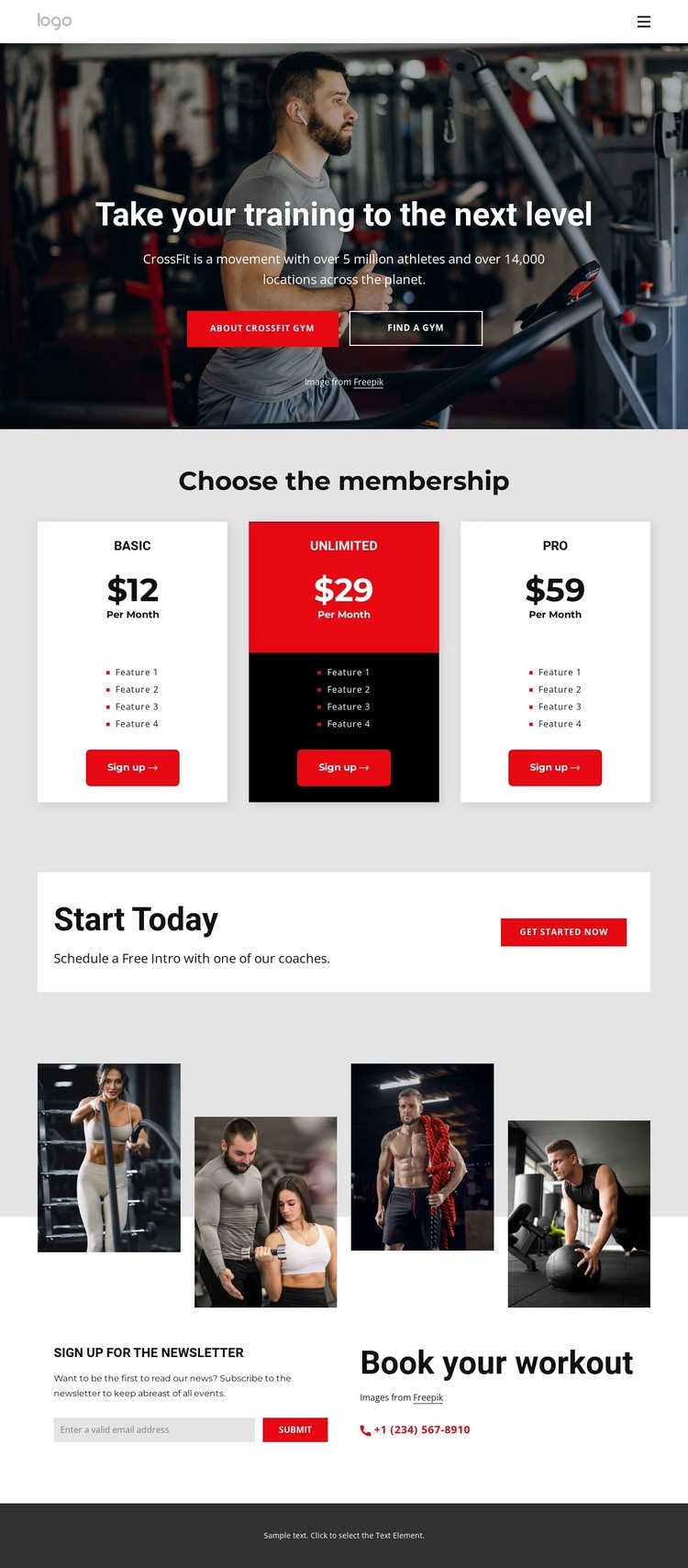
The three membership cards provide the clearest page-oriented content for a WordPress-managed fitness site. Basic, Unlimited, and Pro each occupy a defined visual area with a plan name, monthly price, feature list, and sign-up button. That structure makes the permanent membership information easy to distinguish from the surrounding promotional copy, while the repeated card relationship can remain part of the theme’s visual system as plan details change.
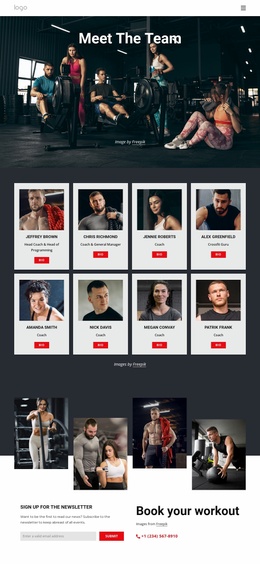
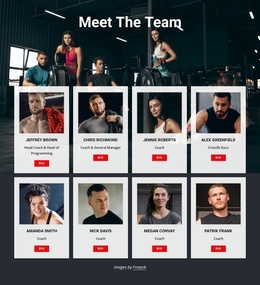
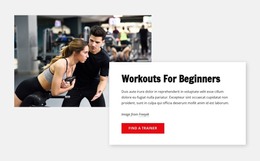
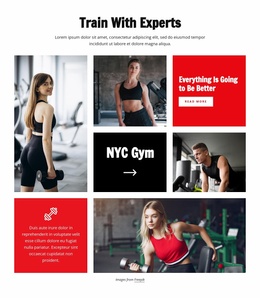
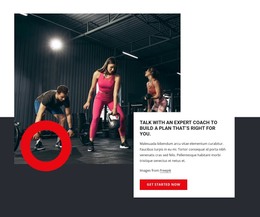
The hero and free introductory coaching callout serve a different content role. The hero presents the gym’s training direction through athlete imagery and a strong headline, while “Start Today” introduces a lower-commitment coaching opportunity. Together, they can frame the membership content without making the page dependent on a single type of visitor response. The four-image workout collage adds a visual content area that can support project, facility, or training imagery when the site’s material expands.
The lower section is especially useful for managed content because it separates newsletter subscription from “Book your workout” information and a displayed phone channel. Those areas can remain coordinated with the theme while the site’s contact and fitness content develops. The result is a WordPress-oriented interpretation based on page sections, repeated plan content, imagery, and communication areas—not an assumption that blog posts or other CMS content already exist in the template.
Customize with Nicepage
Open this ready-made template in the WordPress Website Builder and customize it visually in the Nicepage editor. Replace demo content, edit page sections, and adapt the design to your project without rebuilding the template from scratch.
Manage and Edit This Theme in WordPress
Customize and Install the WordPress Theme
Start with this ready-made theme instead of building the WordPress design from scratch. Customize its layout, content, typography, images, sections, and other design elements visually in Nicepage editor, then export and install the WordPress Theme, Plugin, and Pages on your WordPress site. The Nicepage WordPress Plugin lets you continue working with the site after installation.
Edit the Theme Directly in WordPress
After installation, you can edit the WordPress Theme directly in WordPress with the Nicepage WordPress Plugin. Use Site Style to customize site Colors, Fonts, Header, Footer, Blog, and Post Page Templates while working within your WordPress website.
Edit WordPress Pages Visually
Use the Nicepage WordPress Plugin to edit page content directly from the WordPress admin area. Open a WordPress Page with Nicepage and visually change its text, images, sections, and other page elements while continuing to manage the Page through WordPress.
WordPress Content and Theme Integration
Use the customized theme with WordPress Pages, Posts, Blog and Post Templates, menus, widgets, and other CMS-managed content. Shared theme elements such as Colors, Fonts, Header, Footer, Blog, and Post Page Templates can be managed as part of the overall site design, while WordPress provides the CMS environment for managing site content.
This workflow combines a ready-made WordPress Theme with visual customization, direct theme editing in WordPress, and continued content management through the Nicepage WordPress Plugin.