Running club activities WordPress Theme



Edit Template Offline
2. Create new page and search for id 4628996
Edit Template Online
Create Awesome Websites


Free Nicepage Builder
Keywords
Program Cards and Event Content Support a WordPress Club Site
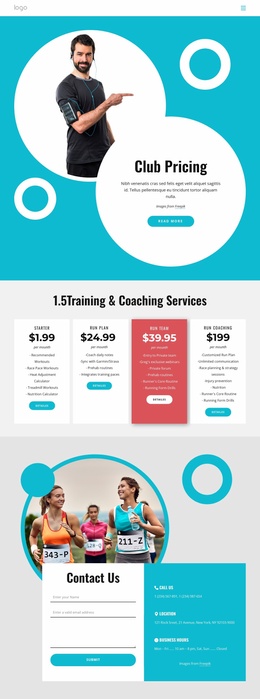
The eight image-led program cards give the design a strong set of page-oriented content areas. Verified examples include Coaching Certification Program, Championship Event Series, Runner Friendly Community Program, and Runner Program, while the remaining cards extend the same visual pattern. In a WordPress project, these areas can be treated as clearly separated program information that remains easy to present alongside the four benefit cards for Weight Loss, Control Stress, More Energy, and Less Pain. The repeated card format keeps different content subjects connected to the same turquoise, white, and charcoal visual direction.
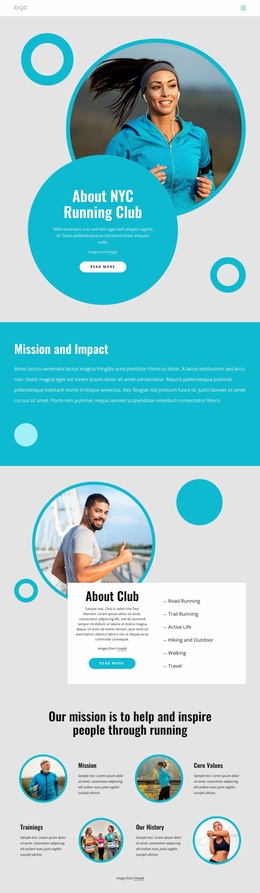
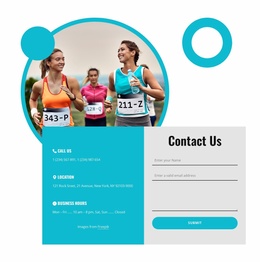
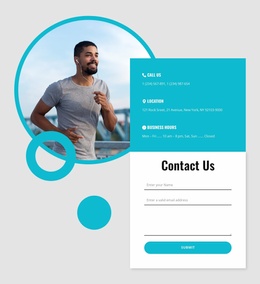
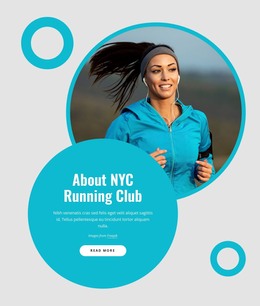
The six event listings provide a different type of content relationship. Their two-column arrangement, dates, and Learn More links create an activity-focused region that can support regularly updated event information without changing the surrounding page character. The About Club section and Stories & Adventures collage add permanent introductory and visual context, while the compact navigation helps connect the main content areas. At the end, phone, location, business hours, and a contact form create a practical contact destination. WordPress can therefore provide a content environment for maintaining the club’s page information and future updates while the theme preserves the design relationship between programs, events, benefits, imagery, and contact content.
Customize with Nicepage
Open this ready-made template in the WordPress Website Builder and customize it visually in the Nicepage editor. Replace demo content, edit page sections, and adapt the design to your project without rebuilding the template from scratch.
Manage and Edit This Theme in WordPress
Customize and Install the WordPress Theme
Start with this ready-made theme instead of building the WordPress design from scratch. Customize its layout, content, typography, images, sections, and other design elements visually in Nicepage editor, then export and install the WordPress Theme, Plugin, and Pages on your WordPress site. The Nicepage WordPress Plugin lets you continue working with the site after installation.
Edit the Theme Directly in WordPress
After installation, you can edit the WordPress Theme directly in WordPress with the Nicepage WordPress Plugin. Use Site Style to customize site Colors, Fonts, Header, Footer, Blog, and Post Page Templates while working within your WordPress website.
Edit WordPress Pages Visually
Use the Nicepage WordPress Plugin to edit page content directly from the WordPress admin area. Open a WordPress Page with Nicepage and visually change its text, images, sections, and other page elements while continuing to manage the Page through WordPress.
WordPress Content and Theme Integration
Use the customized theme with WordPress Pages, Posts, Blog and Post Templates, menus, widgets, and other CMS-managed content. Shared theme elements such as Colors, Fonts, Header, Footer, Blog, and Post Page Templates can be managed as part of the overall site design, while WordPress provides the CMS environment for managing site content.
This workflow combines a ready-made WordPress Theme with visual customization, direct theme editing in WordPress, and continued content management through the Nicepage WordPress Plugin.